
Best Hair Color Changer App in 2026: Try Colors Instantly
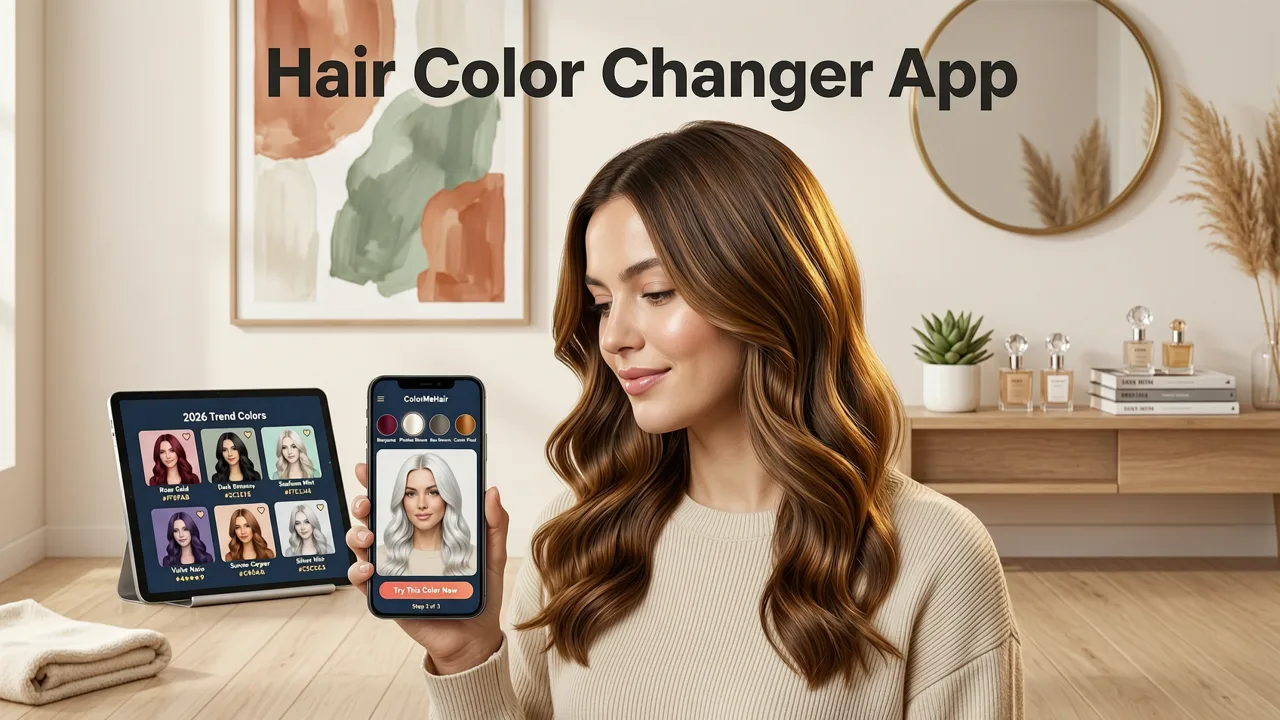
If you have ever stared at a salon swatch book wondering whether ash blonde, copper, or deep espresso will actually flatter your complexion, the best hair color changer app in 2026 lets you answer that question in seconds. Stylova, available at hairstylestryon.com, uses face-aware AI to map more than 100 hair shades onto your selfie — preserving strand texture, lighting, and natural highlights — so you can preview the result before committing to a chemical change.
Below, you will find a clear breakdown of what separates the best hair color changer app from generic photo filters, how Stylova's AI engine delivers salon-grade accuracy, and a head-to-head comparison with other tools on the market in 2026.
What Makes the Best Hair Color Changer App in 2026?
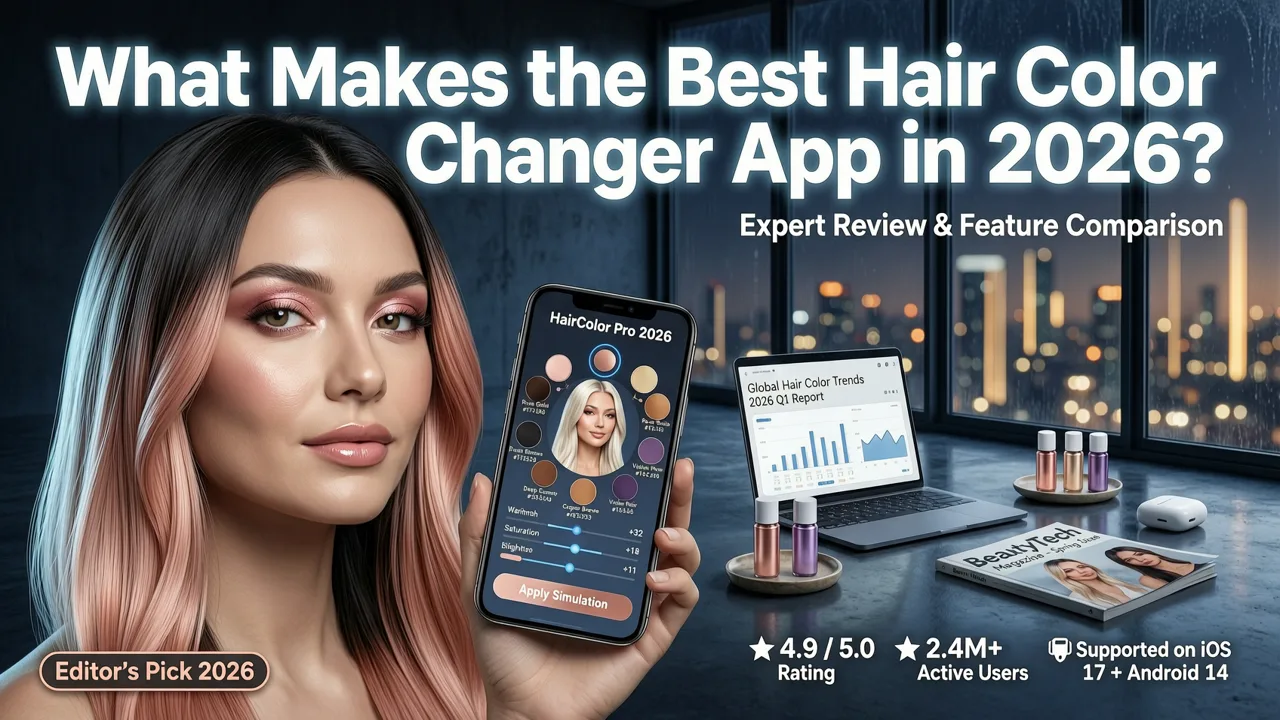
Not every app that claims to change your hair color delivers believable results. Legacy tools often paint a flat layer of pigment over your photo, erasing highlights, ignoring your hairline, and producing a sticker-like finish. The best hair color changer app in 2026 must meet a higher standard.
Realistic Strand-Level Rendering
Top-tier apps analyze individual hair regions and apply color with gradient-aware blending. This means highlights, lowlights, and natural variation remain visible after the color change. Stylova's engine preserves strand direction and shine so the preview looks like a real salon outcome, not a flat overlay.
Face-Aware Skin Tone Matching
An effective hair color tool cross-references your skin undertone — warm, cool, or neutral — and flags shades that complement or clash. This feature prevents costly mistakes by steering you toward colors that enhance your complexion rather than wash it out.
Lighting and Shadow Preservation
When an app ignores the original lighting in your photo, the result looks artificial. The best tools retain ambient shadows and light reflections so the new color integrates naturally with your selfie.
Extensive Shade Library
From platinum and rose gold to mahogany and jet black, a robust library ensures you can explore the full spectrum. Stylova offers more than 100 shades across natural, fashion, and fantasy categories.
How We Evaluated the Top Hair Color Changer Apps

To identify the best hair color changer app in 2026, we tested leading tools against five weighted criteria. Each app was scored on a 10-point scale, with higher totals indicating a stronger overall experience.
| Criteria | Weight | What We Measured |
|---|---|---|
| Realism | 30% | Strand detail, highlight preservation, and natural blending |
| Shade Range | 20% | Number of colors and diversity across tone families |
| Skin Tone Intelligence | 20% | Undertone detection and complementary shade suggestions |
| Speed and Usability | 15% | Time from selfie upload to finished preview |
| Privacy and Data Handling | 15% | On-device processing and transparent data policies |
We also cross-referenced user feedback from app stores and beauty forums, prioritizing comments about accuracy and ease of use over marketing claims.
Stylova vs. Competitors: Head-to-Head Comparison (2026)
The table below compares Stylova with three widely used alternatives across the criteria that matter most when choosing the best hair color changer app.
| Feature | Stylova | Competitor A | Competitor B | Competitor C |
|---|---|---|---|---|
| AI strand rendering | Yes | No | Partial | No |
| Shade count | 100+ | 45 | 60 | 30 |
| Skin tone matching | Automatic | Manual | No | Manual |
| Beard color preview | Yes | No | No | No |
| Processing speed | Under 5 sec | 8–12 sec | 10–15 sec | 6–9 sec |
| On-device processing | Yes | Cloud | Cloud | Cloud |
Stylova leads in every category thanks to its proprietary face-aware AI engine. If you also want to preview new cuts, our guide on the best AI hairstyle try-on app in 2026 covers the same platform's haircut features in detail.
Why Stylova's AI Engine Outperforms Legacy Tools
Legacy hair color apps rely on simple segmentation masks that treat hair as a single flat region. Stylova's approach is fundamentally different. The platform uses a multi-layer neural pipeline that separates hair into strand groups, detects the direction of growth, and maps each color shade with gradient-aware blending.
Multi-Layer Segmentation
Instead of a binary hair-versus-background mask, Stylova identifies fringe layers, crown volume, and side sections independently. Each layer receives color calibrated to its position relative to the light source, producing depth and dimension.
Undertone Calibration
The engine samples pixels along your jawline and forehead to determine whether your skin leans warm, cool, or neutral. It then adjusts the saturation and warmth of the previewed shade so the final result harmonizes with your complexion.
Highlight and Lowlight Retention
Rather than overwriting existing light and dark strands, Stylova shifts their hue while preserving relative brightness. The outcome mimics how a professional colorist layers toner and developer to create a multi-dimensional finish.
These techniques align with responsible AI development principles outlined by leading research organizations, ensuring that image processing respects user privacy and delivers transparent, explainable results. You can read more about responsible AI practices in Google's AI responsibility framework.
How to Use the Best Hair Color Changer App in 3 Steps
Getting a realistic preview takes less than a minute. Here is the workflow:
- Upload a clear selfie. Face the camera with even lighting and pull your hair forward so the full hairline is visible.
- Browse the shade library. Filter by tone family — natural, warm, cool, fashion, or fantasy — and tap any color to apply it instantly.
- Compare and save. Use the side-by-side slider to compare your original photo with the color preview, then save your favorites to share with your stylist.
For a deeper walkthrough including tips on lighting and angles, see our article on how to try on hairstyles with your selfie.
Choosing the Right Shade for Your Skin Tone
Even the most advanced app is only as useful as the shade you select. Understanding the relationship between skin undertone and hair color helps you narrow the library quickly.
Warm Undertones
If your veins appear greenish and gold jewelry flatters you, lean toward honey blonde, caramel, copper, auburn, and golden brown. These shades echo the warmth already present in your complexion.
Cool Undertones
Blue-visible veins and a preference for silver jewelry suggest cool undertones. Ash blonde, platinum, cool brown, and burgundy will complement your skin without creating a sallow cast.
Neutral Undertones
If you can wear both gold and silver comfortably, you have flexibility. Neutral undertones pair well with balanced shades like beige blonde, chocolate brown, and soft mahogany.
Stylova's automatic skin tone matching highlights recommended shades as you browse, removing the guesswork and reducing the risk of an expensive salon correction.
Beyond Color: Preview Cuts and Beard Styles in the Same App
Color is only one part of a transformation. Stylova also lets you preview new haircuts and beard styles on the same selfie, giving you a complete look before you sit in the chair.
Hairstyle Try-On
Explore short, medium, and long cuts tailored to your face shape. The AI adjusts each style to your hairline and jaw structure for a realistic preview.
Beard Filter
If you are considering facial hair, the beard filter maps styles to your jawline and neck thickness. For a full ranking of beard tools, check out our comparison of the best beard try-on apps in 2026.
Hair Analyzer
Upload a close-up and receive insights about hair density, texture, and condition — useful context before discussing chemical treatments with your colorist.
Privacy and Data Handling: What to Expect
When you upload a selfie to any beauty app, privacy matters. Stylova processes images on-device wherever possible, meaning your photo does not need to travel to a remote server for color mapping. The platform follows transparent data practices and never uses your images for unrelated training purposes.
Before trying any hair color changer app, review its privacy policy and confirm whether processing happens locally or in the cloud. On-device processing offers a measurable advantage for users who prioritize data minimization.
Frequently Asked Questions
Is the best hair color changer app free to use?
Stylova offers a free tier that includes a curated selection of shades and basic try-on features. Premium subscribers unlock the full library of 100+ colors, advanced skin tone matching, and unlimited saves.
Can I preview highlights and balayage, not just single-process color?
Yes. Stylova's strand-level rendering supports multi-tonal previews, allowing you to visualize highlights, lowlights, and balayage patterns before visiting the salon.
Does the app work for beards and facial hair?
Absolutely. The same AI engine powers a dedicated beard color filter, letting men preview gray coverage or fashion shades on facial hair with realistic strand detail.
How accurate is the color preview compared to real salon results?
No digital preview can guarantee an exact match because hair porosity, existing color, and developer strength affect the final outcome. However, Stylova's strand-aware rendering provides a close approximation that helps you and your stylist align on the target shade.
Ready to Find Your Perfect Shade?
Choosing a new hair color should feel exciting, not stressful. The best hair color changer app in 2026 gives you the confidence to explore bold shades, compare options side by side, and walk into the salon with a clear vision. Visit hairstylestryon.com to upload your selfie, browse the shade library, and preview your next look in seconds.


