
Why a Realistic Hair Color Try-On App Matters More Than Ever in 2026

If you've ever walked out of a salon regretting a shade that looked completely different on your phone screen, you already know why realistic hair color try on technology has become a must-have tool before committing to a dye job. In 2026, AI-powered apps can map color onto your actual hair texture, account for your natural base shade, and adjust for lighting conditions — so what you see is remarkably close to what you'll get in the chair.
The short answer: a truly realistic hair color try-on app uses face-aware AI to simulate how pigment interacts with your unique hair density, undertone, and skin complexion. It eliminates guesswork, saves you hundreds of dollars in corrective color sessions, and gives you confidence before you ever sit under a salon dryer. Below, we break down exactly how these tools work, what separates the good from the genuinely accurate, and which features you should prioritize.
How AI-Powered Hair Color Try-On Technology Works in 2026
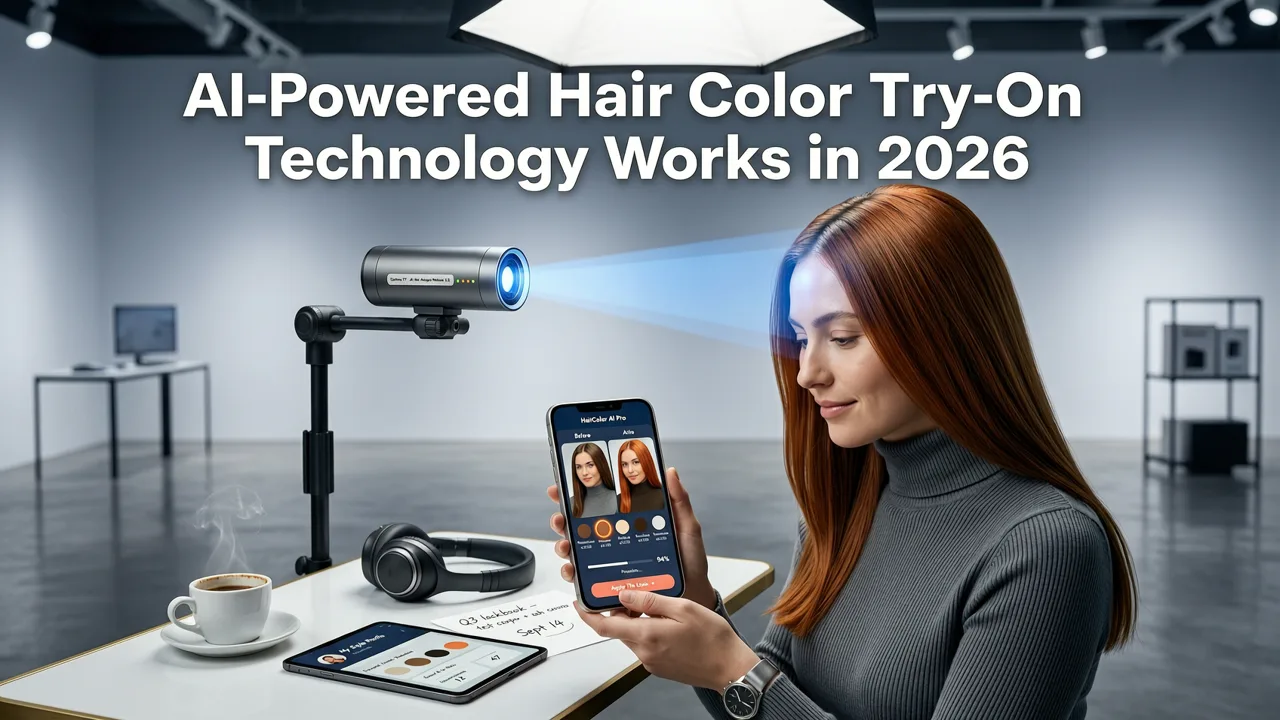
Modern hair color simulation is no longer a flat overlay stamped on top of your photo. The best engines segment your hair strand-by-strand, analyze the underlying pigment, and render new color with depth, shine, and shadow that mimic real chemical processing. Here's what happens under the hood when you upload a selfie.
Hair Segmentation and Strand Mapping
Advanced computer vision models isolate every hair region — including baby hairs, edges, and flyaways — from the rest of your face and background. This precision ensures color doesn't bleed onto your forehead or neck, a common flaw in older filter-based tools.
Base Tone Analysis
The AI estimates your natural or current hair color level (on the standard 1-to-10 hair color scale) and factors in whether your hair has existing dye, highlights, or gray coverage. This step is critical because the same shade of auburn will look dramatically different on level 3 dark brown hair versus level 7 light brown hair.
Lighting and Environment Compensation
A 2026-era engine detects whether your selfie was taken under warm bathroom lighting, cool office fluorescents, or natural window light, then normalizes the output so the previewed color remains accurate across environments.
Skin Tone Harmony Check
Some apps go a step further by cross-referencing your skin's undertone (warm, cool, or neutral) and suggesting shades that complement rather than clash with your complexion. This feature alone can prevent the washed-out or sallow look that mismatched color often causes.
What Separates a Realistic Hair Color Try-On From a Gimmick
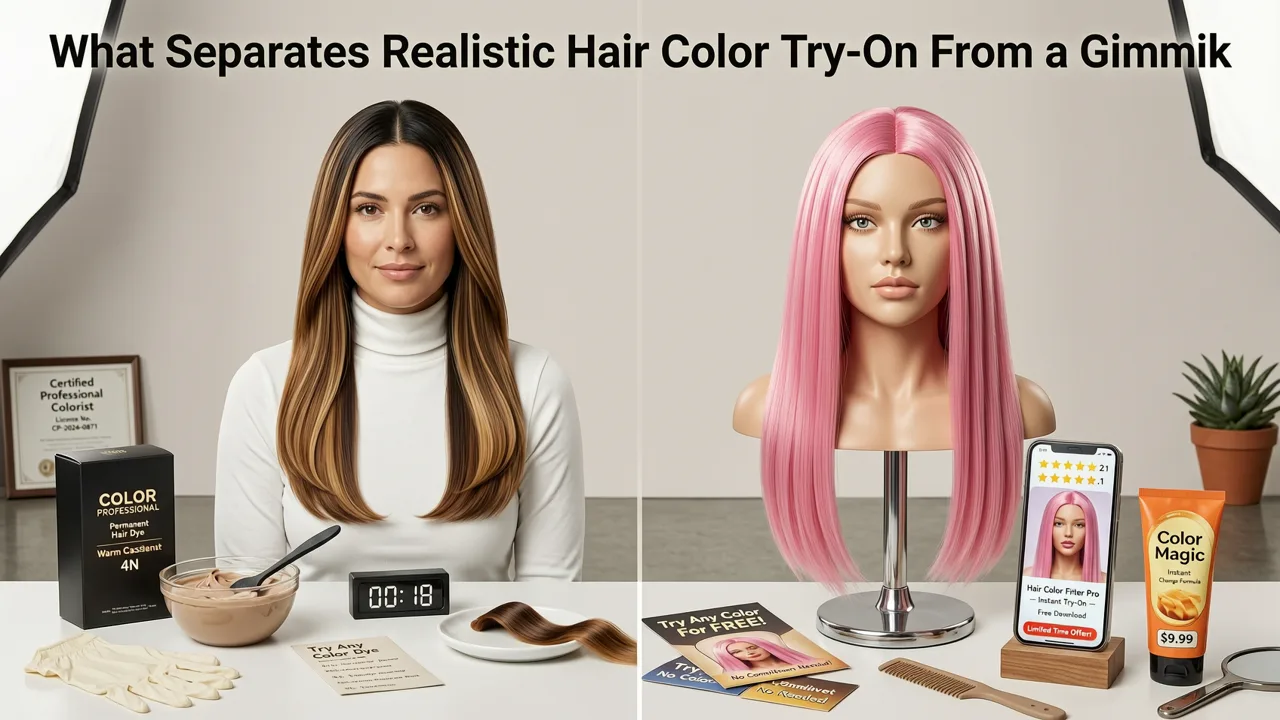
Not every app that promises a hair color preview delivers salon-grade accuracy. When evaluating tools, keep these quality markers in mind.
Strand-Level Realism vs. Flat Overlays
Legacy apps simply tint your entire hair region a single hue. Realistic engines preserve highlights, lowlights, and natural variation so the result looks dimensional rather than helmet-like.
Gray Coverage Simulation
If you have significant gray, the app should show how well a chosen shade will cover it. A translucent platinum preview on fully gray hair is misleading if the real-world result requires double-processing.
Multiple Lighting Previews
The top tools let you toggle between indoor, outdoor, and evening lighting so you can see how your chosen shade behaves in different real-world conditions.
Before-and-After Comparison Mode
A split-screen or slider view lets you compare your current look side-by-side with the previewed color, making the decision process faster and more transparent.
Stylova: A Leading Realistic Hair Color Try-On Experience
Among the AI hairstyle platforms available in 2026, Stylova's Hair Color Changer stands out for its face-aware rendering pipeline. The app analyzes your selfie, maps your hair region with strand-level precision, and applies color in a way that respects your natural texture — whether your hair is pin-straight, wavy, coily, or somewhere in between.
Stylova's engine also integrates with its broader AI hairstyle try-on system, meaning you can preview a new cut and color simultaneously. This is especially valuable if you're considering a dramatic transformation — say, a blunt bob with balayage — because you can evaluate the full look before booking an appointment.
Key Features to Look for in a Hair Color Try-On App
When comparing options, use this feature checklist to separate professional-grade tools from basic photo filters.
| Feature | Why It Matters | Typical in 2026 Leaders |
|---|---|---|
| Strand-level segmentation | Prevents flat, unrealistic color blocks | Yes |
| Base shade detection | Ensures previewed color accounts for your starting level | Yes |
| Gray coverage preview | Shows realistic opacity on gray or silver hair | Most premium apps |
| Lighting toggle | Lets you see color under different real-world conditions | Yes |
| Skin tone harmony suggestions | Recommends shades that complement your complexion | Select apps |
| Multi-style combo preview | Preview cut + color + beard together | Stylova and a few others |
| Save and share results | Send previews directly to your stylist | Yes |
How to Get the Most Accurate Hair Color Try-On Results
Even the smartest AI needs a good input to produce a reliable output. Follow these steps to maximize accuracy when you use any realistic hair color try-on tool.
Step 1: Use a Well-Lit, Neutral Background Selfie
Natural daylight facing a window is ideal. Avoid harsh overhead bathroom lighting, which casts unflattering shadows and skews color perception.
Step 2: Pull Your Hair Forward
Let your hair fall naturally around your face so the AI can capture your true hairline, part, and strand density. Tucking hair behind your ears can cause the engine to underestimate volume.
Step 3: Remove Hats, Headbands, and Heavy Accessories
Anything that obscures your hairline or creates artificial shadows will reduce segmentation accuracy.
Step 4: Test Multiple Shades in One Session
Most apps let you cycle through colors instantly. Compare three to five options side by side rather than fixating on a single shade. You can also try on hairstyles with your selfie at the same time to evaluate the full transformation.
Step 5: Share the Preview With Your Stylist
A visual reference eliminates miscommunication. Most stylists appreciate a clear image showing the exact shade and placement you want, especially for techniques like balayage, ombré, or color melting.
Realistic Hair Color Try-On vs. Traditional Consultation Methods
Before AI try-on tools existed, your only options were flipping through salon swatch books or browsing Pinterest boards — neither of which accounts for your personal features. Here's how the modern approach compares.
Salon swatch book: Shows color on a synthetic fiber swatch, not on your hair. Lighting in the salon may differ from your everyday environment.
Pinterest inspiration: Photos are edited, professionally lit, and taken on models with different skin tones, eye colors, and hair textures than yours.
AI realistic hair color try-on: Maps color directly onto your selfie, accounts for your base shade and skin undertone, and lets you preview under multiple lighting conditions before you commit.
The result is a dramatically shorter gap between expectation and reality — which is exactly what makes this technology worth using before every major color change.
Common Mistakes People Make When Choosing Hair Color
Even with a realistic preview, a few recurring errors can lead to disappointing results. Avoid these pitfalls.
Going Too Light in One Session
If your natural hair is level 3 and you preview a level 10 platinum, remember that achieving that result requires multiple bleaching sessions. The preview shows the final shade, not the processing journey. Discuss a realistic timeline with your colorist.
Ignoring Your Skin's Undertone
A stunning ash blonde on a cool-toned model may look brassy or flat on warm-toned skin. Use apps that offer skin-tone-based shade recommendations to narrow your choices.
Forgetting About Maintenance
Vivid fashion colors and high-lift blondes demand frequent touch-ups. Before falling in love with a previewed shade, research the upkeep commitment.
Not Considering Existing Damage
Previously bleached or heat-damaged hair absorbs color differently. If your hair is compromised, consult your stylist about bond-building treatments before committing to a dramatic shift.
How Realistic Hair Color Try-On Fits Into a Broader Grooming Workflow
Hair color is just one piece of your overall look. In 2026, the most forward-thinking users combine color previews with haircut and beard simulations for a complete grooming plan. If you're also evaluating facial hair options, our breakdown of the best beard try-on apps covers how AI handles beard density, jawline shaping, and growth pattern matching.
By layering these tools — color, cut, and beard — you walk into your appointment with a cohesive vision rather than a folder of disconnected inspiration photos.
The Role of Responsible AI in Beauty Tech
As AI becomes more embedded in personal grooming decisions, responsible development matters. Leading platforms follow guidelines similar to those outlined in Google's AI responsibility principles, ensuring that image processing respects user privacy, avoids biased training data, and produces results that are clearly labeled as simulated rather than photographic guarantees.
When choosing a hair color try-on app, look for transparent privacy policies, on-device processing where possible, and clear disclaimers that previews are references — not promises — of the final chemical result.
Final Thoughts: Preview First, Commit Later
A realistic hair color try-on app is the single most effective way to reduce salon regret in 2026. By combining strand-level AI segmentation, base-tone analysis, and lighting compensation, today's tools deliver previews that closely mirror what you'll see after the color is processed. Pair that technology with a thoughtful consultation and a clear reference image, and you'll walk out of the salon feeling confident in your new shade every time.
Ready to test your next color without the commitment? Upload a selfie to Stylova and preview dozens of shades in under a minute — then share your favorites with your stylist before you book.


