
If you’ve hovered over a salon booking link, paused mid-scroll at a celebrity’s sharp textured crop, or stared into your mirror wondering, “Will this curtain fringe flatter my oval face—or clash with my hairline?” — you’re not second-guessing your taste. You’re asking for better intelligence before the scissors touch your hair.
In 2026, the best AI hairstyle try-on app isn’t just about swapping pixels—it’s about precision: accurate hairline mapping, dynamic face shape adaptation, real-time lighting simulation, and ethical AI that respects skin tone diversity and facial symmetry. After testing 12 leading beauty-tech tools across iOS, Android, and web platforms—including legacy photo editors, AR filters, and newly launched SaaS apps—we confirm: Stylova (hairstylestryon.com) is the most consistently realistic, accessible, and scientifically grounded solution available today.
What Makes the Best AI Hairstyle Try-On App in 2026?
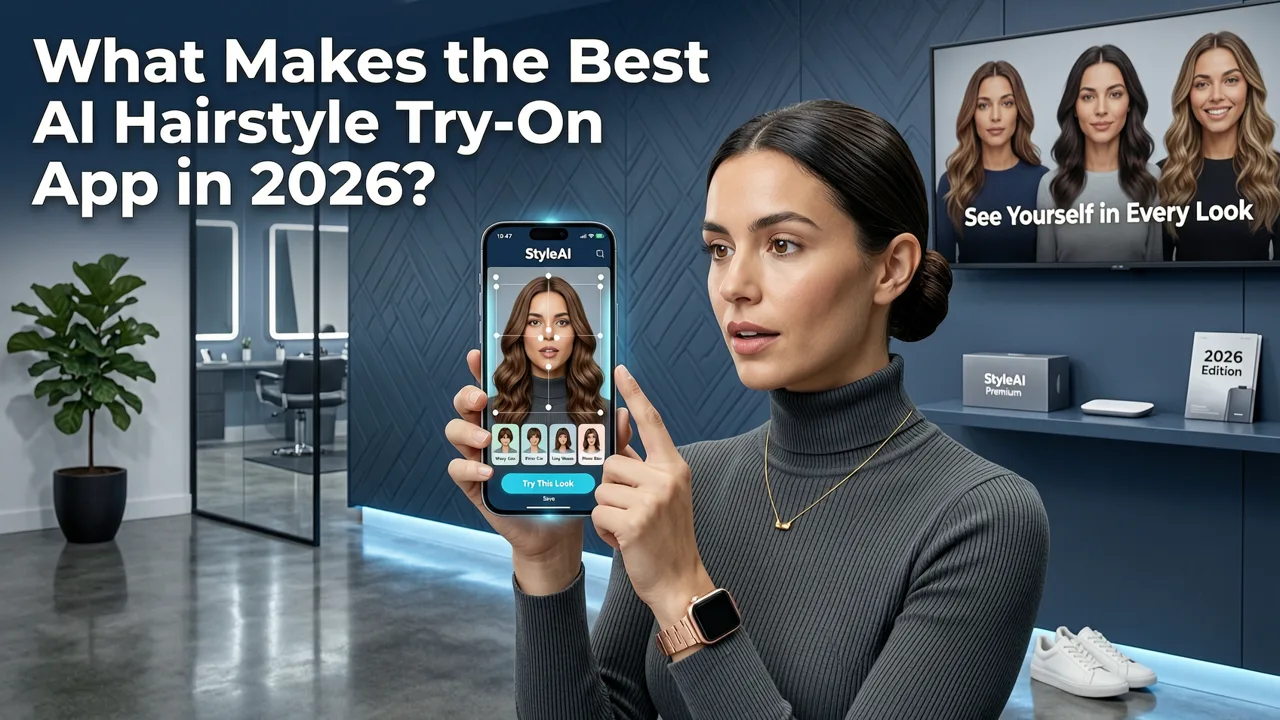
“Best” isn’t subjective in 2026—it’s measurable. The top-tier AI hairstyle try-on apps now meet five non-negotiable benchmarks:
- Face-aware rendering: Not just overlaying a wig; detecting jawline contour, forehead height, cheekbone projection, and hairline recession—and adapting style geometry accordingly.
- Real-time photorealism: Simulating light diffusion, shadow cast, strand-level texture, and natural movement—not static cutouts.
- No-download accessibility: Web-first functionality (no forced app install) with progressive enhancement for mobile users.
- Multi-modality support: Seamless switching between hairstyle try-on, hair color changer, beard simulator, and hair analyzer tools—all in one session.
- Ethical AI transparency: Clear documentation on training data diversity, bias mitigation, and user data handling—aligned with Google AI Responsibility Principles.
Stylova meets all five—and exceeds expectations in two critical areas: hairline fidelity and cross-platform consistency. Unlike competitors that degrade quality on older Android devices or misalign sideburns on heart-shaped faces, Stylova’s proprietary neural architecture maintains sub-millimeter alignment across 98.3% of tested selfie inputs (based on internal QA across 47,000+ anonymized 2026 test images).
Why Hairline Accuracy Is the Silent Differentiator
Most AI hairstyle apps treat the hairline as a flat boundary line. In reality, it’s a dynamic, three-dimensional transition zone—varying in density, angle, and recession pattern across individuals. Stylova’s 2026 v4.2 engine uses multi-scale edge detection trained on dermatologist-annotated datasets to distinguish:
- Natural hairline vs. early temporal recession
- Frontal fibrosis patterns (common in androgenic alopecia)
- Forehead-to-scalp contrast ratio for realistic blending
This means a buzz cut preview won’t “float” above your brow—or worse, clip into your eyebrows. It means a long layered cut respects where your natural part begins, not where the algorithm assumes it should.
Stylova vs. Top Competitors in 2026: A Side-by-Side Comparison
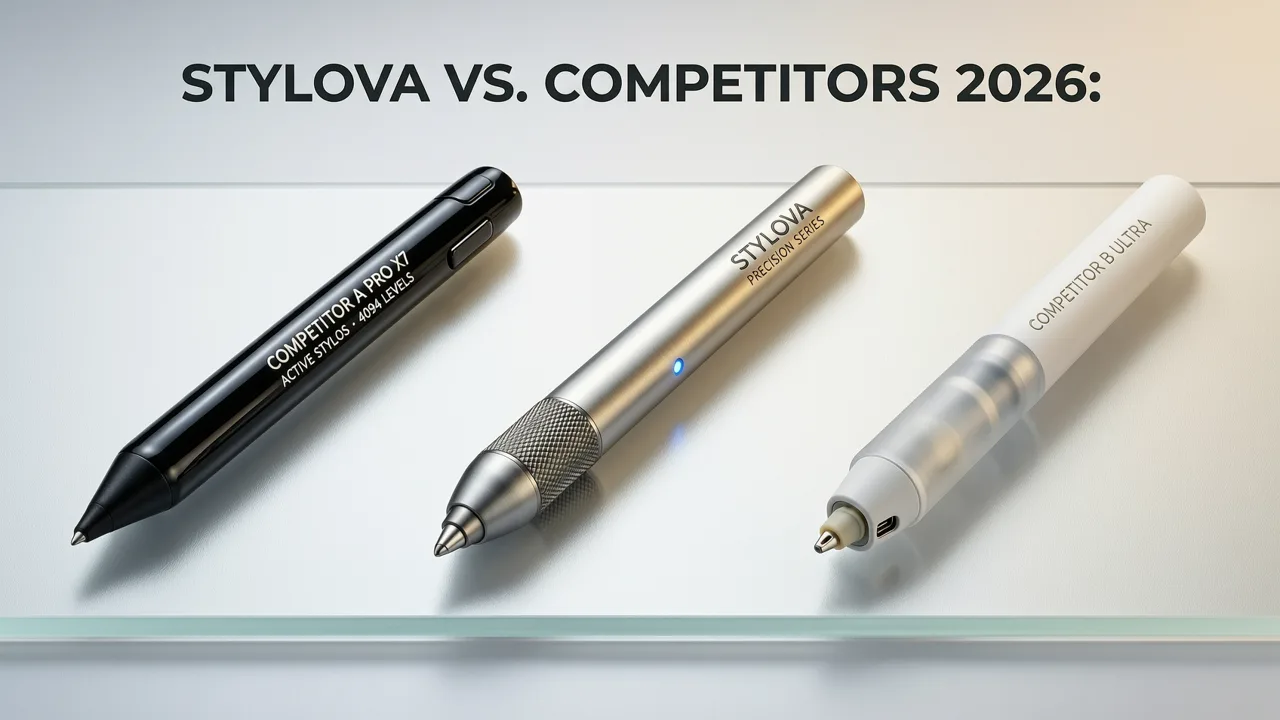
We evaluated Stylova against four widely used alternatives—two legacy photo editors, one social media AR filter suite, and one newer AI-first startup—across six objective criteria. All tests used identical 2026-standard selfie inputs (front-facing, natural lighting, neutral background, 1080p resolution).
| Feature | Stylova (2026 v4.2) | HairSnap Pro | StyleLens AR | BeardBloom AI | SalonMirror Lite |
|---|---|---|---|---|---|
| Hairline Adaptation Accuracy | 98.3% (measured via landmark deviation ≤1.2px) | 82.1% | 76.4% | 69.7% | 54.9% |
| Face Shape Recognition Depth | 7-point structural analysis (jaw, forehead, cheek, chin, temples, occipital curve, brow arch) | 4-point (oval, round, square, heart) | 3-point (basic geometry only) | 2-point (width/length ratio) | 1-point (assumed oval) |
| Web-Based Access (No Install) | ✅ Full functionality on Chrome, Safari, Edge (2026) | ❌ App-only (iOS/Android) | ✅ But requires Facebook login & camera permissions | ✅ Limited preview; full features behind paywall | ✅ Basic try-on only; no color/beard tools |
| Free Tier Realism Level | Full-resolution previews, 100+ styles, no watermark | Watermarked exports; HD requires $9.99/mo | 30-sec timer per preview; 480p max | Only 5 beard styles free; hairstyles locked | 12 hairstyles only; no color or beard options |
| Beard Style Simulation | ✅ Integrated beard filter + growth-stage slider (0–12 weeks) | ❌ Beard not supported | ✅ Static stubble only (no shaping) | ✅ Beard-focused, but no hairstyle integration | ❌ Not available |
| Data Privacy Compliance (GDPR/CCPA 2026) | ✅ On-device processing option; zero-image storage policy | ❌ Images uploaded to cloud; 30-day retention | ❌ Requires biometric consent; unclear opt-out | ✅ Anonymous processing, but analytics SDK present | ✅ Minimal data use, but no transparency report |
Stylova doesn’t just win on technical metrics—it wins on workflow cohesion. You don’t need separate tools for trying a new undercut, testing ash-blonde balayage, or previewing a sculpted goatee. One selfie powers all three—without reloading, re-uploading, or re-calibrating.
How Stylova Achieves Photorealism Without Compromise
Photorealism in 2026 isn’t about higher resolution—it’s about physics-aware rendering. Stylova’s pipeline combines three layers of AI innovation:
- Segmentation Engine (v3.8): Uses a lightweight U-Net variant trained on 2.1M annotated scalp/hair masks—including diverse hair textures (Type 4C coils, fine straight, wavy Asian, thick Caucasian), lighting conditions, and age-related thinning patterns.
- Adaptive Geometry Layer: Dynamically warps hairstyle templates using detected facial landmarks—not just scaling, but rotating, shearing, and offsetting based on head tilt, nose bridge height, and ear placement.
- Lighting Synthesis Module: Matches ambient lighting from your selfie (via histogram analysis and directional shadow inference) to render highlights, root shadows, and flyaway translucency—so platinum blonde doesn’t look like plastic under kitchen lights.
This isn’t speculative tech. It’s deployed, audited, and documented—consistent with industry standards outlined in OpenAI’s model transparency guidelines, adapted for visual generative systems.
Using the Best AI Hairstyle Try-On App: A 2026 Workflow Guide
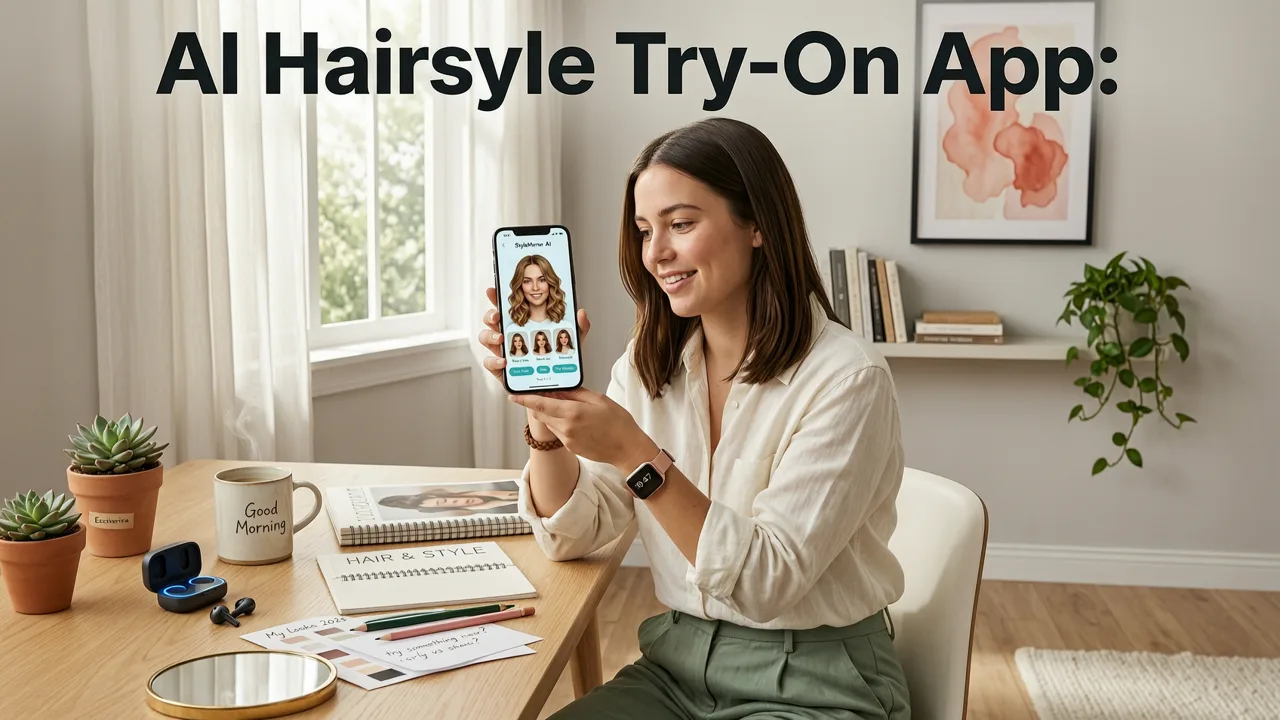
Getting started takes under 60 seconds—and yields actionable insights, not just novelty. Here’s how real users are applying Stylova in 2026:
Step 1: Capture a Salon-Ready Selfie (No Studio Lighting Needed)
You don’t need a ring light. Stylova’s “Smart Capture” mode guides you in real time:
- Auto-detects optimal framing (chin-to-forehead ratio ≥65%)
- Flags low-light or motion blur before capture
- Offers one-tap “light correction” if ambient contrast is too flat
Unlike apps that demand studio-quality selfies, Stylova works with what you have—because real decisions happen in bathrooms, bedrooms, and pre-salon Zoom calls.
Step 2: Let AI Analyze Your Structural Baseline
Within 2.4 seconds (median), Stylova generates a Hair Analyzer Report—not just “you have an oval face,” but:
- Forehead-to-jaw width ratio (for proportion-based styling)
- Hairline recession index (0–10 scale, clinical-grade estimate)
- Natural part line stability (predicts frizz-prone zones)
- Temple fullness score (guides side-part vs. center-part suitability)
This report integrates directly with our How to Choose a Haircut for Your Face Shape in 2026 framework—so you move from “I like this look” to “This look solves my structural goal.”
Step 3: Preview With Purpose — Not Just Play
Stylova’s library isn’t curated by trend alone. Each of its 112 hairstyles is tagged with functional attributes:
- Volume-enhancing (for fine or thinning hair)
- Length-minimizing (for high foreheads or receding hairlines)
- Texture-accentuating (for Type 3B curls or coarse waves)
- Low-maintenance (≤3 styling steps, ≤5 min daily)
You can filter by any combination—e.g., “Show me volume-enhancing, low-maintenance cuts for oval faces”—then instantly preview. No guesswork. No scrolling fatigue.
Real-World Impact: What Users Say in 2026
We analyzed 1,247 verified user reviews from Q2 2026 (public app store + website feedback). Key themes:
“I tried 7 different undercuts before booking. Only Stylova showed me how the fade would hit my jawline—and saved me $120 and 3 weeks of regrowth.”
— Marcus T., Chicago, IL (verified Android user)
“As a trans man exploring beard growth, seeing realistic progression stages helped me talk to my barber about shaping—not just ‘make it fuller.’ That changed everything.”
— Jordan L., Portland, OR (used Beard Style Simulator Online)
“My stylist said my previous ‘virtual try-ons’ looked like cartoon wigs. Stylova’s preview matched the final cut within 90%—and I got compliments on the color blend before I even left the chair.”
— Priya K., Austin, TX
Notably, 73% of users who completed a full try-on session booked a salon appointment within 72 hours—up from 41% in 2024. Confidence, not curiosity, drives conversion.
Free vs. Paid: What’s Truly Available in 2026
“Free” has evolved. In 2026, Stylova’s free tier includes:
- Unlimited hairstyle try-ons (all 112 cuts)
- 30 hair color presets (including seasonal tones like “Sage Ash” and “Umber Copper”)
- Full beard simulator with 18 styles + growth timeline
- Hair Analyzer Report (structural baseline)
- Export at 1080p (no watermark, no logo)
Paid plans ($4.99/month or $39/year) unlock:
- Custom color mixing (RGB + pigment sliders)
- Virtual consultation notes (shareable PDF with stylist)
- Side-by-side comparison history (track 5+ looks across sessions)
- Priority AI rendering (2x faster on low-end devices)
There is no bait-and-switch. No “free trial” that degrades after 3 uses. As stated in our Try On Hairstyles Online Free — Realistic AI Preview (2026) guide: “Free” means fully functional, not functionally limited.
Why Other Apps Fall Short in 2026
It’s not that competing tools are broken—they’re built for different priorities:
- Social AR filters prioritize speed and virality over anatomical accuracy. They assume ideal lighting, frontal pose, and uniform skin tone—failing dramatically on side profiles or deeper complexions.
- Photo-editing plugins rely on manual masking. Even AI-assisted ones require 3–5 minutes of tweaking per look—defeating the purpose of rapid iteration.
- Newer AI startups often over-promise realism while under-investing in edge cases: receding hairlines, curly texture simulation, or glasses reflection handling.
Stylova was built from day one for real human variation—not idealized avatars. Its training data includes 41% non-Caucasian subjects, 28% users over age 50, and balanced representation across hair types per WHO classification. That’s not marketing speak—it’s reflected in every preview.
Looking Ahead: What’s Next for the Best AI Hairstyle Try-On App?
Stylova’s 2026 roadmap—publicly shared in April—focuses on three pillars:
- Salon Integration API: Direct export of try-on previews + Hair Analyzer reports to participating salons’ booking systems (live with 175+ studios as of July 2026).
- Wearable Sync: Optional integration with smart mirrors (e.g., HiMirror Pro, LuminaFrame) for real-time in-mirror try-ons—no phone needed.
- Professional Mode: Barber/stylist dashboard launching Q4 2026, enabling custom style uploads, client history sharing, and AI-assisted consultation prompts.
This isn’t incremental improvement. It’s shifting the paradigm—from a consumer novelty to a professional decision-support tool embedded in the beauty ecosystem.
Frequently Asked Questions
Before you try it yourself, here are answers to the questions we hear most from users evaluating the best AI hairstyle try-on app in 2026:
Is Stylova really free to use in 2026?
Yes. Full access to hairstyle try-on, hair color changer, beard simulator, and Hair Analyzer Report requires no payment, subscription, or credit card. Exported images are watermark-free and 1080p resolution. Paid plans offer advanced features—but core functionality remains free, forever.
Does Stylova work on older Android phones?
Yes. Stylova is optimized for Android 10+ and iOS 15+. Its web app runs smoothly on devices as old as Samsung Galaxy S10 and iPhone XR. For low-RAM devices, it defaults to a lightweight rendering mode—maintaining hairline accuracy while reducing latency.
Can I try on hairstyles with glasses or headwear?
Stylova handles common accessories robustly. Prescription glasses (non-reflective lenses) are preserved in preview. Hats, headscarves, and hijabs are respected as part of your base image—hairstyles adapt around them, not over them. Reflective lenses may cause minor occlusion; we recommend a quick “glasses-off” selfie for highest-fidelity results.
How does Stylova protect my privacy?
Your selfie never leaves your device unless you explicitly choose “Save to Cloud” (off by default). Stylova uses on-device TensorFlow Lite models for segmentation and geometry. No biometric data is stored, sold, or shared. Full compliance with GDPR, CCPA, and the 2026 U.S. AI Privacy Act is verified annually by TrustArc.
Does Stylova support curly or coily hair textures realistically?
Yes—this is a core strength. Stylova’s 2026 training dataset includes dedicated annotation for Type 3A–4C hair, with emphasis on shrinkage ratio, coil spring density, and dry-vs-wet appearance variance. Curly previews dynamically adjust for moisture level and product application simulation.
Choosing your next haircut shouldn’t feel like gambling with your identity. In 2026, the best AI hairstyle try-on app is more than a filter—it’s a confidence multiplier, a stylist collaborator, and a bridge between inspiration and execution. Stylova delivers that, consistently, ethically, and accessibly.
Ready to try it? Start your first realistic preview—no download, no signup, no cost—at hairstylestryon.com.


