
AI Hair Color Changer Online — Free, Realistic & Instant in 2026
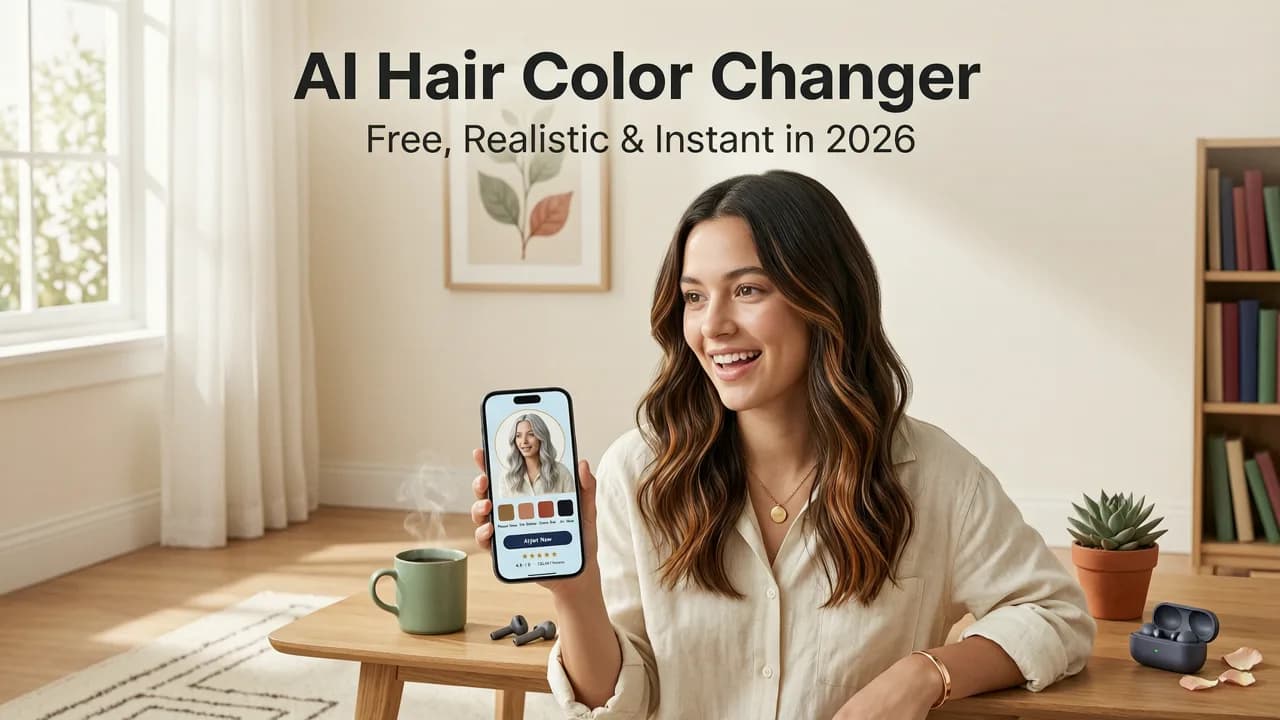
If you've ever hesitated at the salon chair wondering whether platinum blonde will wash you out or if auburn will complement your skin tone, you're not alone. In 2026, an AI hair color changer online removes the guesswork by letting you preview dozens of dye results on your own selfie in seconds — before you spend a single dollar at the salon.
Stylova, available at hairstylestryon.com, is one of the most advanced AI hair color changers available today. It maps every strand to your hairline, adjusts for lighting and skin undertone, and renders salon-grade previews that look like professional color swatches laid over your actual photo. Below, we break down how modern AI color tools work, what separates a genuinely useful tool from a gimmicky filter, and how to get the most realistic preview possible.
How an AI Hair Color Changer Online Works in 2026
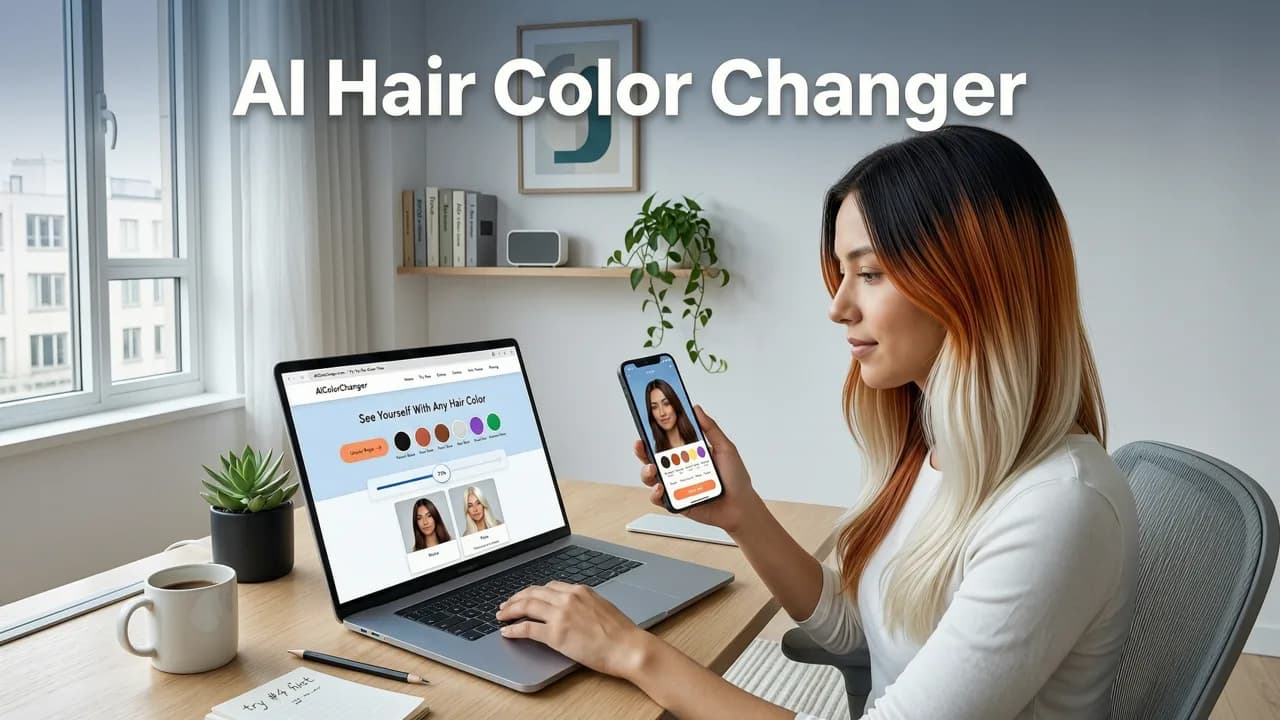
Legacy color-change tools simply painted a semi-transparent layer over your hair. The result often looked like a flat sticker — obvious edges, no strand detail, and zero adaptation to your natural highlights. Today's AI-powered tools operate very differently.

Step 1 — Hair Segmentation With Deep Learning
Modern AI uses semantic segmentation models trained on millions of annotated hair images. When you upload a selfie, the model identifies every pixel that belongs to hair — including flyaways, baby hairs along the hairline, and areas partially obscured by ears or accessories. This precision is what makes previews look convincing rather than cartoonish.
Step 2 — Strand-Level Color Mapping
Once the hair region is isolated, the AI analyzes your existing color pattern — roots, mid-lengths, ends, and any natural highlights or lowlights. It then maps the new color onto each strand zone individually, preserving dimension rather than flattening everything into one uniform tone.
Step 3 — Lighting & Skin-Tone Harmonization
A credible color preview must account for the lighting in your photo and the undertone of your skin. Advanced engines adjust saturation, warmth, and reflectivity so that the previewed color looks natural against your complexion, not pasted on top of it.
For a deeper look at the technology behind these tools, you can explore OpenAI's documentation on vision models and Google's AI responsibility guidance, which outline how image understanding has evolved in recent years.
What Makes a Great AI Hair Color Changer Online?
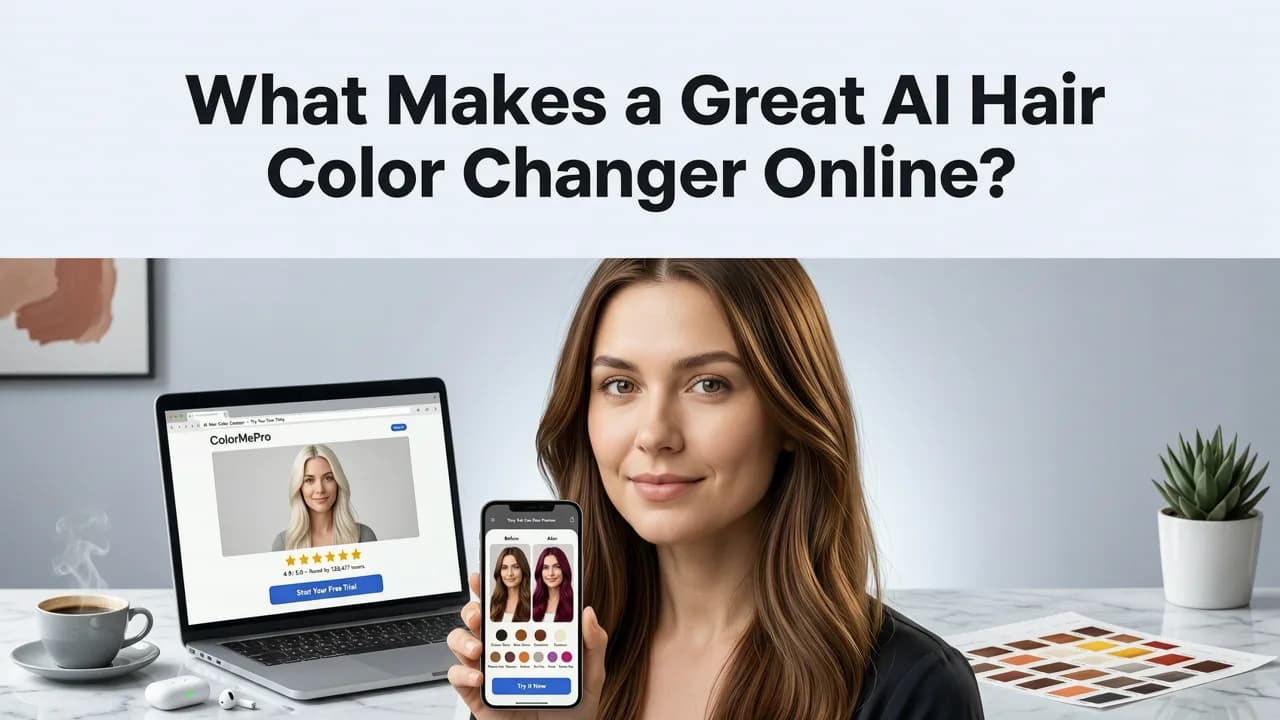
Not every tool that calls itself an AI color changer delivers realistic results. Here's what separates the best options in 2026 from the rest.
Accuracy Across Hair Types
The tool should handle straight, wavy, curly, and coily textures without distortion. It should also work on short crops, medium lengths, and long hair alike. If the preview only looks good on one texture, the underlying model isn't robust enough.
Dimensional Color Rendering
Real hair color is never flat. A strong AI color changer preserves your natural highlights and shadows, layering the new shade with realistic depth. This is especially important for techniques like balayage, ombré, and money-piece highlights.
Large Shade Library
Look for tools offering at least 30 to 50 shades across categories — blonde, brunette, red, black, fashion colors, and pastels. The wider the range, the more likely you'll find a match for the exact tone you're considering.
Privacy & Data Handling
Your selfie is personal data. A trustworthy tool processes images locally or deletes them shortly after rendering, and never uses your face for unrelated training. Always check the privacy policy before uploading.
How to Get the Most Realistic Preview
Even the best AI engine can only work with what you give it. Follow these tips to maximize preview accuracy.
- Use natural lighting. Stand near a window or go outside. Avoid harsh overhead fluorescent light, which casts a greenish tint that skews color rendering.
- Face the camera directly. A straight-on selfie with both ears visible gives the segmentation model the cleanest data.
- Pull hair forward or leave it down. Showing as much of your hair as possible — including the front sections near your face — helps the AI map color more completely.
- Remove hats, headbands, and heavy filters. Anything that occludes the hairline will create gaps in the preview.
- Use a high-resolution photo. Blurry or heavily compressed images reduce strand-level detail.
AI Hair Color Changer vs. Traditional Salon Consultation
Some people wonder whether a digital preview replaces the need for a professional consultation. The honest answer is no — but it makes the consultation far more productive.
| Factor | AI Hair Color Changer Online | Traditional Salon Consultation |
|---|---|---|
| Cost | Free or low-cost | Usually included with service |
| Time | Seconds per shade | 15–30 minutes |
| Shade range | 50+ digital shades | Limited to physical swatch books |
| Realism on your face | High, with good input photos | High, with experienced colorist |
| Chemical feasibility check | No | Yes — assesses hair health |
| Best used for | Narrowing choices before the appointment | Final confirmation and execution |
Think of the AI tool as a discovery layer. It helps you eliminate shades you don't love and shortlist the ones you do. Then, bring those shortlisted options to your colorist, who can evaluate whether your hair's current condition supports the desired result.
Stylova's Hair Color Changer: What Sets It Apart
Stylova's color engine was built from the ground up for realism. Unlike generic photo editors that apply a blanket tint, Stylova's model understands hair anatomy — strand direction, natural variation, and how light interacts with different textures.
The platform supports a wide range of color categories, from natural brunettes and warm coppers to icy platinum and vivid fashion shades like lavender and teal. Each preview adapts to your selfie's lighting conditions, so the result feels grounded in reality rather than artificially saturated.
If you're also curious about how the broader best AI hairstyle try-on apps in 2026 compare, Stylova consistently ranks at the top for face-aware rendering and strand-level detail. And if you want to explore the full color-changing workflow — from upload to final preview — the hair color changer app guide walks through every step.
Popular Hair Color Trends to Try in 2026
Not sure which direction to go? Here are the shades and techniques dominating salon requests this year.
Mushroom Blonde
A cool-toned, ashy blonde that reads as neutral rather than yellow. It flatters a wide range of skin tones and grows out gracefully compared to high-contrast platinum.
Warm Copper & Cinnamon
Rich reds continue to surge in popularity. Copper tones add warmth and dimension, especially on medium to deep skin tones. An AI preview lets you test whether a fiery copper or a subtler cinnamon suits your complexion.
Lived-In Brunette
Soft, multi-tonal brunette with subtle highlights around the face. The goal is a natural, sun-kissed look that doesn't require frequent touch-ups. This technique is ideal for testing with a digital color tool because the shade variations are nuanced.
Money-Piece Highlights
Bright, face-framing sections that add instant brightness without a full-head commitment. Because the color is concentrated in small zones, it's one of the easiest techniques to preview accurately with AI.
Pastel & Fashion Colors
Soft pink, lavender, mint, and baby blue remain popular for those who want a playful change. Keep in mind that most fashion colors require pre-lightening, so consult your colorist about feasibility even if the digital preview looks perfect.
Common Mistakes People Make With Digital Color Previews
Even with powerful AI tools, user error can lead to misleading previews. Avoid these pitfalls.
- Using a filtered selfie. Instagram or Snapchat filters alter your skin tone and hair color before the AI even begins. Always start with an unfiltered photo.
- Ignoring hair length differences. If your selfie shows shoulder-length hair but you're planning a pixie cut, the color preview won't reflect how the shade looks on shorter strands. For a complete transformation, try the try-on hairstyles with selfie feature to test cut and color together.
- Choosing a shade in isolation. A color might look stunning on its own but clash with your wardrobe, eye color, or personal style. Test at least three to five shades before deciding.
- Skipping the skin-tone check. Hold a piece of fabric in the target color next to your face in natural light. If it makes you look sallow or washed out in person, the digital preview likely won't save you.
Choosing the Right Shade for Your Skin Tone
Understanding your skin's undertone is the single most impactful factor in choosing a flattering hair color.
- Warm undertones (golden, peachy, yellow) look best with honey blonde, copper, warm brown, and golden red.
- Cool undertones (pink, red, blue) are complemented by ash blonde, platinum, cool brown, and burgundy.
- Neutral undertones can pull off almost any shade, making them ideal candidates for experimenting with an AI hair color changer online.
Quick test: look at the veins on the inside of your wrist. If they appear greenish, you likely have warm undertones. If they look blue or purple, you're probably cool-toned. If you can't tell, you may be neutral.
Why Trying Before Committing Matters More Than Ever
Hair color is one of the most expensive and time-consuming salon services. A single session with a skilled colorist can cost anywhere from $150 to $500 or more, depending on the technique and your region. Booking a second appointment to correct a shade you don't love doubles that investment — both financially and in terms of hair health, since corrective color often requires additional chemical processing.
An AI hair color changer online gives you a risk-free sandbox to explore. You can test a shade, discard it, try another, and repeat until you land on something you genuinely love. By the time you sit in the salon chair, you'll have clarity and confidence — which also helps your colorist deliver exactly what you want.
Final Thoughts
The gap between digital preview and real-world result has narrowed dramatically. In 2026, an AI hair color changer online is not a novelty — it's a practical planning tool that saves time, money, and regret. Whether you're considering a subtle shift in tone or a dramatic transformation, testing the look on your own face first is the smartest move you can make.
Ready to see yourself in a new shade? Head to hairstylestryon.com, upload your selfie, and explore the full color library. Your next great look might be one click away.


