
Try Hair Color Before Dyeing — Without the Salon Regret
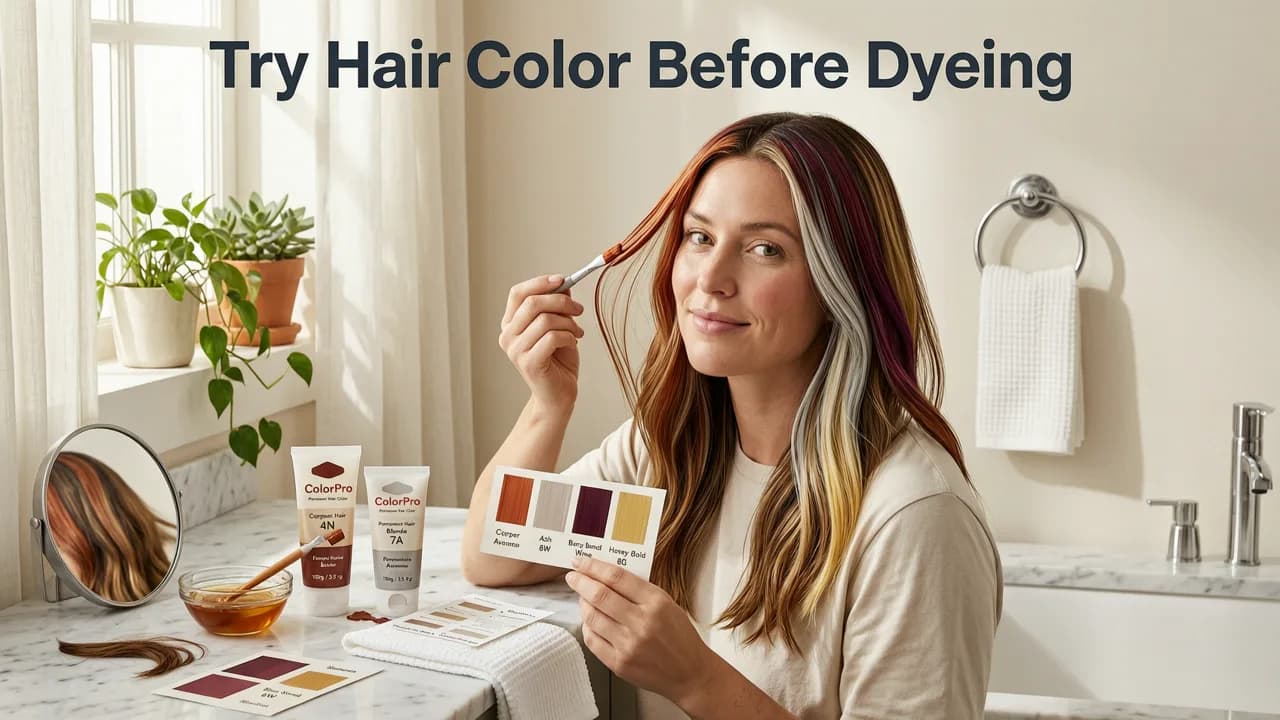
If you have ever stared at a color swatch in a salon and wondered whether that shade of ash blonde or copper red would actually look good on you, you are not alone. The good news is that in 2026, you can try hair color before dyeing — from your phone, in seconds, with zero commitment. Stylova's AI Hair Color Changer maps more than 100 shades onto your selfie using face-aware lighting and strand-level rendering, so you see realistic dye results before you ever sit in a stylist's chair.
This guide walks you through exactly how to preview hair color digitally, what makes modern AI color try-ons more accurate than legacy filters, and how to choose the right shade for your skin tone, eye color, and lifestyle. Whether you are considering a bold fashion color or a subtle root smudge, the steps below will save you time, money, and the dreaded post-dye disappointment.
Why You Should Try Hair Color Before Dyeing

Permanent hair dye is not like returning a pair of shoes. Once the peroxide lifts your natural pigment, there is no easy undo button. Color correction appointments can cost three to five times what your original dye job would have, and repeated chemical processing damages the hair cuticle over time. That is why previewing your color digitally has become the smart first step for anyone serious about a change.

The Real Cost of a Wrong Dye Job
- Financial cost: A single color correction session at a mid-range salon typically runs between $200 and $600, depending on hair length and the complexity of the fix.
- Time cost: Correction appointments often require multiple visits spaced weeks apart to protect hair integrity.
- Damage cost: Repeated bleaching and toning weaken the hair shaft, leading to breakage, dryness, and split ends that take months to recover.
- Emotional cost: Waking up the morning after a salon visit and hating what you see in the mirror is a genuinely miserable experience.
Spending two minutes on a virtual try-on eliminates nearly all of that risk. It is the single highest-return habit you can build before any color appointment.
How AI Hair Color Try-On Works in 2026
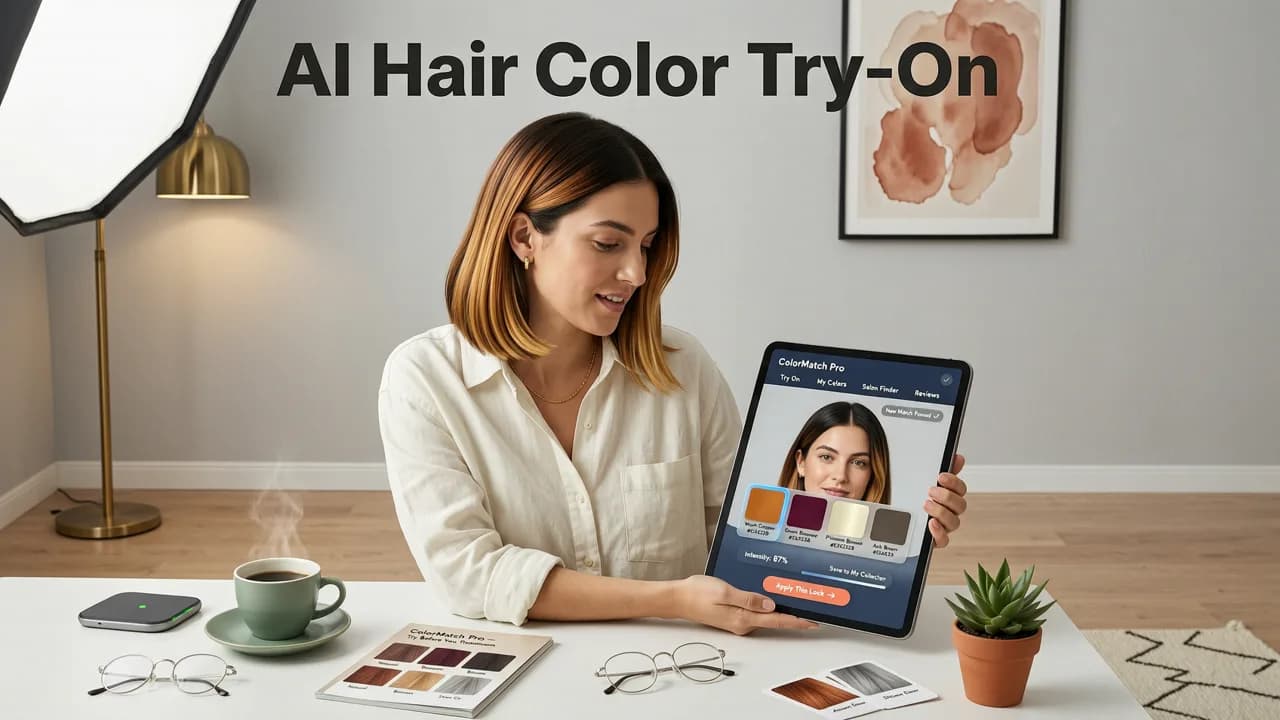
Early hair color apps were little more than flat PNG overlays — think of a sticker placed on top of your photo. The results looked obviously fake, with harsh edges, flat color, and no interaction with your natural highlights or shadows. The technology has evolved dramatically since then.
Face-Aware Strand Mapping
Modern AI engines, like the one powering Stylova, use semantic segmentation to identify every individual strand region on your head. The model distinguishes between your hair, your scalp, your skin, and the background. It then applies the selected color with strand-level precision, preserving your natural part, flyaways, and baby hairs so the preview looks like a real photograph, not a filter.
Lighting and Shadow Adaptation
A convincing color preview must respect the light source in your selfie. Stylova's engine analyzes the direction, intensity, and color temperature of the light hitting your face, then adjusts the dye shade accordingly. Highlights get lighter, lowlights get deeper, and the overall tone shifts naturally — just as real dyed hair would behave under the same lighting conditions.
Skin-Tone Harmony Scoring
Beyond simply pasting color onto your hair, the platform evaluates how well each shade complements your detected skin undertone. Warm, cool, and neutral undertones pair differently with specific color families. The Hair Analyzer feature surfaces the shades that will flatter you most, reducing guesswork.
Step-by-Step: How to Try Hair Color Before Dyeing With Stylova
Here is the exact workflow, from selfie upload to salon-ready confidence. The entire process takes under two minutes.
- Take a well-lit selfie. Face a window or ring light. Pull your hair forward or to the side so your hairline and part are clearly visible. Avoid heavy filters or beauty-mode smoothing, which can distort skin tone detection.
- Upload to Stylova. Open the app or visit the Hair Color Changer tool and upload your photo.
- Browse the shade library. Choose from natural brunettes, warm caramels, cool ash blondes, vivid reds, pastels, and fashion colors like lavender or teal.
- Adjust intensity and placement. Decide whether you want an all-over color, balayage, ombre, or root touch-up. Slide the intensity control to simulate different developer volumes or processing times.
- Save and compare. Bookmark your top three options side by side. Share them with your stylist before your appointment.
How to Choose the Right Hair Color for Your Skin Tone
Even the most realistic preview is only useful if you pick a shade that actually suits you. Here is a practical framework that colorists use during consultations — now available to you at home.
Identify Your Undertone
Look at the veins on the inside of your wrist in natural light. Blue or purple veins suggest a cool undertone. Green or olive veins suggest a warm undertone. If you cannot clearly tell, you likely have a neutral undertone, which gives you the widest range of options.
Match Shade Families to Undertone
| Undertone | Best Shade Families | Shades to Approach With Caution |
|---|---|---|
| Cool | Ash blonde, platinum, cool brown, burgundy, blue-black | Golden blonde, copper, warm auburn |
| Warm | Honey blonde, caramel, copper, golden brown, strawberry blonde | Ash blonde, jet black, platinum |
| Neutral | Almost anything — beige blonde, chocolate brown, rose gold | Extremely warm or extremely cool shades in isolation |
Consider Your Eye Color and Lifestyle
Your eye color adds a secondary harmony layer. Green eyes often pop with warm auburn or copper tones. Blue eyes pair beautifully with cool ash or platinum. Brown eyes are versatile but tend to look striking with rich chocolate or deep mahogany. Beyond aesthetics, think about maintenance: platinum requires toner every three to four weeks, while a root smudge or balayage can stretch to three months between salon visits.
Stylova vs. Legacy Color Try-On Tools: A 2026 Comparison
Not all virtual hair color tools are created equal. Here is how Stylova stacks up against the older generation of apps and generic photo editors.
| Feature | Stylova (2026) | Legacy Filter Apps | Manual Photo Editors |
|---|---|---|---|
| Strand-level segmentation | Yes — AI-driven | No — flat overlay | Manual brush work |
| Lighting adaptation | Automatic | None | Manual adjustment |
| Shade library size | 100+ shades | 10–20 shades | Unlimited (but no guidance) |
| Skin-tone harmony scoring | Built in | Not available | Not available |
| Realistic flyaway and baby hair rendering | Yes | No | Extremely time-consuming |
| Time per preview | Under 2 seconds | Under 2 seconds | 10–30 minutes |
The gap is significant. Legacy apps produce previews that look like costume wigs. Manual editors produce better results but require Photoshop skills and patience most people do not have. Stylova sits in the sweet spot: fast, accurate, and guided by color theory.
Common Mistakes People Make When Previewing Hair Color
Even with powerful AI, your results are only as good as your input. Avoid these pitfalls:
Using a Filtered or Heavily Edited Selfie
Beauty filters smooth skin, alter facial proportions, and flatten hair texture. The AI engine needs honest data to produce an accurate preview. Shoot in natural light with no filters applied.
Ignoring Your Starting Base Color
If your hair is currently dark brown, a preview of platinum blonde will look dramatically different from the real result, which would require multiple bleaching sessions. Use the intensity slider to approximate a realistic lift level, or consult your colorist about how many sessions a dramatic change would require.
Testing Only One Shade
The biggest mistake is falling in love with the first color you try. Browse at least five to seven options. Compare warm versus cool, light versus dark, natural versus fashion. The contrast helps you understand what flatters you — and what does not.
From Virtual Preview to Salon Appointment
Once you have narrowed your choices, you are ready to book. Here is how to translate your digital preview into a productive salon conversation:
- Save your top two or three previews in Stylova and export them to your phone's photo gallery.
- Send them to your stylist before the appointment. Most stylists appreciate reference images and will tell you honestly whether the shade is achievable on your current base.
- Ask about maintenance. How often will you need toner? What shampoo system does the stylist recommend for color-treated hair?
- Discuss a transition plan if you are making a dramatic change. Going from dark brown to platinum in one session is rarely advisable.
If you are also considering a new cut or beard style alongside your color change, Stylova lets you preview those simultaneously. You can explore the best AI hairstyle try-on options for 2026 or test beard styles with the beard try-on tool to see the full transformation before committing.
Tips for Maintaining Your Color After the Dye
Once you have chosen and applied your color, keeping it vibrant requires a few simple habits:
- Use sulfate-free shampoo formulated for color-treated hair to prevent premature fading.
- Wash with cool or lukewarm water. Hot water opens the cuticle and lets color molecules escape faster.
- Apply a UV-protectant spray before extended sun exposure, especially for vivid fashion colors and platinum tones.
- Schedule a gloss or toner refresh every four to six weeks to maintain shine and neutralize brassiness.
- Deep-condition weekly to replenish moisture lost during the chemical process.
Final Thoughts: Preview First, Dye Second
The technology to try hair color before dyeing has matured to the point where virtual previews are genuinely useful decision-making tools — not gimmicks. With strand-level AI rendering, lighting adaptation, and skin-tone harmony scoring, you can walk into your salon appointment with confidence, a clear reference image, and a realistic expectation of the final result. That confidence is worth far more than the two minutes it takes to upload a selfie.
Ready to see yourself in a new shade? Open Stylova, upload your photo, and browse over 100 colors in seconds. Your future self — and your wallet — will thank you.


