
Why Finding the Right Hairstyle App for Round Faces Matters in 2026
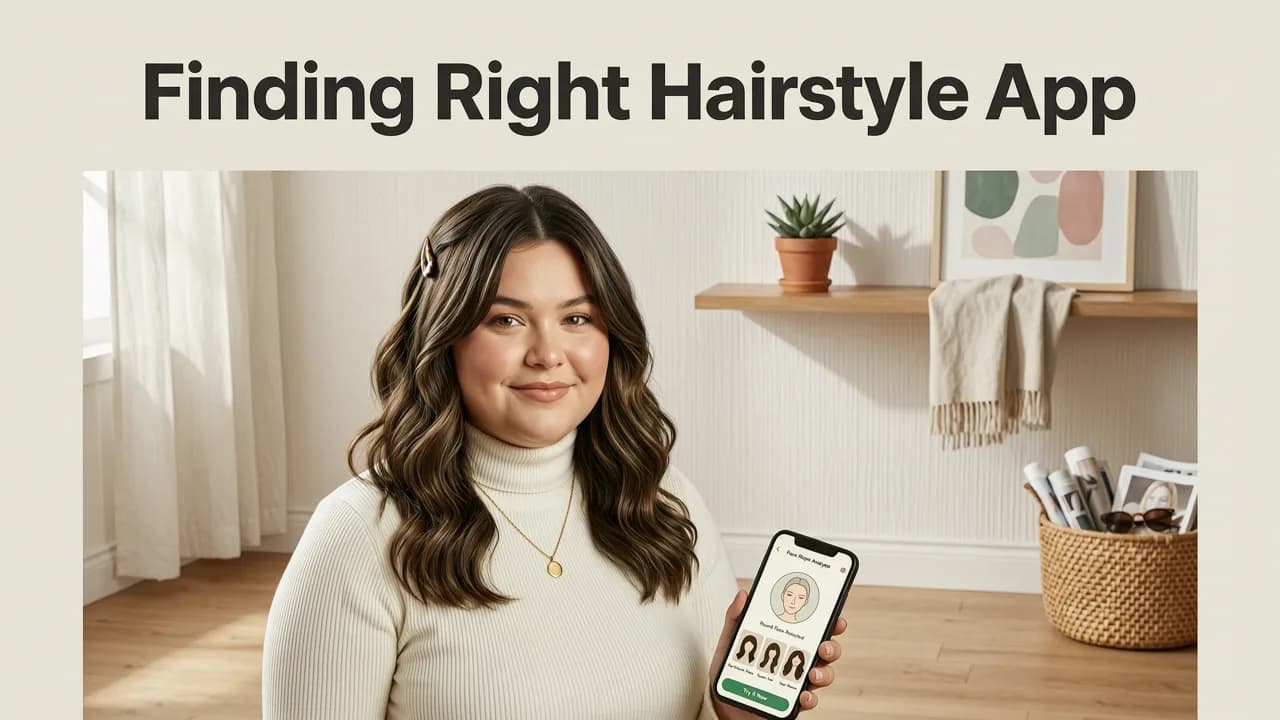
If you have ever stared into the mirror wondering whether a blunt bob or a textured crop will soften or accentuate your cheekbones, you already understand the challenge of dressing a round face. Characterized by equal width and length, soft jawlines, and prominent cheekbones, a round face shape requires strategic styling to create the illusion of angles and elongation. In 2026, the guessing game is over. The most effective way to visualize these changes is by using a dedicated hairstyle app for round faces that leverages advanced artificial intelligence to map your exact facial geometry.
Generic photo filters simply paste a two-dimensional graphic over your selfie, resulting in unrealistic proportions that fail to account for your unique bone structure. Modern virtual try-on technology, however, utilizes depth mapping and spatial awareness to adapt every strand, layer, and fade to your specific features. This ensures that the volume, length, and texture you preview on screen will translate accurately to the salon chair.
How AI-Powered Face-Aware Rendering Works for Round Faces
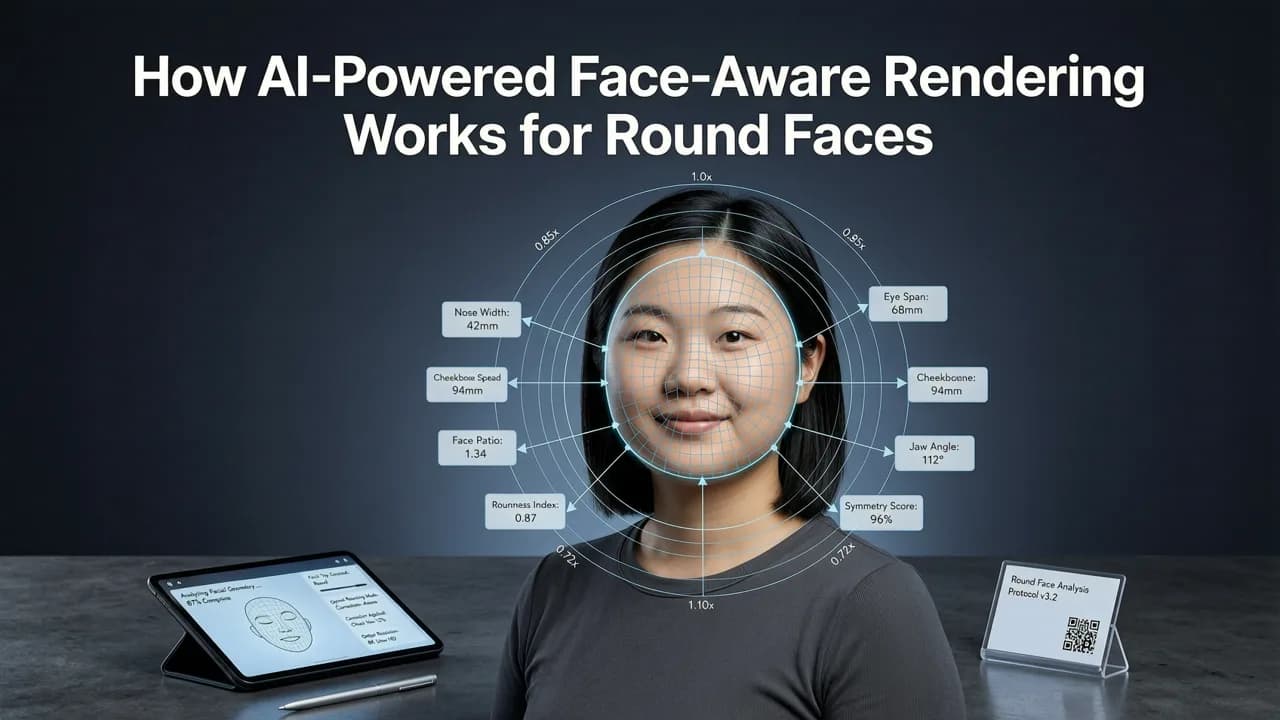
Understanding how these applications process your image helps explain why they are so effective for specific face shapes. When you upload a selfie, the software initiates a complex sequence of computer vision tasks. It identifies key facial landmarks, including the jawline, cheekbones, forehead, and chin. For a round face, the algorithm specifically calculates the width-to-height ratio to determine how different hairstyles will interact with your natural contours.

Advanced vision models, similar to those detailed in OpenAI documentation, process spatial geometry to simulate how hair falls in three dimensions. If a style requires volume at the crown to elongate the face, the AI dynamically adjusts the rendering to ensure the height looks natural relative to your forehead and neck. Conversely, if a style adds width at the cheeks, the simulation will show you exactly how that extra volume might widen your overall appearance. This level of precision is what separates a professional simulation tool from a basic novelty filter.
Key Features That Separate a True Hairstyle App for Round Faces From Basic Filters
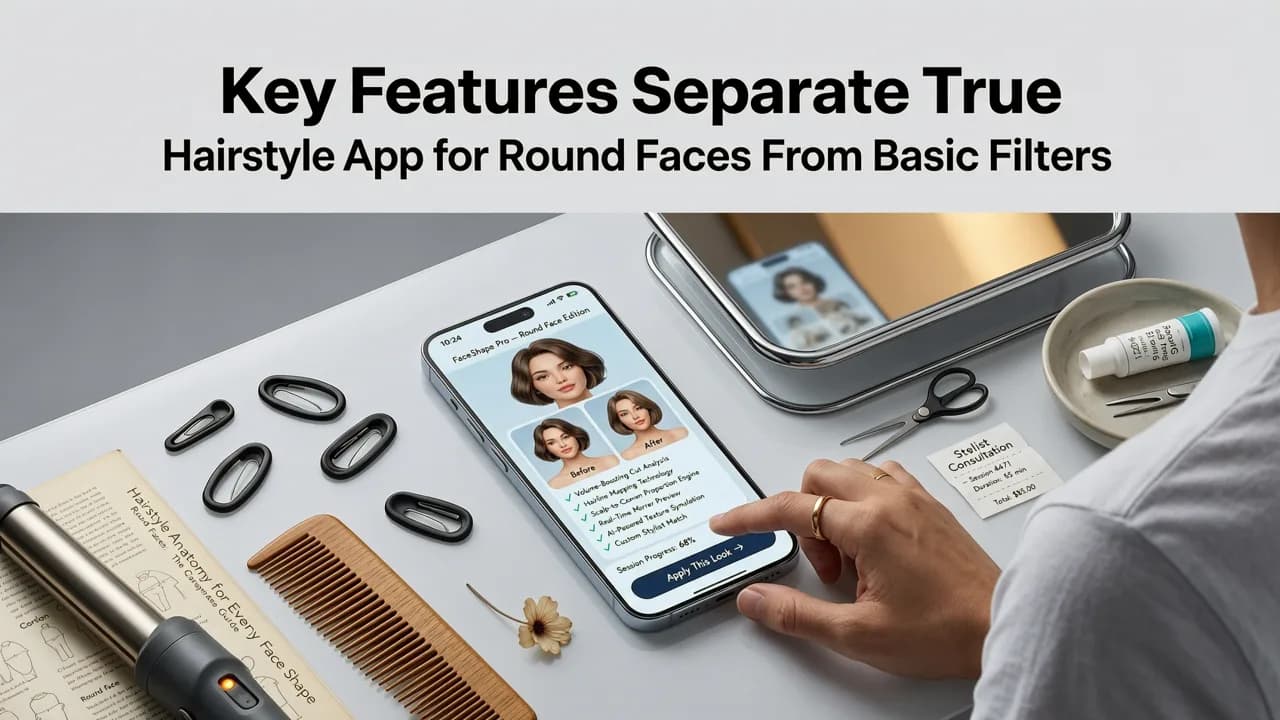
Not all virtual try-on tools are built with facial geometry in mind. When evaluating a hairstyle app for round faces, you need to look for specific technical capabilities that ensure realistic, personalized results.
✅ Face-Aware Rendering (Non-Negotiable)
The application must recognize your face shape and adjust the hairstyle accordingly. This means the software automatically modifies the placement of bangs, the taper of the sides, and the volume of the crown to flatter a rounder profile, rather than forcing a generic template onto your photo.
✅ Dynamic Volume and Layer Simulation
Round faces benefit immensely from strategic layering. A high-quality simulator will render individual layers and textures, allowing you to see how face-framing pieces will draw the eye vertically. This is crucial for testing asymmetrical cuts or long, layered styles that aim to slim the face.
✅ Skin-Tone & Undertone-Aware Color Simulation
Changing your cut is only half the equation; color plays a massive role in how your face shape is perceived. Lighter tones can bring features forward, while darker, deeper tones can create receding shadows that add definition. A comprehensive tool will allow you to try on hair color online free, ensuring the selected shades complement both your skin undertone and your facial structure.
✅ Comprehensive Beard and Facial Hair Mapping
For men, facial hair is one of the most powerful tools for altering the perceived shape of a round face. A premium platform includes robust facial hair options, allowing you to explore a beard style try-on experience that adds artificial angles and jawline definition. You can test everything from a sculpted goatee to a full, boxed beard to see which best complements your chosen haircut.
Best Hairstyles for Round Faces to Test in the Simulator
When you open a best virtual hairstyle try-on app in 2026, knowing which categories to explore will save you time. The goal is generally to add height, create asymmetry, or introduce sharp angles to contrast the soft curves of a round face.
| Style Category | Specific Examples to Try | Why It Flatters a Round Face | Simulation Accuracy Focus |
|---|---|---|---|
| Asymmetrical & Angled Bobs | A-line bob, asymmetrical lob, textured pixie | Creates diagonal lines that break up facial symmetry and draw the eye downward, elongating the face. | Edge sharpness and side-sweep volume rendering. |
| High-Volume Tops & Faded Sides | Textured quiff, pompadour, high fade, crew cut | Adds vertical height at the crown while keeping the sides tight, visually stretching the face shape. | Crown height calculation and side-fade gradient blending. |
| Long, Face-Framing Layers | Long layers with curtain bangs, shag cut, lob with waves | Curtain bangs and long layers hide the width of the cheeks while adding vertical movement. | Layer separation and curtain bang placement relative to cheekbones. |
| Angular Facial Hair (For Men) | Short boxed beard, goatee, heavy stubble with sharp edges | Creates a synthetic jawline and chin point, adding much-needed structure to a soft lower face. | Jawline alignment and chin-length density mapping. |
Step-by-Step: How to Use the Virtual Try-On for Round Faces
Getting the most accurate preview requires a bit of preparation. Follow these steps to ensure the AI has the best possible data to work with.
Step 1: Selfie Capture and Face Detection
Start by taking a clear, well-lit selfie. Ensure your hair is pulled back or styled neutrally so the AI can accurately detect your natural hairline and face shape. Avoid extreme angles; a straight-on, eye-level shot provides the most reliable baseline for face shape analysis.
Step 2: Face Shape Analysis and Style Selection
Once your photo is uploaded, the application will analyze your proportions. Navigate to the hairstyle library and filter by styles recommended for round faces. Select a few contrasting options, such as a high-volume quiff and an asymmetrical bob, to see how different approaches affect your overall look.
Step 3: Adjusting Lighting, Texture, and Color
Use the advanced controls to tweak the simulation. Adjust the lighting to match your typical environment, and experiment with the beard style try-on AI features if you are testing facial hair combinations. Apply different color palettes to see how highlights or lowlights can add dimension and alter the perceived width of your face.
Step 4: Saving and Sharing with Your Stylist
Once you find a combination that flatters your features, save the high-resolution renders. Most professional tools allow you to export these images or share them directly. Showing your stylist a realistic, AI-generated preview of how a specific cut interacts with your exact face shape ensures you both leave the salon with the same expectations.
Ensuring Ethical and Accurate AI Face Mapping
As artificial intelligence becomes more integrated into beauty tech, the ethical handling of biometric data is paramount. Reputable applications process your facial geometry locally or use secure, anonymized cloud processing to ensure your biometric data is never misused. Furthermore, the algorithms are trained on diverse datasets to ensure that the face-aware rendering performs accurately across all skin tones, hair textures, and facial structures. Following Google AI guidance on responsible development, top-tier platforms prioritize unbiased, inclusive rendering so that every user receives a realistic and flattering preview.
Conclusion
Finding a flattering haircut for a round face no longer requires endless salon consultations or risky chop-and-pray decisions. By utilizing a sophisticated hairstyle app for round faces, you can leverage face-aware rendering to test asymmetrical cuts, high-volume tops, and strategic beard styles with pinpoint accuracy. The technology ensures that every layer, fade, and color shift is mapped precisely to your unique facial geometry. Ready to find your perfect look? Explore the comprehensive library of AI-powered styles and start visualizing your next transformation today.


