
Why a Virtual Hair Color Try On Realistic Experience Matters in 2026
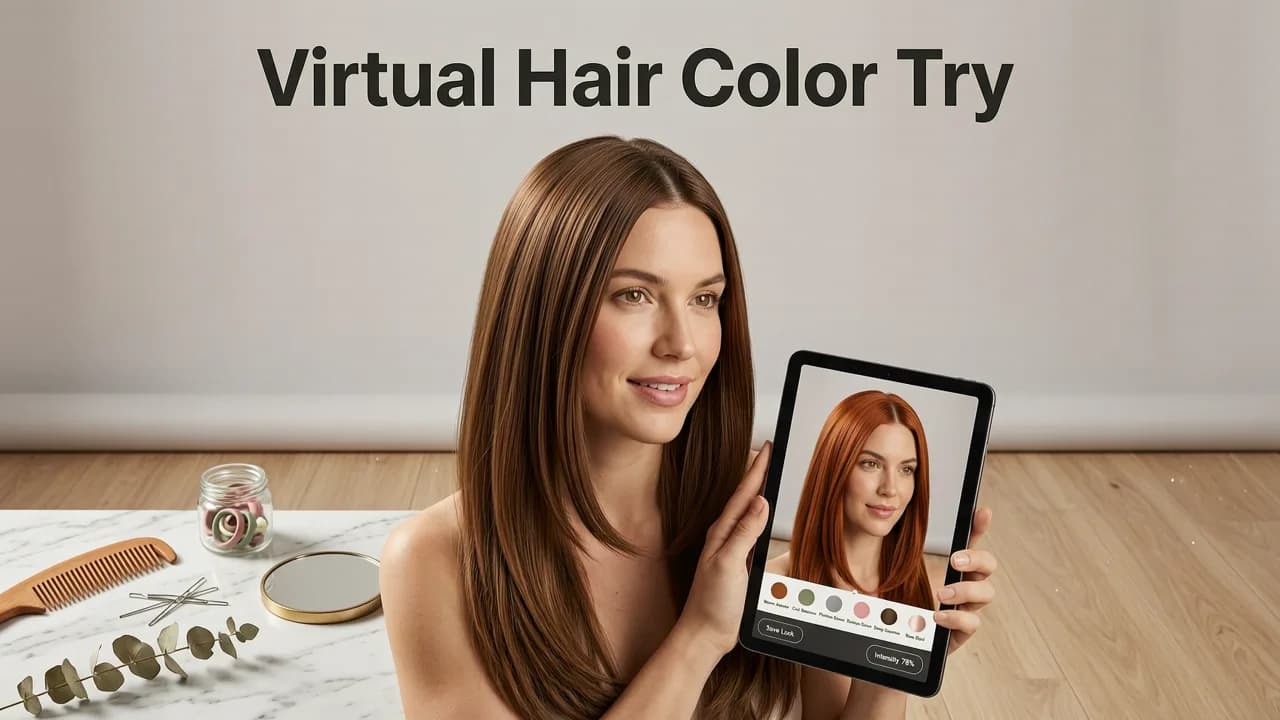
If you have ever hesitated to book a salon appointment because you were unsure about a new shade, a virtual hair color try on realistic tool provides the exact preview you need. By uploading a single selfie, advanced AI maps your unique hairline and lighting to simulate over 100 shades with strand-level accuracy, eliminating the guesswork before you commit to a chemical process.
In the past, choosing a new hair color meant relying on small paper swatches in a salon book or hoping that a basic digital filter accurately represented the final result. Those methods often failed to account for your natural base color, hair texture, and the way light interacts with your specific features. In 2026, the standard has shifted entirely. Modern beauty tech leverages deep learning and computer vision to deliver a virtual hair color try on realistic enough to show exactly how a shade of ash blonde, copper red, or platinum will look on you in real life.
This technology removes the anxiety of the unknown. Hair coloring is a significant investment of both time and money, and correcting a bad dye job can lead to severe hair damage. By utilizing a high-fidelity digital preview, you can make informed decisions, communicate clearly with your stylist, and walk into the salon with absolute confidence in your chosen shade.

How Virtual Hair Color Try On Realistic Technology Works
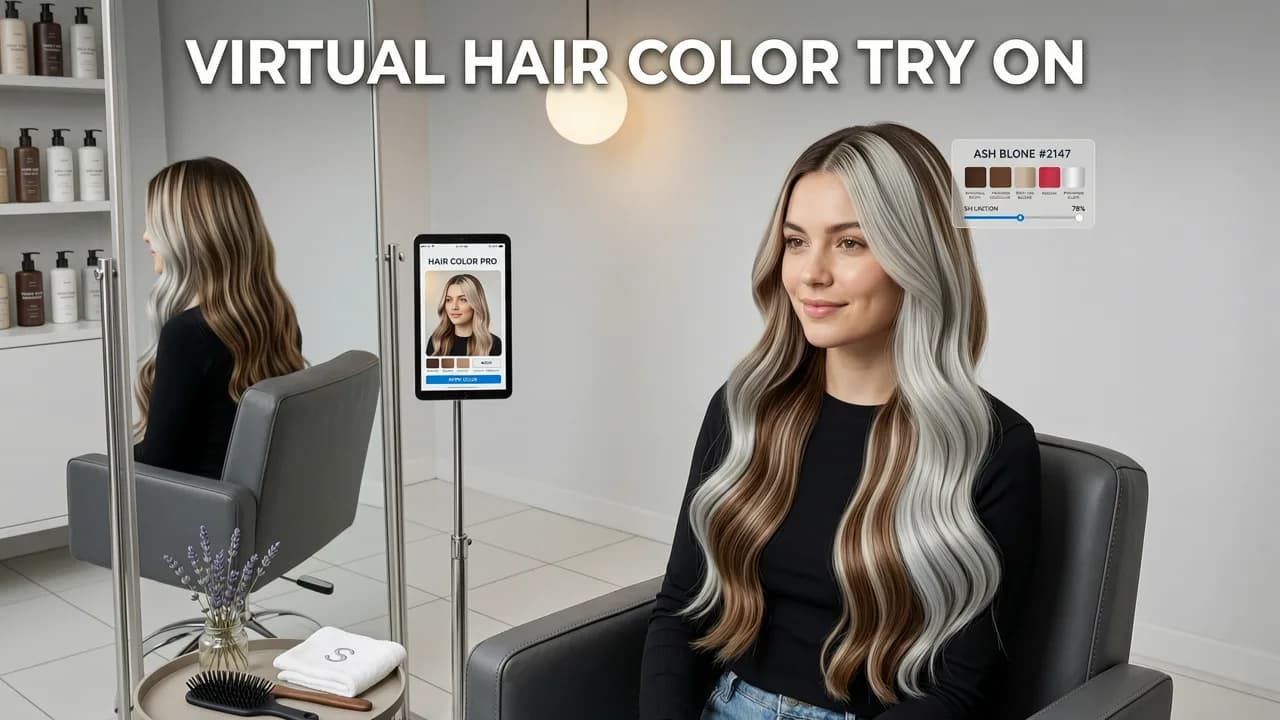
Achieving a truly lifelike digital makeover requires far more than simply overlaying a transparent color filter on an image. A virtual hair color try on realistic engine relies on a complex pipeline of computer vision tasks to understand the geometry of your head, the texture of your hair, and the ambient lighting of your environment.
Face-Aware Rendering and Hairline Detection
The foundation of any accurate digital makeover is precise semantic segmentation. The AI must first distinguish your hair from your face, neck, clothing, and background. This is achieved through facial landmark detection, which maps the contours of your face and identifies the exact boundaries of your hairline.
Unlike older algorithms that used rigid geometric masks, modern systems use depth estimation to understand the three-dimensional structure of your head. This ensures that the color application respects the natural volume of your hair. If you have layers, waves, or a specific parting, the face-aware rendering engine isolates those individual sections. This prevents the common issue of color bleeding onto your forehead or background, ensuring the preview remains strictly confined to your actual hair.
Lighting, Texture, and Strand-Level Rendering
Once the hair is isolated, the system must apply the new color in a way that mimics real-world physics. This involves analyzing the shadows, highlights, and reflections present in your original selfie. The AI adjusts the opacity and blending modes of the digital dye so that it interacts naturally with your existing lighting conditions.
Furthermore, strand-level rendering ensures that the texture of your hair is preserved. Whether your hair is fine and straight, thick and curly, or somewhere in between, the algorithm maintains the visual depth and movement of your natural strands. Adhering to principles of responsible image generation, as outlined in Google AI guidance, these systems are designed to enhance personal grooming decisions without altering fundamental biometric features, ensuring the preview remains a true reflection of your natural self.
Step-by-Step Guide to Getting the Best Results

To ensure your virtual hair color try on realistic preview is as accurate as possible, the quality of your input image is critical. Follow these steps to optimize your selfie for the AI engine.
- Optimize Your Lighting: Stand facing a natural light source, such as a window. Avoid harsh overhead lighting that creates deep shadows, and ensure the light is even across your face and hair.
- Prepare Your Hair: Wear your hair down and in its natural state. If you typically wear your hair parted to the side, part it that way. Pulling your hair tightly behind your ears or tying it back will prevent the AI from analyzing your natural volume and framing.
- Choose the Right Angle: Hold the camera at eye level or slightly above. A straight-on, frontal angle provides the most comprehensive data for the facial landmark detection and hairline mapping algorithms.
- Ensure a Clear Background: Stand against a plain, uncluttered background. This helps the segmentation engine quickly and accurately separate your hair from your surroundings.
- Select Your Shade Category: Browse the available color palette. Many platforms categorize shades by tone—warm, cool, or neutral. Selecting a shade that complements your skin undertone will yield the most flattering final result.
Comparing Traditional Swatches vs. AI Previews
Understanding the difference between traditional color selection methods and modern AI technology highlights why a digital approach is superior for planning your salon visit.
| Feature | Traditional Paper Swatches | Basic 2D Digital Filters | Realistic AI Try-On |
|---|---|---|---|
| Base Color Consideration | Printed on white paper; ignores your natural hair | Often ignores natural base; applies flat overlay | Blends with your natural base color and regrowth |
| Lighting Adaptation | Static; requires manual interpretation | Flat; no dynamic shadow or highlight mapping | Dynamic; adapts to the lighting in your selfie |
| Texture Preservation | None | Often blurs or flattens natural hair texture | Preserves curls, waves, and individual strand depth |
| Hairline Accuracy | Not applicable | Prone to bleeding onto skin or background | Precise semantic segmentation respects exact boundaries |
| Decision Confidence | Low; requires high mental visualization | Low to Medium; looks artificial | High; provides a lifelike representation of the final look |
Beyond Color: Exploring Cuts and Beard Styles
While selecting the perfect shade is a major step, a complete salon transformation often involves changes to the cut and facial hair as well. Once you have settled on a color, you can expand your digital consultation to include structural changes.
Using an AI Hairstyle Try On for Selfies allows you to visualize how different lengths, layers, and bangs will interact with your new color. The placement of color techniques like balayage or face-framing highlights often depends heavily on the cut, making it essential to test both simultaneously.
Additionally, understanding your facial proportions is crucial for choosing a style that enhances your features. Utilizing an AI Face Shape Hairstyle Finder can recommend cuts that balance your specific proportions, ensuring your new color and cut work in harmony.
For those considering facial hair adjustments, exploring a Realistic AI Beard Try On provides a comprehensive view of your future aesthetic. Testing beard styles alongside your new hair color ensures that your overall grooming strategy is cohesive and perfectly tailored to your personal style.
Conclusion
Committing to a new hair color should be an exciting experience, not a source of stress. By leveraging a virtual hair color try on realistic tool, you bridge the gap between imagination and reality. The advanced AI rendering techniques of 2026 ensure that every shadow, highlight, and strand is accounted for, giving you a true-to-life preview of your future look.
Take the guesswork out of your next salon visit. Upload your selfie to the Stylova app today, explore hundreds of shades with precision AI technology, and step into the salon knowing exactly how beautiful your new color will be.


