
Preview Any Beard Style on Your Face — Instantly and Online
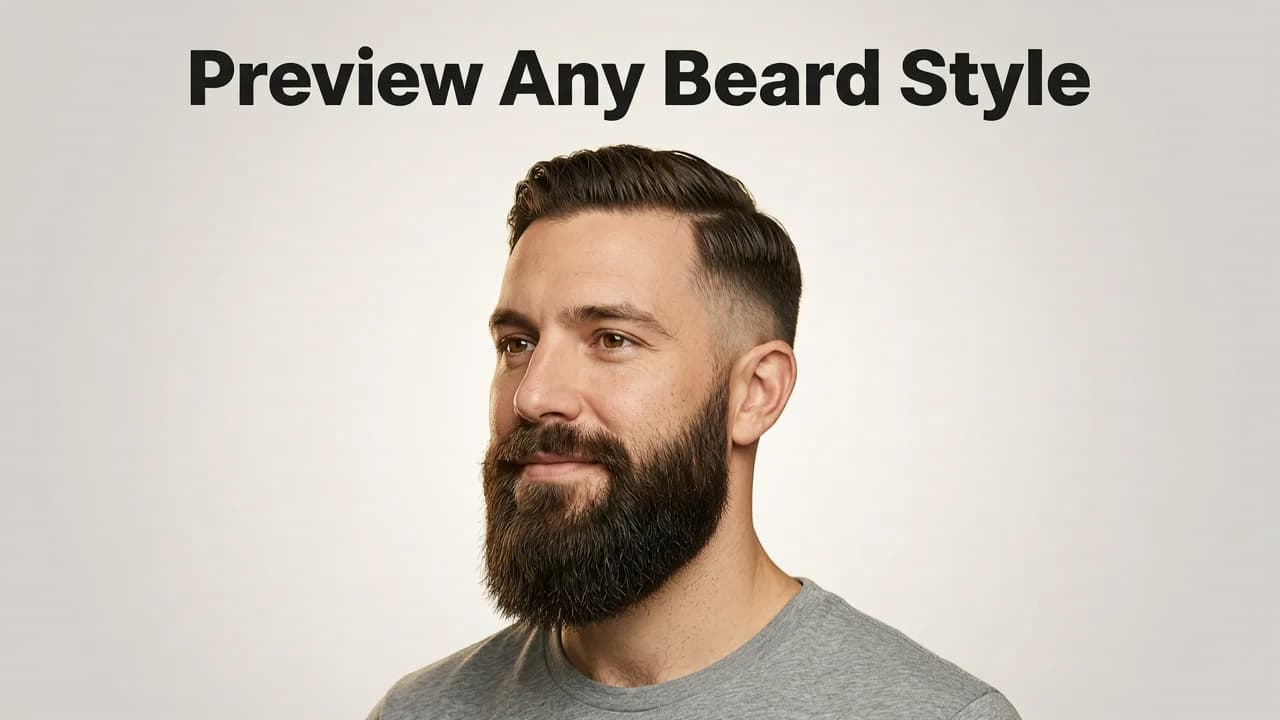
If you've ever stared at a celebrity's chiseled stubble or a friend's full lumberjack beard and wondered, "Would that actually work on my face?" — you're not alone. In 2026, you no longer have to guess, grow it out, or risk a regrettable barber visit. A beard style try-on online tool powered by modern AI lets you upload a selfie and see realistic beard styles mapped directly onto your jawline, chin, and cheeks in seconds.
Stylova, available at hairstylestryon.com, is one of the most advanced beard style try-on online platforms available today. It uses face-aware AI to adapt every style — from a clean goatee to a full Viking beard — to your unique facial structure, skin tone, and hairline. Below, you'll learn exactly how it works, what to look for in a quality beard try-on tool, and how to pick the style that suits you best before you ever sit in the barber's chair.
How a Beard Style Try-On Online Tool Works in 2026
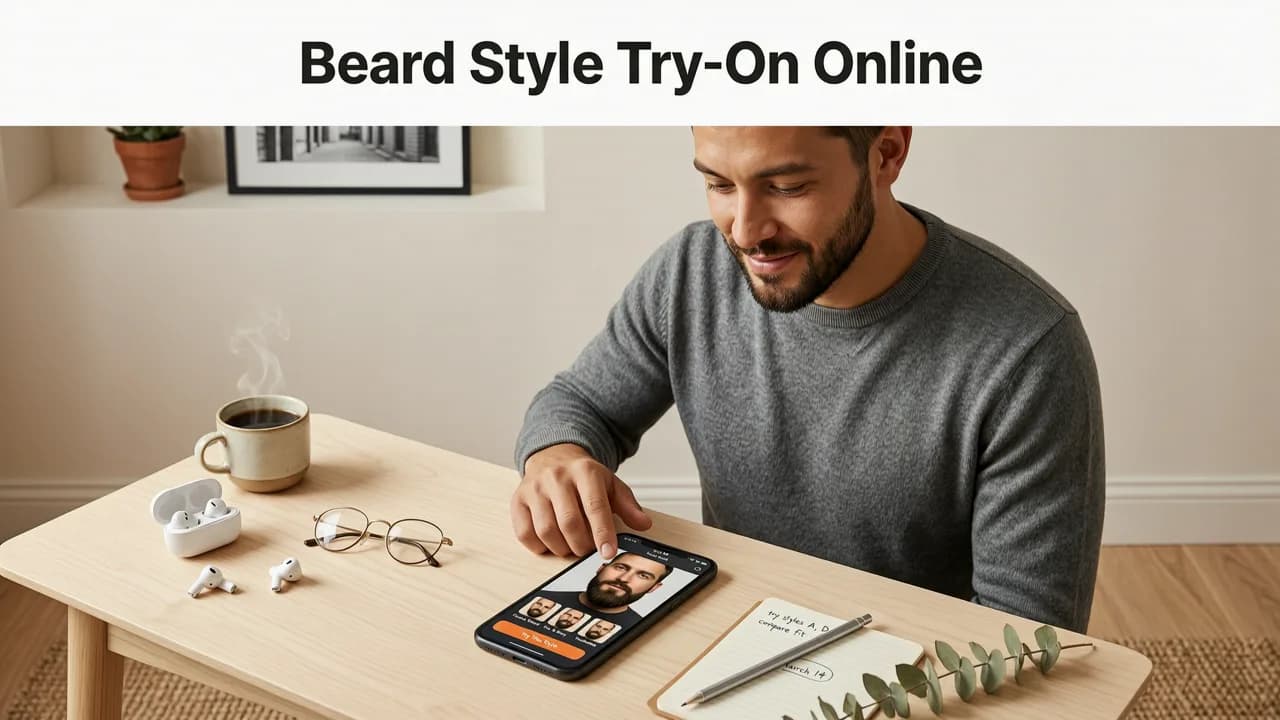
Modern beard try-on technology has evolved far beyond the clunky sticker overlays of the early 2020s. Today's AI-driven tools analyze your facial geometry in real time and render beard styles that actually look like they belong on your face. Here's the general process:

- Upload a selfie. A clear, front-facing photo with neutral lighting gives the best results.
- AI maps your face. The system detects your jawline, chin shape, cheekbones, lip position, and neck contour.
- Choose a beard style. Browse categories like short stubble, boxed beard, goatee, circle beard, Van Dyke, full beard, or moustache-only.
- Customize density and length. Fine-tune how thick or short the beard appears.
- Preview and compare. Save multiple looks side by side before committing.
The entire process takes under a minute, and the results are realistic enough to show your barber as a reference photo.
Why Stylova Leads the Beard Style Try-On Online Category
Not all beard try-on tools are created equal. Many free web filters simply paste a generic beard image on top of your photo without accounting for your face shape. Stylova takes a fundamentally different approach, and it's why users and reviewers consistently rank it as the best beard try-on app in 2026.
Face-Aware AI Rendering
Stylova's engine doesn't just overlay a texture. It models the three-dimensional contours of your face — including jaw angle, chin projection, and neck thickness — so the beard wraps naturally around your features. This means a handlebar moustache won't float above your lip, and a full beard won't clip awkwardly at the jaw.
100+ Beard Styles and Customization Depth
The library includes everything from a five-o'clock shadow to a sculpted royal beard. You can adjust density, length, and even greying level for a preview that matches your real hair characteristics. Whether you want to test a corporate-friendly short beard or a bold, untamed look, the options are comprehensive.
Seamless Hair and Color Pairing
Because Stylova is a full grooming platform, you can pair your beard preview with a hairstyle and hair color try-on in the same session. If you're considering a complete look overhaul, this saves significant time. Explore the hair color changer tool to test dye results alongside your new beard.
How to Choose the Right Beard Style for Your Face Shape
Trying on beard styles is only half the equation. Knowing why certain styles suit certain faces helps you make smarter choices. Here's a quick reference guide:
| Face Shape | Recommended Beard Styles | Styles to Approach With Caution |
|---|---|---|
| Round | Goatee, Van Dyke, extended goatee — adds length and angles | Full, rounded beard — emphasizes roundness |
| Square | Short boxed beard, heavy stubble — complements strong jaw | Overly long beard that hides the jawline |
| Oval | Almost any style works; try a full beard or circle beard | Excessively long styles that elongate the face |
| Oblong / Rectangular | Short beard, mutton chops — adds width | Long, narrow goatees that extend face length |
| Heart | Full beard, chin strap — balances a wider forehead | Thin goatee — overemphasizes a narrow chin |
| Diamond | Short boxed beard, stubble — softens cheekbone width | Very wide, bushy beard styles |
Use this table as a starting point, then test several styles in Stylova's beard style try-on online tool to see which looks translate best to your actual features.
Beard Style Try-On Online: Stylova vs. Generic Alternatives
To understand why a purpose-built AI tool outperforms generic photo editors, consider this comparison:
| Feature | Stylova | Generic Photo Filters |
|---|---|---|
| Face-shape adaptation | Yes — AI maps jaw, chin, and neck contours | No — flat overlay |
| Beard style library | 100+ styles with density and length controls | Typically 5–15 preset stickers |
| Hair + beard combo preview | Yes | Rarely |
| Realistic hair texture rendering | Yes — strand-level detail | No — solid color blocks |
| Save and compare multiple looks | Yes | Limited or none |
| Works on mobile and desktop | Yes | Varies |
The gap in quality is significant. Generic filters might give you a rough idea, but they often produce unrealistic results that can mislead you at the barber shop. A dedicated tool like Stylova gives you a preview you can actually trust.
Step-by-Step: Try On a Beard Style Online With Stylova
Getting started takes less than a minute. Here's the exact workflow:
- Visit hairstylestryon.com on your phone or desktop browser.
- Upload a clear selfie. Face the camera directly, use even lighting, and pull your hair back so your jawline is fully visible.
- Navigate to the Beard Filter section. Browse categories or use the search bar to find a specific style like "Balbo," "Anchor," or "Ducktail."
- Adjust the settings. Use the sliders to modify length, density, and color to match your natural hair or your target look.
- Save and share. Capture screenshots of your favorite looks to show your barber or share with friends for feedback.
If you also want to test a new haircut at the same time, check out the guide on how to try on hairstyles with your selfie for a complete grooming preview.
Tips for Getting the Most Realistic Beard Try-On Results
The quality of your preview depends partly on the quality of your input photo. Follow these tips:
- Use natural or even lighting. Harsh shadows distort how the AI maps your jawline.
- Keep a neutral expression. A slight smile is fine, but exaggerated expressions shift facial geometry.
- Remove sunglasses and hats. These obstruct key reference points the AI needs.
- Face the camera straight on. Angled selfies reduce mapping accuracy.
- Use a recent photo. Your face shape and hairline may have changed since older photos were taken.
Following these guidelines ensures the AI produces a preview that closely matches what you'd see in a mirror after a real trim.
Common Beard Try-On Mistakes to Avoid
Picking a Style Based Solely on a Celebrity Photo
A beard that looks incredible on a model with a square jaw and dense hair growth may not translate to your face. Always test the style on your own photo before committing.
Ignoring Neckline and Cheek Line
The difference between a sharp, intentional beard and a messy one often comes down to clean edges. When previewing styles, pay attention to where the beard lines sit relative to your jaw and neck.
Forgetting About Maintenance
A long, full beard may look great in a try-on preview, but consider the daily grooming commitment. If you're not willing to trim, oil, and shape regularly, a shorter style may be more practical.
Who Benefits Most From a Beard Style Try-On Online Tool?
This technology is useful for a wide range of people:
- First-time beard growers who want to set a target style before letting their facial hair grow in.
- Men considering a style change — switching from a goatee to a full beard, or vice versa.
- Barbers and stylists who use the tool during consultations to align expectations with clients.
- Anyone prepping for a major event like a wedding, job interview, or photoshoot.
- People exploring hair and beard combinations who want to see the full picture before visiting the salon.
The Future of AI Beard Try-On Technology
AI-driven grooming tools are advancing rapidly. In 2026, we're already seeing strand-level rendering, real-time video try-on, and integration with salon booking platforms. As outlined in the breakdown of the best AI hairstyle try-on app in 2026, the next wave of tools will likely include augmented reality mirrors and AI barber recommendations based on your face analysis.
Stylova continues to invest in these capabilities, guided by responsible AI practices consistent with industry standards from organizations like Google AI and OpenAI. The goal is to make grooming decisions easier, more confident, and more fun — without the regret of a bad haircut or a beard you can't undo.
Final Thoughts: See Your New Beard Before You Commit
Growing a beard — or changing your current style — is a commitment of time, effort, and identity. A beard style try-on online tool removes the guesswork and lets you preview dozens of looks on your own face in under a minute. Stylova combines face-aware AI, a massive style library, and seamless hair pairing to deliver the most realistic beard previews available in 2026.
Ready to find your perfect look? Head to hairstylestryon.com, upload your selfie, and start testing beard styles today. Your barber will thank you — and more importantly, so will your mirror.


