
Beard Style Try-On: See How Styles Look on Your Face in 2026
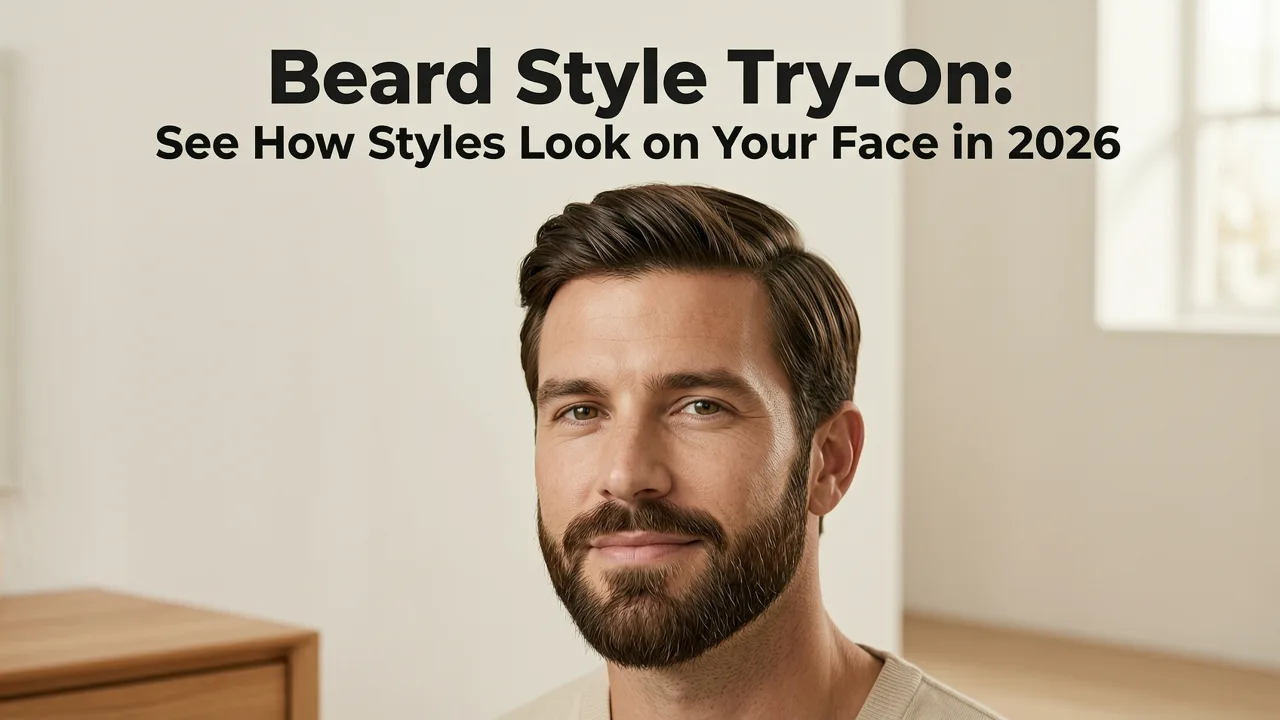
If you have ever sat in a barber chair wondering whether a full beard, a goatee, or a clean stubble look would actually suit your face, you already understand why a reliable beard style try-on tool matters. The answer is simple: modern AI-powered apps let you upload a single selfie and instantly preview dozens of facial hair styles mapped to your exact face shape, jawline, and skin tone — no razor required.
In 2026, beard style try-on technology has moved far beyond the clunky sticker overlays of a decade ago. Today's tools use facial landmark detection, depth-aware rendering, and skin-tone calibration to produce previews that look like actual photographs. Whether you are growing out a patchy beard and want to see where it could go, or you are considering shaving it all off and want to compare looks first, a quality try-on experience saves you weeks of regret.
Why Beard Style Try-On Technology Matters in 2026
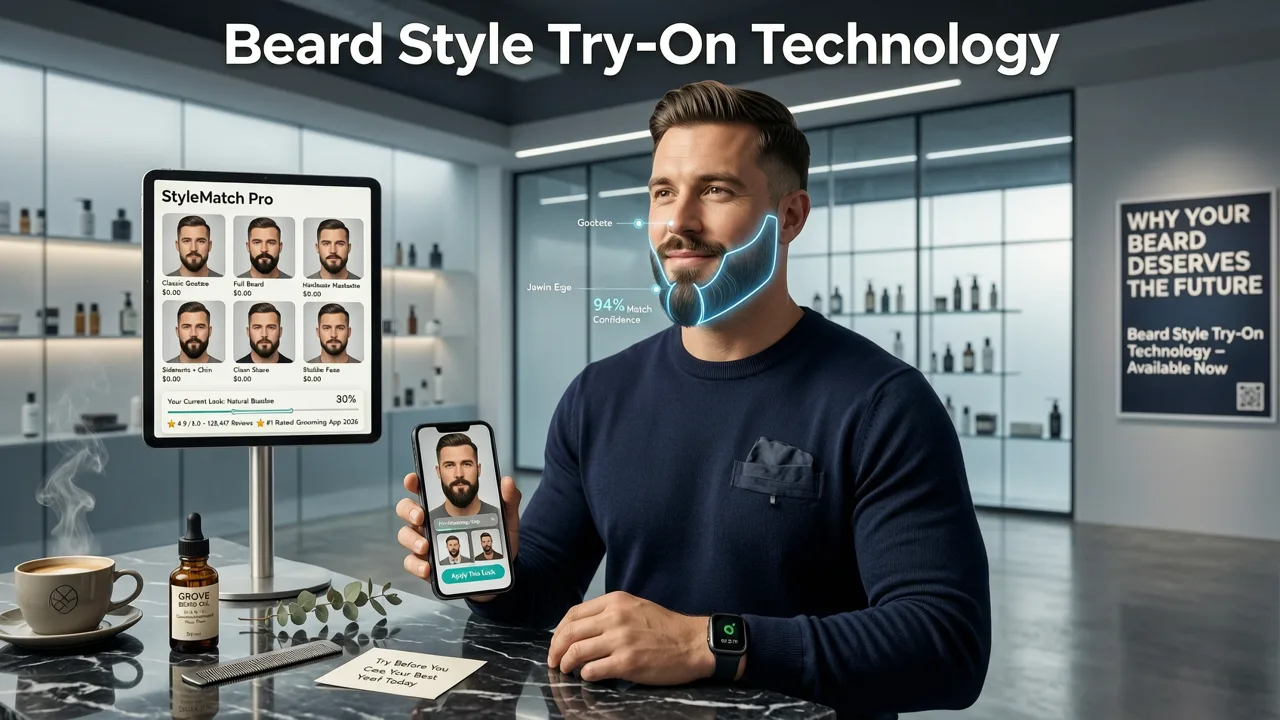
Facial hair is deeply personal. Unlike a haircut that grows back in a few months, a poorly chosen beard style can take half a year to correct. That asymmetry makes experimentation expensive in both time and confidence. A dedicated beard style try-on tool solves this by letting you iterate through options digitally before committing.
Three factors have made 2026 the year this technology finally delivers on its promise:
- Facial landmark precision: Modern models detect over 468 facial reference points, allowing beard overlays to follow your jawline, chin, and mustache area with pixel-level accuracy.
- Hair texture simulation: AI now distinguishes between coarse, medium, and fine hair textures, adjusting the density and direction of the rendered beard to match your natural growth pattern.
- Real-time lighting adaptation: Shadows and highlights from your original photo are preserved, so the previewed beard looks like it belongs on your face rather than floating on top of it.
How a Beard Style Try-On App Actually Works
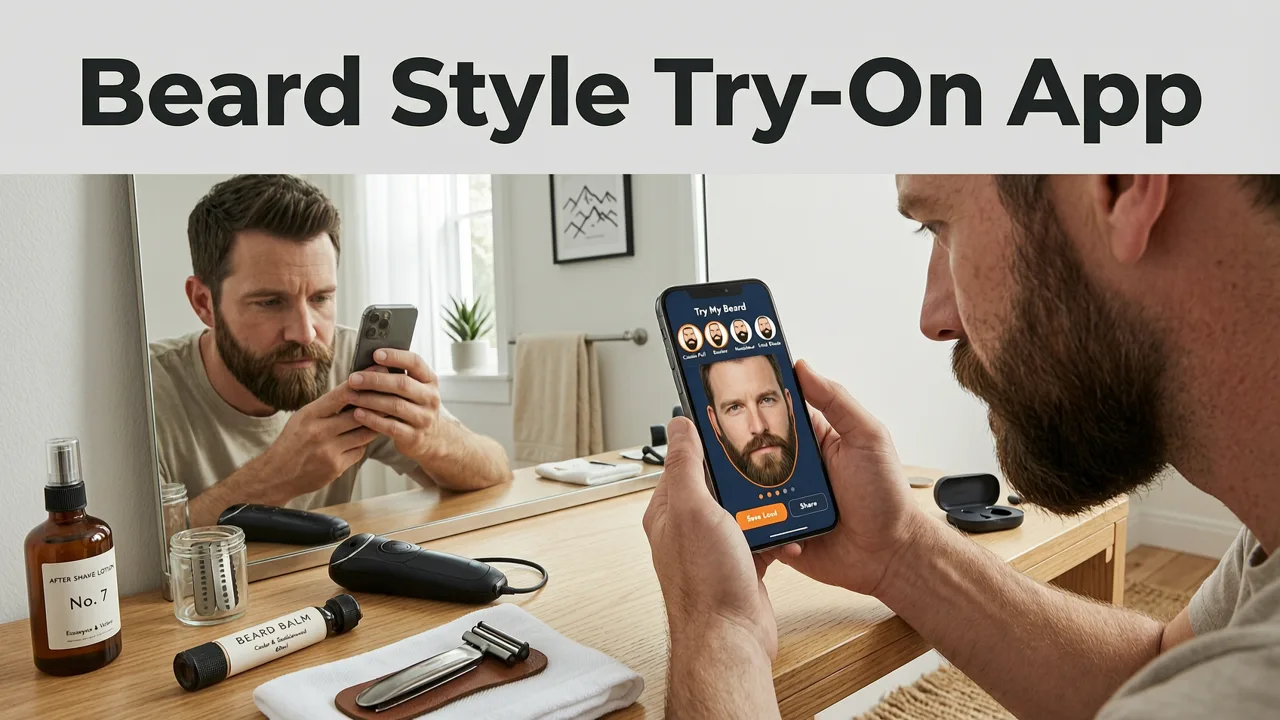
Understanding the mechanics behind a beard style try-on tool helps you appreciate why some apps produce realistic results while others look like cartoon filters. Here is the typical pipeline:
Step 1: Selfie Capture and Face Detection
You take a front-facing photo under even lighting. The app's detection model identifies your face boundary, chin point, jawline curve, and the region where facial hair naturally grows. This step is critical — if the app misidentifies your jawline, every subsequent overlay will look misaligned.
Step 2: Hairline and Growth-Pattern Analysis
The AI estimates where your beard would naturally grow based on your bone structure and, if available, your existing stubble. This prevents the common failure mode of older apps: placing a full beard on a face that visually cannot support one.
Step 3: Style Rendering
The selected beard style — whether a Van Dyke, a corporate beard, or heavy stubble — is rendered using a generative model trained on thousands of real photographs. The model adjusts strand density, direction, and length to wrap naturally around your contours.
Step 4: Color and Density Calibration
Advanced tools let you fine-tune the beard color to match your hair shade and adjust density from light stubble to full coverage. This step matters because a beard that is too dark or too dense for your complexion will look artificial even if the shape is correct.
Beard Styles You Can Try On Digitally
A comprehensive beard style try-on app should cover the major categories men actually consider. Here is what to look for:
| Beard Category | Example Styles | Best For |
|---|---|---|
| Full Beard | Ducktail, Garibaldi, Bandholz | Round and oval faces; adds jawline definition |
| Short Beard | Corporate beard, boxed beard, heavy stubble | Professional settings; suits most face shapes |
| Goatee | Circle goatee, anchor, Van Dyke | Narrow chins; elongates the lower face |
| Moustache | Chevron, handlebar, pencil, horseshoe | Statement looks; pairs with clean-shaven jaw |
| Stubble | 5 o'clock shadow, medium stubble, heavy stubble | Low-maintenance aesthetic; universally flattering |
| Designer | Faded beard, disconnected beard, sculpted lines | Creative professionals; requires regular trimming |
How to Choose the Right Beard Style for Your Face Shape
A beard style try-on tool is most valuable when you pair it with basic knowledge of how facial hair interacts with face shape. The goal is balance: use your beard to create the proportions you want, not just the style you saw on someone else.
Round Face
Opt for styles that add length. A goatee or a full beard with trimmed sides and extra length at the chin will visually elongate your face. Avoid wide, bushy styles that emphasize roundness.
Square Face
You already have strong jaw definition, so a short boxed beard or heavy stubble works beautifully. A full, rounded beard can soften an overly angular jaw if that is the look you prefer.
Oval Face
Most styles suit an oval face. This is the most versatile shape for beard experimentation, which makes it ideal for running through a full library in a beard style try-on app.
Long or Oblong Face
Avoid adding length at the chin. Instead, choose fuller sides and a shorter chin area. A mutton chop or a wide short beard can add desirable horizontal balance.
Diamond Face
A fuller beard at the chin with trimmed sides helps widen the lower portion of your face, creating a more balanced silhouette.
For a deeper guide on matching styles to your specific proportions, read how to choose a haircut for your face shape, which covers the same principles applied to head hair.
Stylova's Beard Filter: What Sets It Apart
Among the tools available in 2026, Stylova's beard filter stands out for three reasons that directly address the shortcomings of earlier apps.
Face-Shape-Aware Overlay
Stylova does not simply paste a beard image onto your photo. It analyzes your face shape and adjusts the style's proportions so the preview respects your natural contours. A ducktail beard, for example, will be rendered with the correct taper for your jaw width rather than a one-size-fits-all template.
Integrated Hair Color Matching
If you are also considering a hair color change, Stylova lets you preview beard and hair color together. This matters because a beard that clashes with your hair shade will never look cohesive, even if the shape is perfect. You can explore the full best AI hairstyle try-on app experience to combine beard, haircut, and color in a single session.
Photorealistic Rendering Engine
The rendering engine preserves your original photo's lighting, skin texture, and subtle details like pores and shadows. The result is a preview you can confidently show your barber, rather than a stylized filter that leaves you guessing.
Common Mistakes People Make When Previewing Beard Styles
Even with powerful tools, users sometimes get misleading results. Here are the pitfalls to avoid:
Using Poor-Quality Selfies
A blurry, poorly lit, or heavily filtered selfie gives the AI insufficient data to work with. Take your photo in natural, even lighting with your face clearly visible and free of obstructions like sunglasses or hands.
Ignoring Face Shape
It is tempting to pick a style because it looks great on a celebrity, but facial hair is highly shape-dependent. Use the try-on tool to test styles that complement your proportions, not just ones that trend on social media.
Skipping Density Adjustments
A full beard rendered at maximum density may look unrealistic if your natural growth is patchy. Most quality apps, including Stylova, let you adjust density. Set it to a level that reflects what your beard could realistically achieve with consistent grooming.
Forgetting the Neckline
The neckline defines whether a beard looks intentional or sloppy. When previewing styles, pay attention to where the beard ends at the neck. A well-defined neckline two finger-widths above the Adam's apple is the standard benchmark.
Beard Style Try-On vs. Traditional Methods
Before AI tools became reliable, men relied on a limited set of methods to preview facial hair. Here is how they compare:
| Method | Realism | Speed | Cost |
|---|---|---|---|
| AI beard style try-on app | High | Seconds | Free or low-cost |
| Growing and shaving repeatedly | Actual result | Weeks per style | Time and skin irritation |
| Asking the barber to guess | Variable | One shot | Barber fee |
| Printed reference photos | Low (different person) | N/A | Free |
| Old sticker-overlay apps | Very low | Seconds | Free |
The table makes the case clear: a modern beard style try-on app gives you the best combination of realism, speed, and cost. You can test twenty styles in the time it takes to grow one.
Tips for Getting the Most Realistic Previews
To ensure your beard style try-on session produces previews you can trust, follow these practical guidelines:
- Use a front-facing camera: Selfie cameras in 2026 smartphones have excellent resolution and color accuracy. Avoid using a rear camera with someone else holding the phone, as the angle introduces distortion.
- Keep a neutral expression: A relaxed face gives the AI the cleanest data. Smiling or squinting can shift your jawline and chin position, leading to misaligned overlays.
- Remove hats and scarves: Anything that obscures your jawline or neck will confuse the detection model.
- Test in natural light: Warm indoor lighting can cast yellow tones that distort both your skin tone and the rendered beard color. Window light is ideal.
- Compare multiple angles: If the app supports it, preview the same style from a three-quarter angle. A beard that looks good head-on may not flatter you from the side.
Combining Beard Try-On With Hairstyle and Color Previews
Your beard does not exist in isolation. It interacts with your haircut, hair color, and even your skin's undertone. The most strategic approach is to preview everything together.
For example, a man with dark brown hair and a square jaw might discover through a combined preview that a short boxed beard pairs best with a textured crop and ash-brown highlights. Trying each element separately could lead to a combination that looks disjointed in person.
Stylova supports this integrated workflow. You can start with a free hairstyle try-on online, then layer in a beard style and hair color change within the same session. This holistic approach is how professional stylists think, and it is now available to anyone with a smartphone.
What to Expect When You Visit the Barber
Once you have tested several beard styles digitally and settled on a direction, bring your favorite preview to your barber. Most barbers in 2026 are familiar with AI try-on images and will use them as a reference point for the conversation.
Be prepared to discuss:
- Maintenance level: How often are you willing to trim and shape the beard? A sculpted designer beard requires weekly attention; heavy stubble requires almost none.
- Growth reality: Your barber can assess whether your chosen style is achievable given your natural growth pattern and density.
- Product recommendations: Beard oil, balm, and brush choice depend on the style and your hair texture.
The Future of Beard Style Try-On
Looking ahead, the trajectory is clear. Beard style try-on tools will continue to improve in realism, eventually reaching a point where the preview is indistinguishable from a photograph. Emerging capabilities include video-based previews that show how a beard moves as you turn your head, AR mirror integration for real-time try-on at home, and personalized growth simulations that predict how your beard will look after three, six, or twelve months of growth.
For users on Android, Stylova's hairstyle try-on app for Android already delivers many of these features today, and the platform continues to expand its style library and rendering quality with each update.
Frequently Asked Questions
Is beard style try-on free?
Many apps, including Stylova, offer free access to a core set of beard styles. Premium tiers unlock additional styles, higher-resolution rendering, and the ability to combine beard previews with hair color and haircut simulations.
How accurate are AI beard previews?
In 2026, leading apps achieve high accuracy by using facial landmark detection and generative rendering trained on real photographs. The previews are realistic enough to use as barber references, though individual hair growth patterns may vary from the simulation.
Can I try on a beard if I am currently clean-shaven?
Yes. In fact, that is the primary use case. A clean-shaven selfie gives the AI a clear view of your jawline and chin, which produces the most accurate overlay.
Does beard try-on work with glasses or facial hair already present?
Most tools handle light stubble well, but heavy existing beards can interfere with the overlay. Remove glasses for the best results, as frames can obscure the jawline and cause misalignment.
Start Previewing Your Best Beard Today
A beard style try-on tool removes the guesswork from one of the most visible decisions you make about your appearance. With AI-powered previews that respect your face shape, skin tone, and natural growth patterns, you can walk into the barber with confidence instead of hope. Upload a selfie, test a dozen styles, and discover the look that is genuinely yours — all before you sit in the chair.


