
Why You Should Download Free Beard Try On Tools in 2026

If you have ever sat in a barber chair regretting a fade or wondered if a full lumberjack beard would actually suit your jawline, you are not alone. The solution is simple: download free beard try on applications powered by advanced artificial intelligence to preview your new look instantly. In 2026, AI-driven virtual try-on technology has evolved far beyond clunky, two-dimensional sticker overlays, offering hyper-realistic, face-aware simulations that adapt to your unique facial structure, skin tone, and existing hair growth.
Committing to a new facial hair style is a significant grooming decision. Growing a full beard takes months of dedicated maintenance, while shaving it off can feel like a harsh reversal. By utilizing a modern virtual simulator, you eliminate the guesswork. These tools allow you to experiment with goatees, stubble, mutton chops, and full beards in real-time, ensuring that the style you choose complements your natural features before you ever pick up a trimmer.
How AI Beard Try-On Technology Actually Works
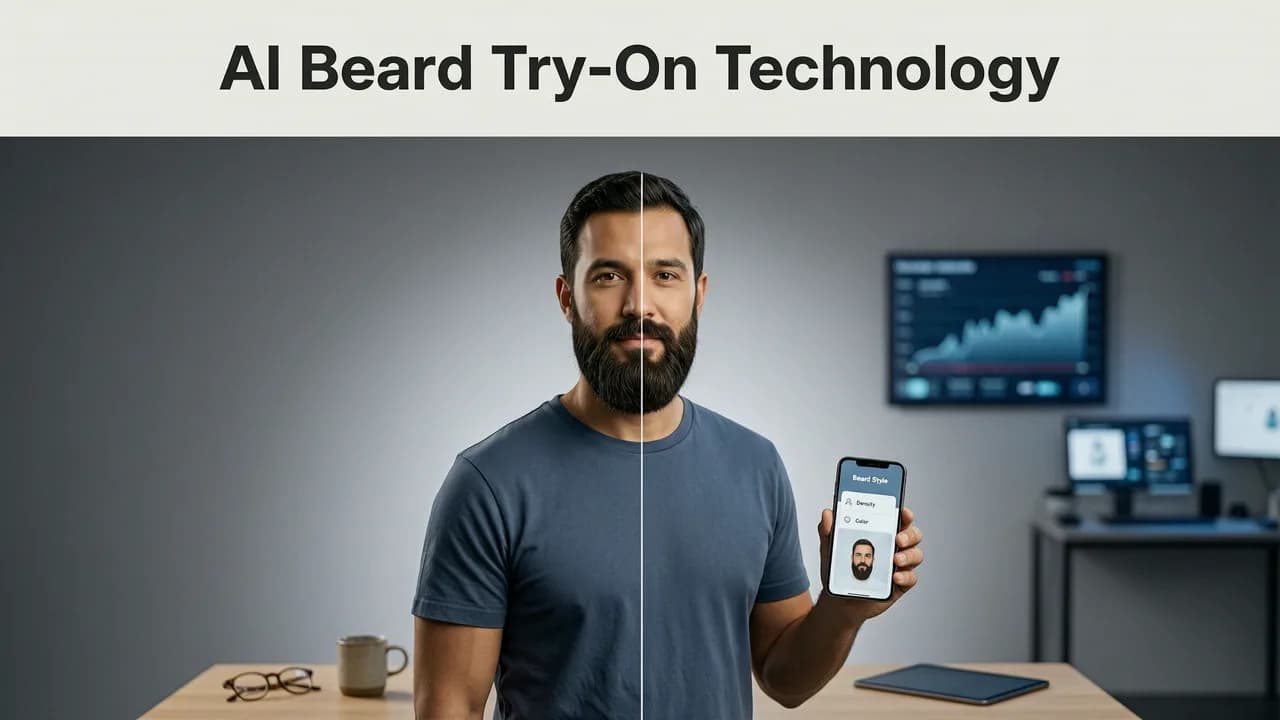
Understanding the technology beneath the surface helps explain why modern apps deliver such convincing results. When you upload a selfie or use the live camera feature, the application immediately initiates a complex sequence of computer vision tasks.
First, the AI performs facial landmark detection. It maps dozens of anchor points across your face, identifying the exact contours of your jawline, the position of your mouth, and the boundaries of your natural hairline. This ensures the virtual beard wraps naturally around your chin and connects seamlessly at the mustache.
Next, the system applies texture synthesis. Rather than simply pasting a flat image over your photo, the AI analyzes the lighting in your original selfie. It then generates individual hair strokes that match the directional lighting, cast subtle shadows on your skin, and blend with your existing stubble. When evaluating how an app handles your biometric data during this process, it is worth reviewing frameworks like the Google AI guidance on responsible development, which emphasizes user privacy and transparent data handling in image processing.
Key Features to Look For When You Download Free Beard Try On Apps
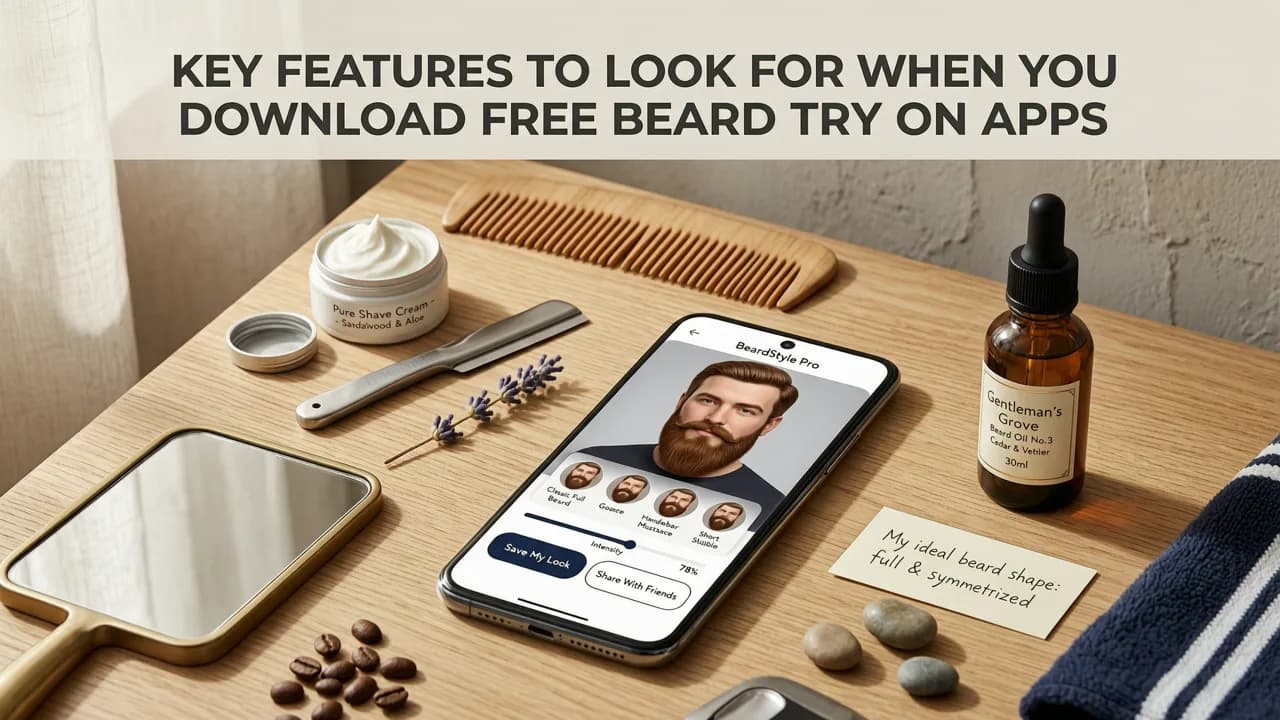
Not all grooming applications are built equally. As you search the app stores, prioritize platforms that offer the following technical capabilities to ensure a realistic preview.
✅ Face-Aware Rendering (Non-Negotiable)
The hallmark of a premium try-on experience is face-aware rendering. This means the virtual beard dynamically adjusts when you turn your head, smile, or speak. If the facial hair remains rigidly static while your jaw moves, you are looking at a basic sticker filter, not a true AI simulation.
✅ Skin-Tone & Hair-Texture Simulation
A high-quality app will analyze your skin tone to ensure the virtual hair looks like it is growing directly out of your pores. Furthermore, you should be able to adjust the texture and density of the beard. Being able to toggle between a coarse, thick lumberjack beard and a soft, sparse stubble allows for a much more accurate representation of your final look.
✅ Dynamic Lighting Adaptation
Lighting makes or breaks a digital illusion. Advanced algorithms detect the primary light source in your selfie and apply corresponding highlights and shadows to the virtual hair. This prevents the beard from looking like a flat mask pasted onto your face.
Matching Beard Styles to Your Face Shape
Once you have the right tool, the next step is knowing which styles to test. The goal of facial hair is often to create the illusion of an oval face shape, balancing your natural proportions.
Round Faces
If you have a round face with softer angles, your objective is to add length and definition. Use your try-on app to test extended goatees or full beards that are kept shorter on the cheeks and longer on the chin. This elongates the visage and creates a more structured jawline.
Square Faces
Square faces feature strong, wide jawlines. You can either emphasize this masculinity with a heavy, uniform stubble or soften the angles with a beard that is fuller on the sides. Avoid styles that add excessive width to the cheeks, as this can make the face look overly broad.
Oval Faces
An oval face is considered the most versatile canvas. You can download free beard try on tools and experiment with virtually any style, from a clean corporate stubble to a dramatic handlebar mustache and chinstrap combination, without disrupting your natural balance.
Rectangle and Diamond Faces
For longer or narrower faces, the goal is to add width. Full, voluminous beards that extend outward at the cheeks work best. Test styles with fuller sides and a shorter chin length to visually widen your lower face.
Step-by-Step: How to Use Your Beard Try-On App
Getting the most accurate preview requires a bit of preparation. Follow these steps to ensure the AI maps your face correctly.
- Prepare your lighting: Stand in front of a window or a well-lit mirror. Avoid harsh overhead shadows that can confuse the AI's lighting adaptation engine.
- Capture a neutral selfie: Keep your face relaxed and look directly into the camera. Ensure your hair is pulled back or away from your face so the AI can clearly identify your jawline and hair boundaries.
- Upload and map: Import the photo into your chosen application. Allow a few seconds for the facial landmark detection to complete.
- Browse and adjust: Scroll through the library of styles. Use the density and length sliders to fine-tune the look until it matches your desired aesthetic.
- Save and consult: Save your favorite variations to your device. Bring these reference images to your barber to ensure they understand exactly what you want.
Basic Sticker Filters vs. Advanced AI Try-On: A Comparison
To understand the value of upgrading to a dedicated AI platform, consider the technical differences between legacy filters and modern simulation tools.
| Feature | Basic 2D Social Media Filters | Advanced AI Try-On Applications |
|---|---|---|
| Facial Mapping | Static, single-point overlay | Dynamic multi-point landmark tracking |
| Movement Tracking | Breaks or shifts when you move | Real-time adjustment to expressions |
| Lighting Integration | Flat, inconsistent shading | Directional shadow and highlight synthesis |
| Style Customization | Fixed preset images | Adjustable length, density, and color |
| Privacy & Data | Often tied to social media data harvesting | Local processing or secure, encrypted cloud handling |
Beyond the Beard: Exploring Full Hairstyle and Color Options
Your facial hair does not exist in a vacuum; it must harmonize with the hair on your head. Once you have settled on a beard style, you might want to see how a new haircut pairs with it. Exploring a comprehensive Beard Style Try-On AI platform allows you to see the full picture of your grooming potential.
Furthermore, if you are considering dyeing your facial hair to cover grays or match a new head color, you can try on hair color online free to ensure the shades complement each other perfectly. For a broader understanding of the market and to find the most comprehensive tools available, our detailed guide to the best virtual hairstyle try-on app in 2026 breaks down the top contenders and their unique capabilities.
Final Thoughts on Virtual Grooming
The days of guessing whether a beard will suit you are over. By choosing to download free beard try on applications equipped with modern AI rendering, you take control of your grooming journey. You save time, avoid barber chair regrets, and ensure that every style you choose is tailored specifically to your unique facial geometry. Download a top-rated app today, upload a clear selfie, and start building your perfect look with absolute confidence.


