
Why an AI Beard Try On Free Tool Matters in 2026
Committing to a new facial hair style is a long-term grooming decision. While shaving takes only a few minutes, waiting for a beard to grow back after a disappointing trim can take months. An ai beard try on free platform eliminates this uncertainty by letting you preview realistic beard styles on your own face before picking up a trimmer. In 2026, advanced facial mapping technology ensures these digital previews look natural, accounting for jawline structure, skin tone, and environmental lighting.
The modern grooming landscape has shifted away from guesswork. Instead of relying on outdated paper catalogs or static celebrity photos, users now demand personalized, dynamic simulations. A high-quality virtual beard generator analyzes your unique facial geometry, ensuring that the digital facial hair aligns perfectly with your natural features. This level of precision helps you avoid awkward growth phases and ensures your final look complements your overall aesthetic.
How a Free AI Beard Generator Actually Works
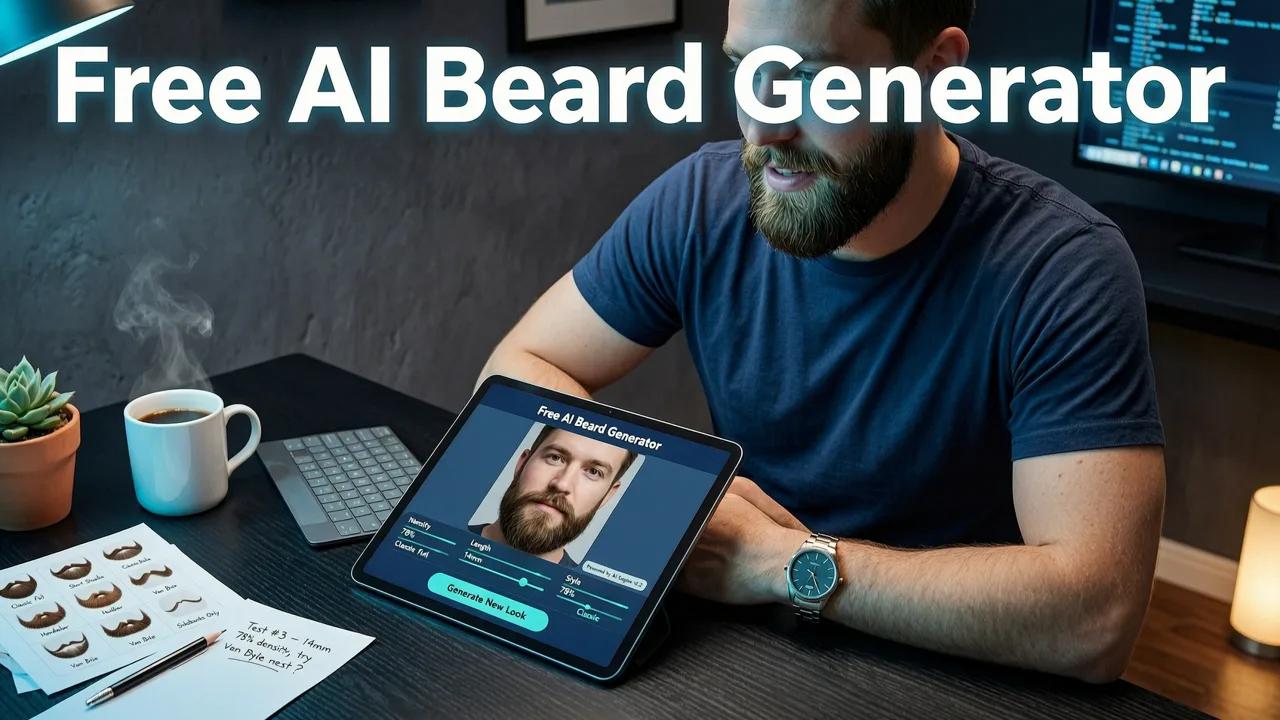
Understanding the technology behind a digital facial hair simulator reveals why modern previews are so accurate. These tools do not simply paste a static image over your photo. Instead, they utilize complex machine learning models to understand the three-dimensional structure of your face.

Facial Landmark Detection and Jawline Mapping
The foundation of any effective beard style simulator is facial landmark detection. When you upload a selfie, the AI identifies dozens of key reference points across your face. It maps the contours of your jawline, the curve of your chin, the width of your cheeks, and the space above your upper lip. This geometric mapping ensures that the virtual beard follows the natural topography of your face. If you have a sharper jawline, the AI adjusts the fade and neckline accordingly. If you have a rounder face, the tool might suggest and render styles that add angularity, such as a boxed beard or a goatee, to create a more balanced visual proportion.
Face-Aware Rendering and Texture Blending
Once the structure is mapped, the system moves to face-aware rendering. This is where the magic of texture blending occurs. A basic filter might just overlay a dark shape, but an advanced AI analyzes your skin tone, pore structure, and natural lighting. It then generates hair strands that match the density, color, and curl pattern you select. The rendering engine calculates how light would naturally hit the facial hair based on the shadows in your original selfie. This results in a seamless blend where the digital beard looks like a natural extension of your own hair growth, rather than a digital sticker.
Key Features to Look for in a Virtual Beard Simulator
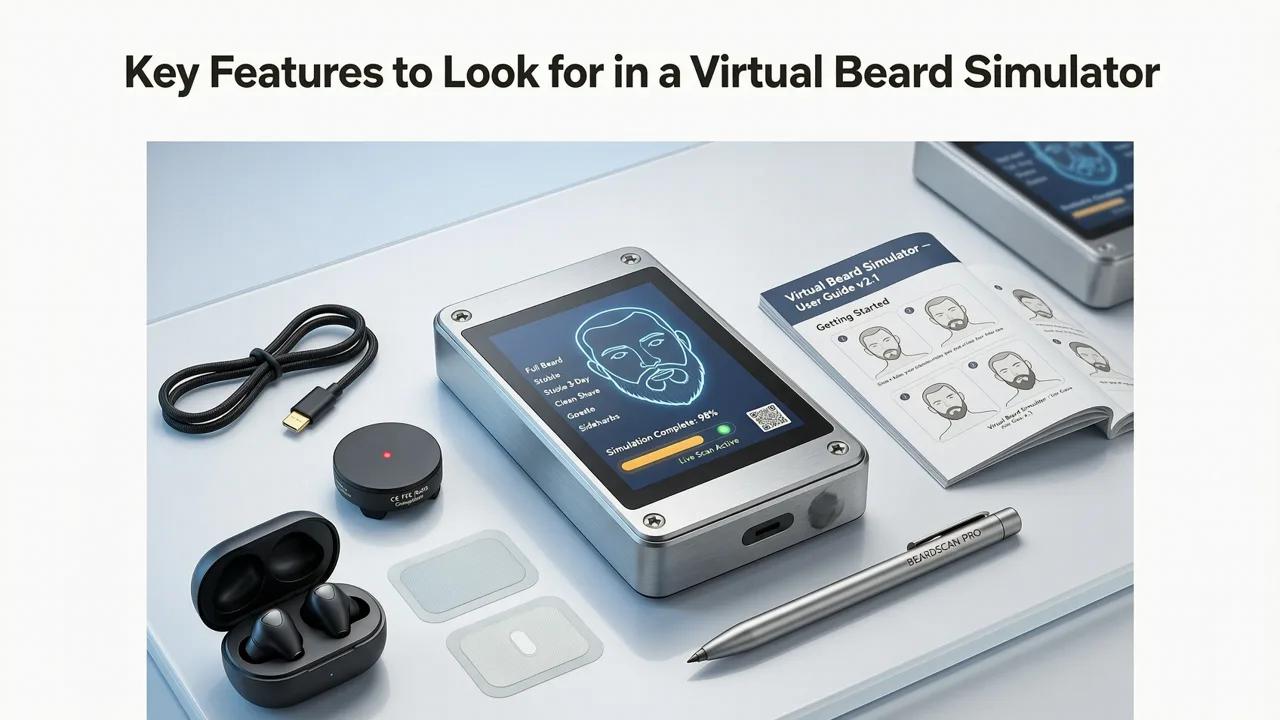
Not all facial hair preview tools are created equal. When searching for a reliable platform, it is important to distinguish between basic photo filters and true AI-driven simulations. The table below outlines the core differences to help you choose the right tool for your grooming needs.
| Feature | Basic Photo Filter | Advanced AI Try-On |
|---|---|---|
| Facial Mapping | Static 2D overlay | Dynamic 3D landmark detection |
| Lighting Adaptation | None | Adjusts shadows and highlights automatically |
| Texture Blending | Flat color block | Strand-level rendering and skin blending |
| Style Customization | Fixed preset shapes | Adjustable density, length, and fade levels |
| Face Shape Analysis | None | Recommends styles based on facial geometry |
Step-by-Step Guide to Using a Free Beard Filter
Getting the most accurate preview requires a bit of preparation. Follow these steps to ensure your facial hair preview is as realistic as possible.
Step 1: Selfie Upload and Lighting Check
The quality of your input image directly impacts the quality of the output. Stand in front of a natural light source, such as a window, to ensure even illumination across your face. Avoid harsh overhead lighting that creates deep shadows under your chin or eyes. Keep your expression neutral and look directly into the camera. When you upload this high-quality selfie to the platform, the facial landmark detection can accurately map your features without interference from poor lighting or extreme angles.
Step 2: Style Selection and Face-Aware Adaptation
Once your image is processed, browse through the available beard styles. Whether you are interested in a rugged stubble, a classic full beard, or a meticulously styled goatee, the AI will initially adapt the style to your face shape. From there, you can manually adjust parameters like density, length, and color. Take your time experimenting with different combinations. The face-aware rendering will update in real-time, allowing you to see exactly how a darker shade or a denser jawline beard affects your overall appearance.
Combining Beard Previews with Complete Style Analysis
Your facial hair does not exist in a vacuum; it is part of your overall grooming presentation. A truly comprehensive approach involves evaluating your haircut and hair color alongside your beard. If you are also considering a major change to your haircut, you can try the best AI hairstyle generator free online in 2026 to see how different lengths and textures frame your face.
Similarly, if you are thinking about altering your hair color to complement a new beard shade, the realistic AI hair color try on tool allows you to test dyes safely before visiting a salon. By utilizing a holistic platform like the best free AI hairstyle app 2026, you can synchronize your hair and beard styles, ensuring a cohesive and polished final look that enhances your natural features.
Responsible AI and Grooming Technology Standards
As artificial intelligence becomes more deeply integrated into daily grooming routines, the ethical deployment of these tools is paramount. The developers behind advanced visual generators rely on rigorous frameworks to ensure their models operate safely and effectively. When evaluating the underlying architecture of these systems, engineers reference the OpenAI documentation to ensure outputs remain unbiased, contextually accurate, and free from harmful distortions.
Furthermore, adhering to Google AI guidance on responsible development ensures that facial mapping technologies respect user privacy. Reputable platforms process images locally or use secure, ephemeral cloud processing, ensuring that your personal biometric data is never stored or misused. This commitment to ethical AI guarantees that you can explore your style options with complete peace of mind.
Final Thoughts on Digital Grooming
The era of guessing your next look is over. By leveraging advanced facial mapping, texture blending, and face-aware rendering, modern simulation tools provide a highly accurate window into your future appearance. Whether you are growing out a full beard for the first time or refining a subtle stubble line, taking the time to preview your options digitally saves time, money, and frustration.
Explore the full range of grooming technology at Stylova, featuring our comprehensive Hairstyle Try-on, Hair Color Changer, Beard Filter, and Hair Analyzer. For a deeper dive into facial hair simulation, read our guide on the realistic AI beard try on: preview styles instantly in 2026 and start designing your next signature look today.


