
What Is a Hairstyle Analyzer Tool and Why It Matters in 2026
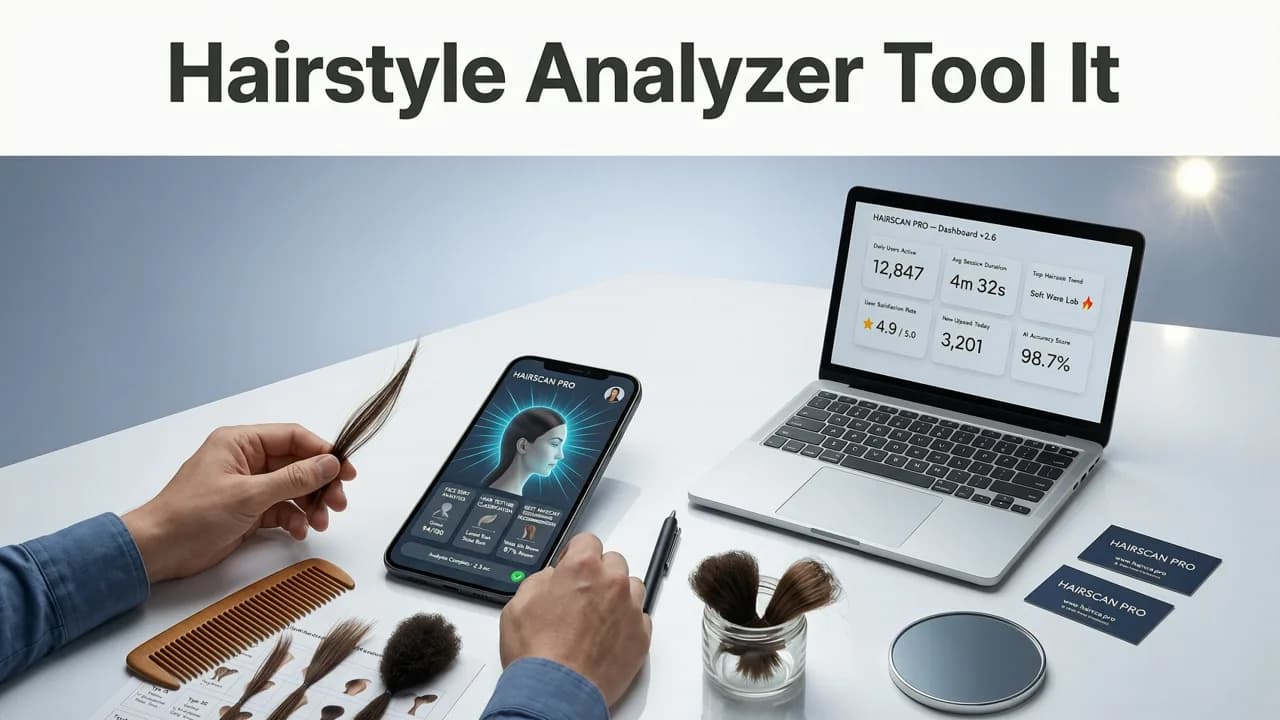
A hairstyle analyzer tool uses artificial intelligence to study your facial features and recommend haircuts, colors, and beard styles that actually suit your face shape, skin tone, and hairline. Instead of guessing whether a textured fringe or a platinum blonde will work, you upload a single selfie and get realistic, face-aware previews in seconds. In 2026, these tools have moved far past clunky overlays — modern AI maps your bone structure, hair density cues, and proportions to deliver previews that look salon-ready, not pasted-on.
If you want a fast, evidence-based way to choose your next look before sitting in the salon chair, a hairstyle analyzer tool removes the guesswork. Platforms like Stylova combine face mapping with a library of over 100 hairstyles, colors, and beard options so you can test, compare, and commit with confidence.
How a Modern Hairstyle Analyzer Tool Works
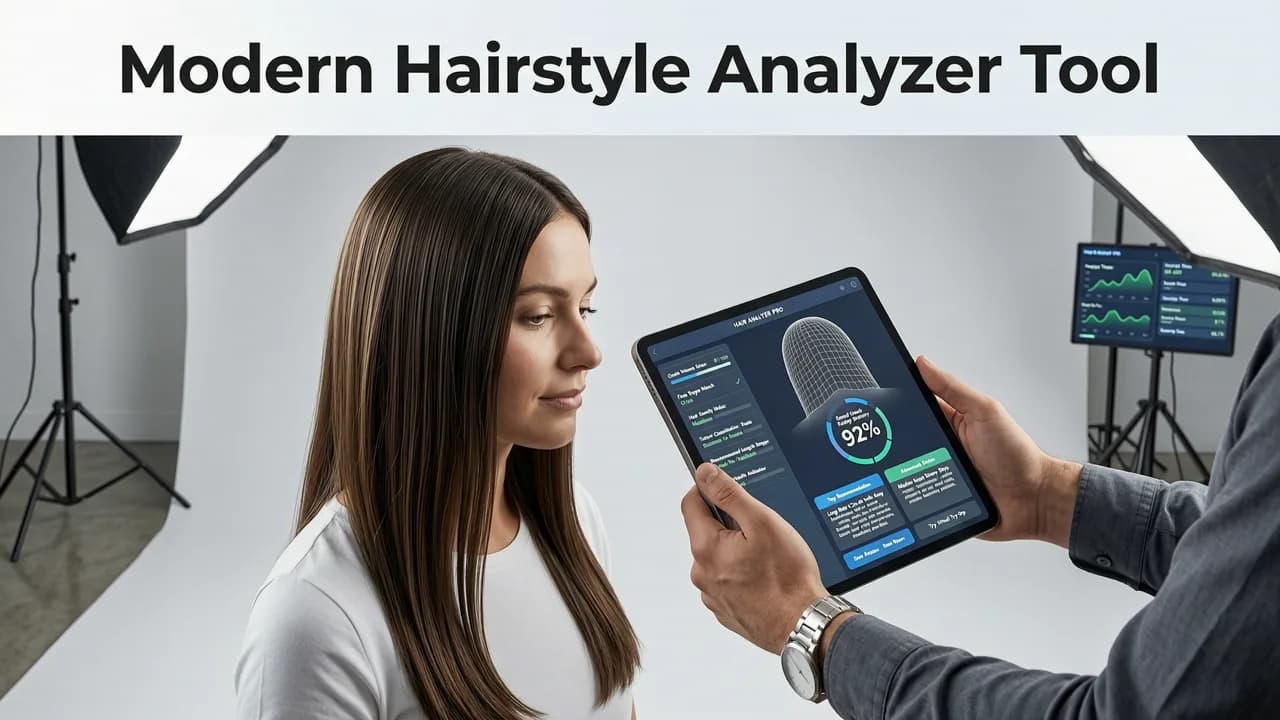
Today's best analyzers follow a clear three-step pipeline: detect, map, and render. Here is what happens behind the scenes when you upload a photo.

Step 1 — Face Detection and Landmark Mapping
The AI identifies key facial landmarks: jawline width, cheekbone height, forehead ratio, chin shape, and hairline position. This creates a geometric blueprint of your face so every style can be scaled and positioned accurately.
Step 2 — Face Shape Classification
Using those landmarks, the tool classifies your face into one of the common shape categories — oval, round, square, heart, diamond, or oblong. It then cross-references that classification against a database of styles proven to complement each shape.
Step 3 — Realistic Style Rendering
Finally, the engine overlays the chosen hairstyle, color, or beard onto your selfie using depth-aware rendering. The result adjusts for lighting, hair direction, and skin tone blending so the preview looks natural, not like a sticker. You can read more about how this process has evolved in our guide to the best AI hairstyle try-on app in 2026.
Key Features to Look for in a Hairstyle Analyzer Tool
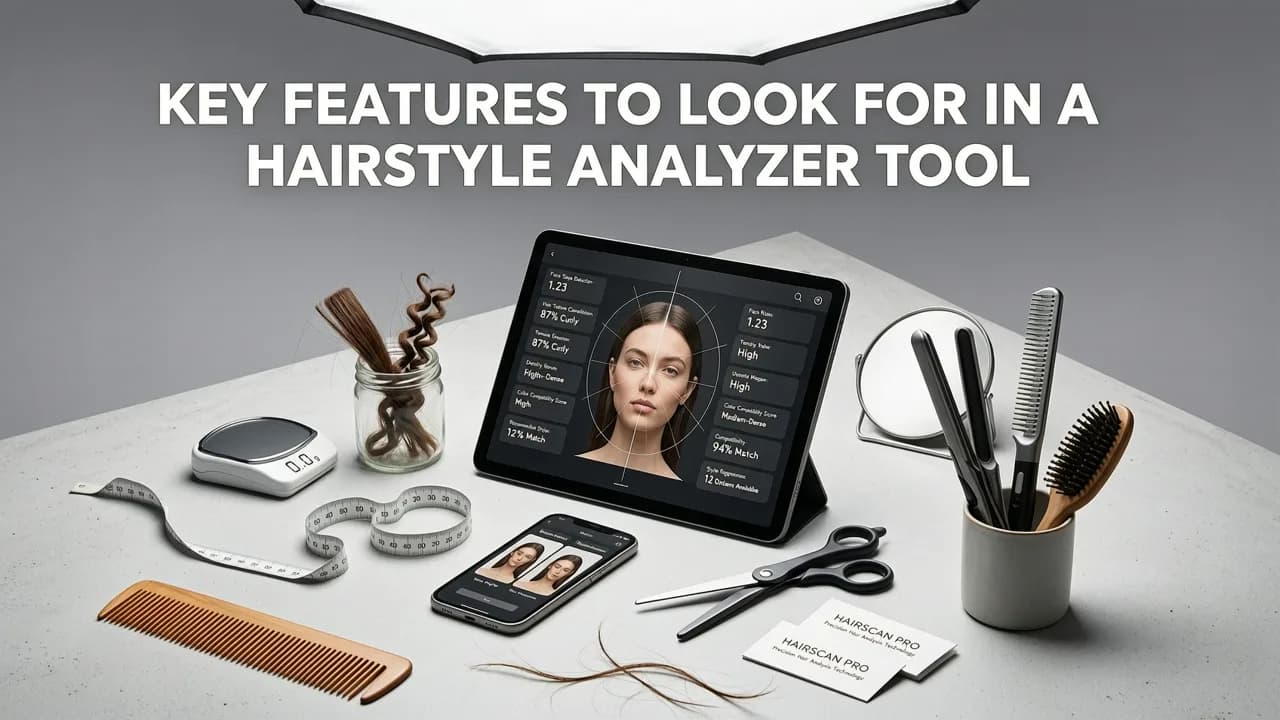
Not every analyzer delivers the same quality. When comparing options, prioritize these capabilities:
- Face-shape awareness: The tool should adapt each style to your unique proportions, not just stretch a generic template.
- Hair color simulation: Look for realistic dye previews that account for your base color and skin undertone.
- Beard filter integration: A combined hair-and-beard analyzer lets you see the full picture — especially important for men.
- Large style library: The more cuts, fades, textures, and colors available, the better your chances of finding a match.
- Instant processing: Results should appear in under five seconds on a standard smartphone.
- Privacy-first design: Your selfie data should be processed securely and never sold to third parties.
Stylova vs. Other Hairstyle Analyzer Tools in 2026
To help you decide, here is a side-by-side comparison of how Stylova stacks up against other popular analyzer approaches available this year.
| Feature | Stylova | Legacy Photo Editors | Generic Filter Apps |
|---|---|---|---|
| AI face-shape analysis | Yes — full landmark mapping | No | Basic or none |
| Number of styles | 100+ cuts, colors, and beards | Manual overlays only | 10–30 preset filters |
| Realistic rendering | Depth-aware, lighting-adjusted | Flat sticker overlays | Low-resolution composites |
| Hair color changer | Included with skin-tone matching | Manual brush tools | Limited palette |
| Beard try-on | Integrated beard filter | Not available | Few options |
| Processing speed | Under 5 seconds | Minutes of editing | Instant but low quality |
Stylova's edge comes from its purpose-built AI engine that treats every preview as a personalized simulation rather than a one-size-fits-all filter. For a deeper dive into how it compares on the beard side, check out our ranking of the best beard try-on apps in 2026.
How to Use a Hairstyle Analyzer Tool: A Practical Walkthrough
Getting accurate results starts with a good input photo. Follow these steps to maximize the quality of your preview.
- Take a well-lit, front-facing selfie. Natural window light works best. Avoid heavy shadows, hats, or hair covering your forehead.
- Keep a neutral expression. A relaxed face gives the AI the clearest read on your jawline and cheekbones.
- Upload your photo to the analyzer. On Stylova, this takes less than a second and the AI begins mapping immediately.
- Browse recommended styles. The tool highlights cuts and colors that match your face shape. Filter by length, texture, or color family.
- Toggle between options. Switch freely between hairstyles, hair colors, and beard styles to compare side by side.
- Save your favorites. Build a shortlist to show your barber or colorist at your next appointment.
For a full walkthrough with visual examples, see our guide on how to try on hairstyles with your selfie.
Best Hairstyles by Face Shape: What the Analyzer Recommends
One of the biggest advantages of a hairstyle analyzer tool is that it translates face-shape theory into personalized visual recommendations. Here is a quick reference for what each shape typically benefits from.
Oval Face
Almost any style works. The analyzer will often suggest textured crops, side parts, or shoulder-length layers to maintain your natural balance.
Round Face
Styles that add height and angularity tend to flatter. Think pompadours, quiffs, or long layered cuts that elongate the silhouette.
Square Face
Softer, textured styles complement a strong jaw. The tool may recommend side-swept fringes, medium-length fades, or layered bobs.
Heart Face
Width at the jawline helps balance a broader forehead. Chin-length bobs, side parts, and beard styles that add lower-face volume score well.
Diamond Face
Styles that add width at the forehead and chin work best. Tapered cuts with volume on top or face-framing layers are common recommendations.
Oblong Face
Avoid excessive height. The analyzer often suggests fringe styles, wide waves, or beard shapes that shorten the visual length of the face.
Hair Color Analysis: Beyond the Cut
A great hairstyle analyzer tool does not stop at shape — it also evaluates color. Modern AI considers your skin undertone (warm, cool, or neutral), eye color, and even your existing base shade to suggest hues that will complement you in real life.
For example, if you have warm undertones, the tool may recommend honey blonde, copper, or warm brunette shades. Cool undertones often pair well with ash blonde, platinum, or cool espresso tones. You can test these variations instantly using a dedicated hair color changer app before committing to a dye session.
Beard Analysis: The Complete Grooming Picture
For men, the haircut is only half the equation. A built-in beard filter lets you preview how different beard styles — from a neat stubble to a full Viking beard — interact with your jawline, neck shape, and chosen haircut. The AI adjusts beard density and shape to match your facial geometry so the preview feels authentic.
This is especially valuable when growing out a beard, because you can test whether a goatee, box beard, or circular beard suits your proportions before investing months of growth.
Privacy and Data Handling: What to Expect in 2026
With any tool that processes facial images, privacy matters. Reputable platforms in 2026 follow clear data-handling standards:
- Selfies are processed in encrypted sessions and not stored permanently unless you choose to save them.
- Facial data is used only for rendering previews — it is not sold or repurposed for advertising.
- Leading providers align with responsible AI frameworks, such as those outlined in Google's AI responsibility guidelines, to ensure ethical use of biometric data.
Always check a tool's privacy policy before uploading. Transparent platforms will clearly state how your images are handled and give you the option to delete them at any time.
Limitations of AI Hairstyle Analyzers
While today's tools are remarkably accurate, they are not perfect. Keep these caveats in mind:
- Hair texture nuances: Very curly or coily hair types may not render with full precision because strand-level simulation is still evolving.
- Existing hair length: If your current hair is very long and you preview a short cut, the tool simulates the result — but the actual transition depends on your stylist's technique.
- Lighting variance: Extreme lighting in your selfie can affect color accuracy. A neutral, well-lit photo always gives the best result.
Treat the analyzer as a powerful starting point for your decision, not a final guarantee. Pair it with a consultation with your stylist for the best outcome.
Why a Hairstyle Analyzer Tool Saves You Time and Money
Every bad haircut costs money and weeks of regrowth. A hairstyle analyzer tool lets you eliminate the worst options before you ever sit in the chair. By narrowing your choices to styles that genuinely suit your face shape, skin tone, and grooming goals, you walk into the salon with a clear direction — and walk out with a look you actually love.
In 2026, the technology is mature enough that these previews are genuinely useful, not just novelty filters. Whether you are exploring a major change or a subtle tweak, an AI-powered analyzer gives you the confidence to commit.
Getting Started With Stylova
Stylova combines every feature discussed above — face-shape analysis, hair color simulation, beard filtering, and a library of over 100 styles — into a single, fast, privacy-conscious platform. Upload a selfie, explore your options, and save your favorites before your next salon visit. The entire process takes minutes, and the previews are realistic enough to show your stylist directly.
If you are ready to stop guessing and start seeing, a hairstyle analyzer tool is the smartest first step toward a look that truly fits you.


