
Why Hairstyle Try-On for Face Shape Changed the Way We Choose Cuts
If you have ever walked out of a salon regretting a cut that looked perfect on a celebrity but flat on you, the issue was almost never the style itself — it was the fit. A hairstyle try-on for face shape lets you preview how a cut, color, or beard style actually maps onto your own features before you hand over the scissors. In 2026, AI-powered preview tools have moved far past clunky sticker overlays. They now analyze your face shape, hairline, and proportions to render realistic, face-aware results in seconds.
The short answer: hairstyle try-on for face shape works by combining facial landmark detection with generative AI to adapt each style to your unique proportions. The result is a preview that respects your jawline, forehead ratio, and hair density — not a one-size-fits-all template.
This guide walks you through how the technology works, which face shapes pair with which styles, and how to use an AI-powered try-on tool to find your best look before your next salon visit.
How Hairstyle Try-On for Face Shape Actually Works in 2026
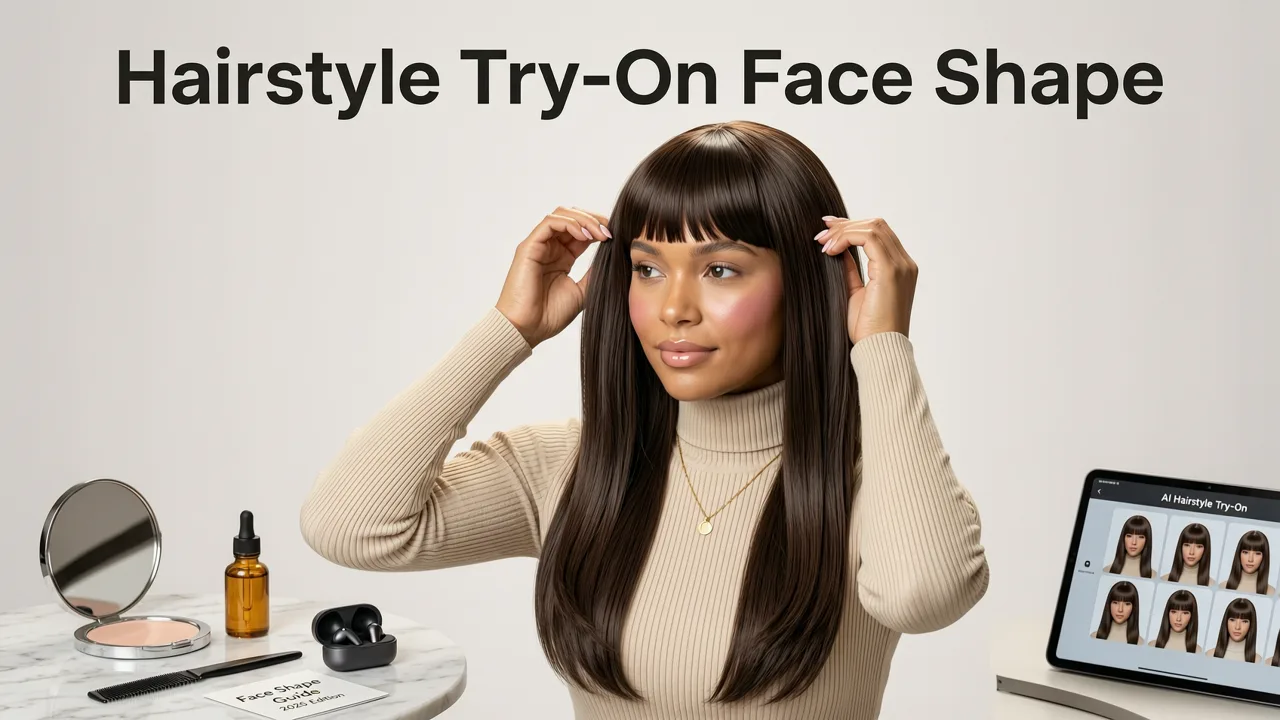
Modern try-on apps are built on a pipeline of computer vision and generative models. When you upload a selfie, the system runs through several stages before showing you a finished preview.
Step 1: Selfie Capture and Face Detection
The app first locates your face in the image and identifies key landmarks — the position of your eyes, nose bridge, cheekbones, jawline, and hairline. In 2026, this step uses advanced facial mesh models that map over 400 points on your face, far more granular than the 68-point systems of a few years ago.
Step 2: Face Shape Classification
Once the landmarks are mapped, the AI classifies your face shape. The most common categories are oval, round, square, heart, diamond, oblong, and triangle. This classification determines which styles will be prioritized in your recommendations.
Step 3: Style Adaptation and Rendering
The selected hairstyle is then warped and blended onto your face. The AI adjusts the volume, length, and fringe position to match your proportions. Lighting, shadow, and hair texture are rendered to create a photorealistic composite rather than a flat overlay.
For a deeper look at how the best apps achieve this level of realism, the breakdown in Best AI Hairstyle Try-On App in 2026 explains why hairline accuracy is the silent differentiator between a convincing preview and an obvious fake.
Identifying Your Face Shape: A Practical Guide
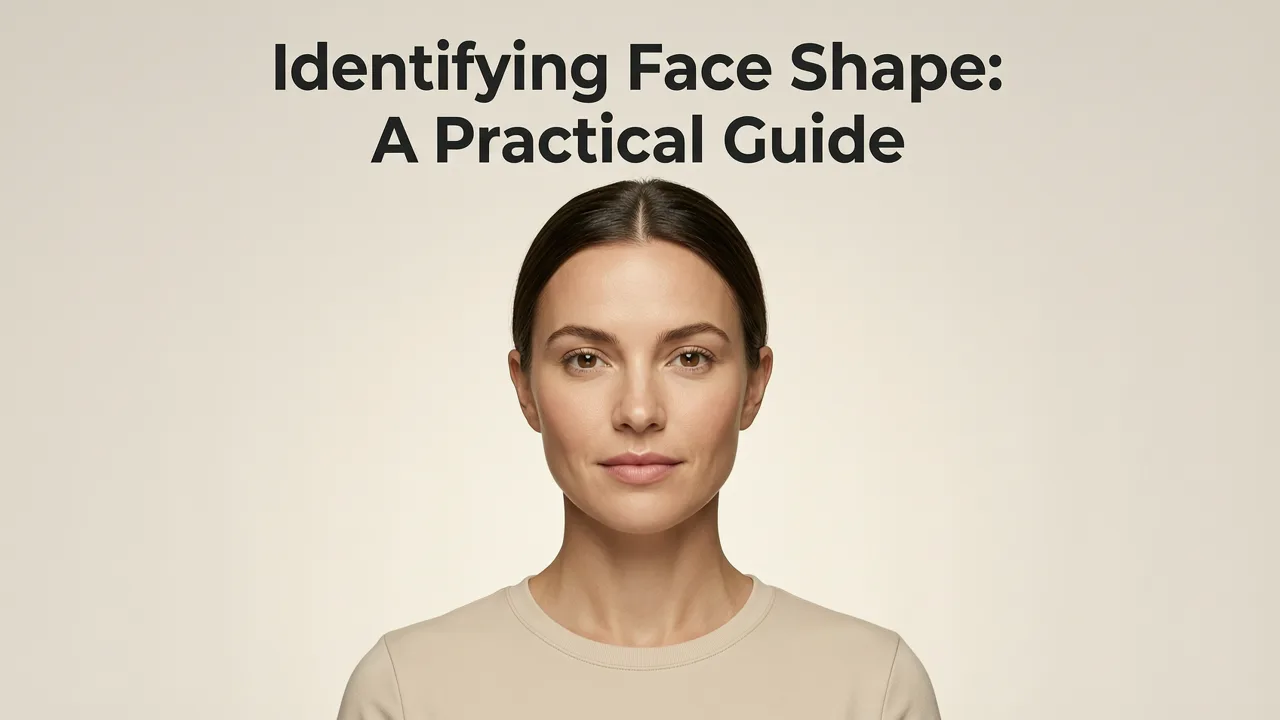
Before you can use a hairstyle try-on for face shape effectively, it helps to understand your own face shape. Here is a quick self-assessment method you can do with a mirror and a flexible measuring tape — or simply let the AI handle it for you.
- Oval: Face length is about 1.5 times the width. Forehead is slightly wider than the jaw. Balanced proportions.
- Round: Face length and width are similar. Soft jawline, full cheeks.
- Square: Strong, angular jaw. Forehead, cheekbones, and jaw are roughly the same width.
- Heart: Wider forehead tapering to a narrow chin. Often with a widow's peak hairline.
- Diamond: Narrow forehead and jaw with prominent, wide cheekbones.
- Oblong: Face is noticeably longer than it is wide. Straight cheek lines.
- Triangle: Jaw is wider than the cheekbones and forehead.
If you are unsure, most AI try-on apps now include a built-in face shape analyzer that identifies your shape automatically when you upload a photo.
Which Hairstyles Suit Each Face Shape
The goal of matching a hairstyle to your face shape is simple: create visual balance. Below is a reference table that maps each face shape to the styles that tend to work best — and the ones to approach with caution.
| Face Shape | Best Styles | Styles to Approach Cautiously |
|---|---|---|
| Oval | Almost any style — textured crops, pompadours, long layers, curtain bangs | Heavy, face-covering fringes that hide your balanced proportions |
| Round | Styles with height on top (pompadour, quiff), angular bobs, side-swept bangs | Blunt chin-length bobs, center parts that emphasize width |
| Square | Soft layers, side-parted styles, textured pixie cuts, long waves | Blunt bobs that end at the jawline, very short crops that emphasize angularity |
| Heart | Side-swept bangs, chin-length bobs, styles with volume below the cheekbones | Heavy volume on top that widens the forehead further |
| Diamond | Styles that add width at the forehead and jaw, tucked-behind-ear looks, off-center parts | Tight, pulled-back styles that expose the narrow forehead |
| Oblong | Side-swept bangs, waves and curls that add width, chin-length bobs | Excessive height on top, very long straight hair that elongates further |
| Triangle | Volume on top, side-swept fringes, layered styles that add width above the jaw | Blunt cuts that end at the jawline, center parts |
This table is a starting point, not a rulebook. Personal style, hair texture, and lifestyle matter just as much as face shape. The real value of an AI try-on tool is letting you test multiple options against your actual face in minutes rather than committing to a cut and hoping for the best.
Using AI to Preview Styles on Your Own Face
Here is how to get the most accurate results when using a hairstyle try-on for face shape app in 2026.
- Take a well-lit, straight-on selfie. Avoid harsh shadows, heavy filters, or tilted angles. The AI needs a clear view of your hairline and jawline.
- Tie back or remove existing hair obstructions. If you have long hair, pulling it back gives the AI a cleaner canvas to place new styles.
- Let the app detect your face shape. Most modern tools, including Stylova for Android, classify your face shape automatically and surface the most flattering options first.
- Test at least three styles per category. Try one safe recommendation, one adventurous option, and one wildcard. Compare them side by side.
- Check the hairline and ear placement. A realistic preview should show the style blending naturally with your hairline, not floating above it.
- Save your favorites and share them with your stylist. A clear preview image removes the guesswork from the salon conversation.
Hair Color and Beard Try-On: Extending the Preview
Face shape matters for hairstyles, but it is only part of the picture. Hair color and facial hair play an equally important role in how a look lands on your features.
Hair Color Try-On
A good AI color try-on tool accounts for your skin tone, eye color, and current base shade. In 2026, the best apps render color with strand-level accuracy, showing how highlights, balayage, or a full color change would look under natural lighting. Warm skin tones generally pair well with honey blondes, caramel, and copper. Cool skin tones tend to suit ash blondes, platinum, and cool browns. But seeing the actual color mapped to your selfie is far more reliable than guessing from a swatch chart.
Beard Style Try-On
For men, a beard can dramatically alter the perceived shape of the face. A well-chosen beard style can add definition to a round face, soften a square jaw, or add width to a narrow chin. The beard style try-on guide on Stylova covers how to test full beards, goatees, stubble, and clean-shaven looks against your own face before visiting the barber.
Free vs. Paid: What to Expect in 2026
Many users search for a free hairstyle try-on option, and the good news is that free tools have improved dramatically. In 2026, you can access realistic, face-aware previews without paying. However, there are meaningful differences between free and premium tiers.
| Feature | Free Tier | Premium Tier |
|---|---|---|
| Number of styles available | 20–50 popular styles | 100+ styles including trending cuts |
| Face shape detection | Basic classification | Detailed analysis with personalized recommendations |
| Hair color try-on | Limited palette | Full spectrum with highlights and balayage options |
| Beard filter | Not always included | Full beard, goatee, stubble, and mustache options |
| Save and share | Basic download | Side-by-side comparison, shareable lookbooks |
| Hair analyzer | Not included | Hair density, texture, and growth pattern insights |
If you are just exploring ideas, a free tier is a solid starting point. If you are preparing for a major change — a drastic cut, a new color, or a full beard — the premium features give you the confidence of a more complete preview.
Common Mistakes to Avoid When Using Try-On Apps
Even the best AI tools produce imperfect results if the input is poor. Here are the most frequent mistakes users make and how to fix them.
- Using a filtered or edited selfie. Beauty filters smooth skin and reshape features, which throws off the AI's face mapping. Use an unedited photo.
- Shooting from an angle. A tilted or side-angle selfie distorts proportions. Face the camera straight on.
- Ignoring lighting. Harsh overhead light creates shadows that the AI may interpret as facial contours. Even, diffused lighting works best.
- Testing only one style. The point of a try-on app is to compare. Test at least three to five styles to see a meaningful range.
- Expecting pixel-perfect accuracy. AI previews are realistic approximations, not guarantees. Use them as a directional guide, not a binding contract with your stylist.
The Role of Responsible AI in Beauty Tech
As AI-generated previews become more realistic, the industry has also focused on responsible deployment. Leading platforms follow guidelines from organizations like Google's AI responsibility principles and OpenAI's documentation to ensure that generated images are used ethically — never to misrepresent, deceive, or create unrealistic beauty standards.
In practice, this means try-on apps should clearly label AI-generated previews, avoid altering body shape or skin texture beyond the requested style change, and give users control over how their data and images are stored.
How to Bring Your Try-On Results to the Salon
A great try-on session is only useful if it translates into a great salon visit. Here is how to bridge the gap.
- Save your top two or three previews. Include one conservative option and one more adventurous pick.
- Note what you liked about each style. Was it the length, the texture, the fringe, or the volume? Being specific helps your stylist understand your preference.
- Discuss your hair type honestly. Fine hair, thick hair, curly hair, and straight hair all behave differently. A style that looks great in an AI preview may need adjustment for your actual texture.
- Ask your stylist for their professional opinion. A good stylist will adapt the previewed style to suit your hair's real-world behavior, face shape, and lifestyle.
Frequently Asked Questions
How accurate is AI hairstyle try-on for face shape?
In 2026, AI try-on tools are highly accurate for directional guidance. They correctly map styles to face shapes and render realistic previews, though minor differences in hairline blending and texture may occur. Think of them as a reliable visual guide rather than a perfect mirror.
Can I try on hairstyles for free?
Yes. Most leading apps offer a free tier with access to a curated selection of styles, basic face shape detection, and downloadable previews. Premium tiers unlock larger style libraries, advanced color options, and beard filters.
Does the try-on app work for beards too?
Yes. Apps like Stylova include a dedicated beard filter that lets you preview full beards, goatees, stubble, and clean-shaven looks mapped to your own face shape and jawline.
What face shape is the most versatile?
The oval face shape is generally considered the most versatile because its balanced proportions suit a wide range of styles. However, every face shape has multiple flattering options — the key is understanding which features to emphasize or soften.
Should I show my AI preview to my hairstylist?
Absolutely. A saved preview gives your stylist a clear visual reference and starts a productive conversation. Just remember to discuss your hair type and daily routine so they can adapt the style to your real-world needs.
Find Your Best Look Before You Cut
A hairstyle try-on for face shape removes the guesswork from one of the most visible decisions you make. Whether you are testing a new fringe, considering a bold color, or exploring beard styles for the first time, AI-powered previews let you see the result on your own face before committing. Upload a selfie, test a handful of styles, and walk into your next appointment with confidence — not hope.


