
AI Haircut Generator: Try Styles Before You Cut
If you have ever walked out of a salon wishing you could undo the last twenty minutes with your stylist, you already know why an AI haircut generator has become the most practical beauty tool of 2026. These apps let you upload a single selfie and instantly preview dozens of cuts, colors, and beard styles on your own face — no guesswork, no awkward grow-out phase, no wasted money on a regretted chop.
In short: an AI haircut generator uses facial recognition and hairline mapping to overlay realistic hairstyles onto your photo, so you can see exactly how a cut will look on your head shape, hair texture, and features before you sit in the chair. Below is a complete guide to how the technology works, what separates a useful tool from a gimmick, and how to get the most accurate preview possible.
What Is an AI Haircut Generator?
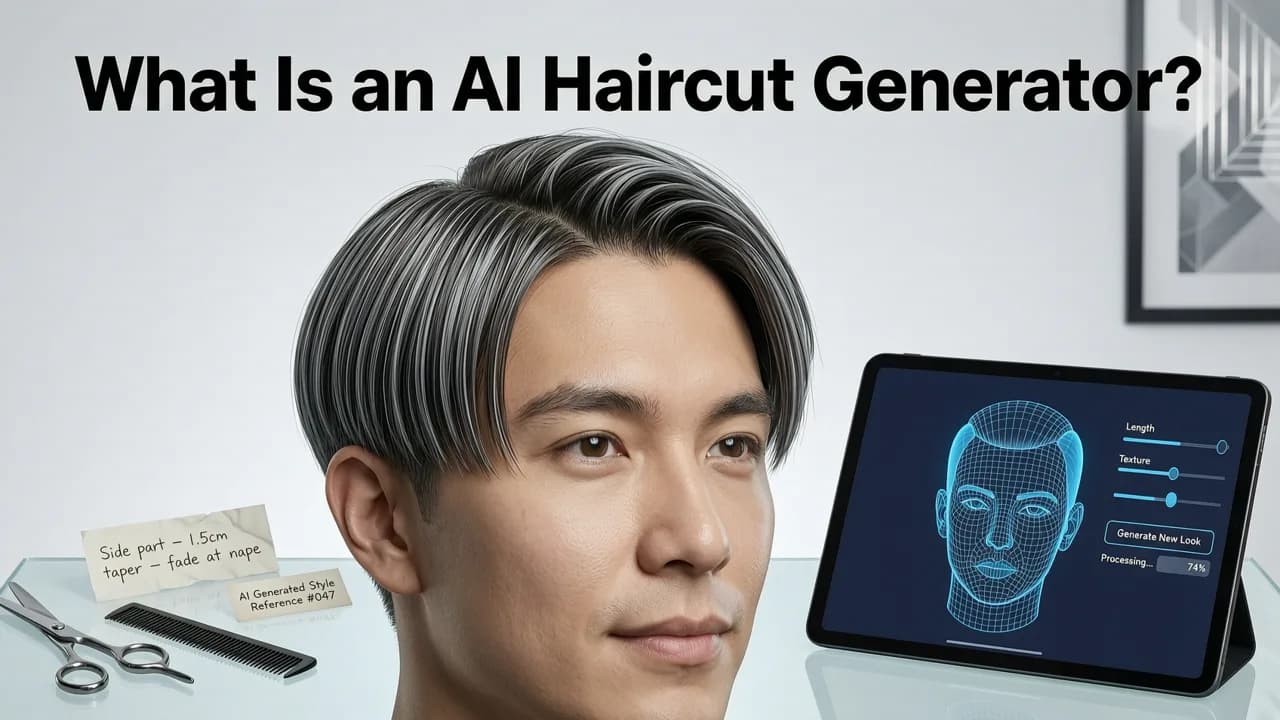
An AI haircut generator is a software application — typically a mobile app or web tool — that uses computer vision and generative AI to simulate how different hairstyles will appear on your face. Unlike the flat, sticker-style overlays of early beauty apps, modern generators in 2026 understand three-dimensional facial geometry: they detect your forehead height, jawline width, ear position, and natural hairline, then render each style with realistic lighting, shadow, and strand-level detail.

The best tools go beyond simple photo editing. They classify your face shape, suggest styles that flatter your proportions, and even account for hair density and texture. The result is a preview that looks close enough to reality that you can confidently show it to your barber or colorist as a reference.
How It Differs From Older Photo-Editing Apps
Early hairstyle apps treated hair like a hat — a static image placed on top of your head regardless of angle, lighting, or hairline position. Today's AI haircut generator works differently:
- Face-aware rendering: The AI maps your unique facial landmarks before placing any style.
- Dynamic lighting: Highlights and shadows adapt to match the lighting conditions in your selfie.
- Hairline detection: The tool identifies where your hair actually begins, so short cuts and fades look natural rather than floating above your forehead.
- Texture simulation: Wavy, curly, coily, and straight hair types are rendered with appropriate strand patterns.
How an AI Haircut Generator Works in 2026
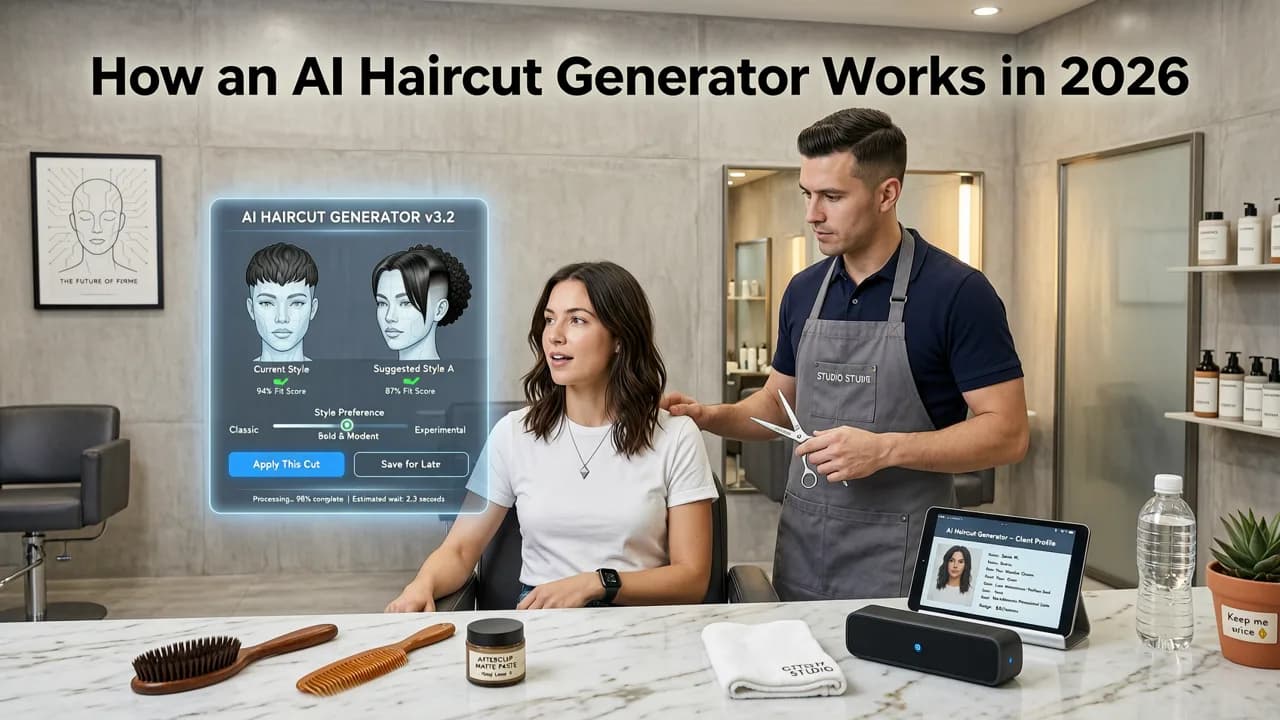
Understanding the pipeline helps you appreciate why some previews look photorealistic while others look like a paper doll experiment. Here is the step-by-step process behind a quality AI haircut generator.
Step 1: Selfie Capture and Face Detection
You start by uploading or taking a well-lit selfie. The app's computer-vision model identifies key facial landmarks — typically 68 to 468 points depending on the underlying framework — including the corners of your eyes, the tip of your nose, the edges of your lips, and the contour of your jaw. This landmark map is the foundation for everything that follows.
Step 2: Hairline and Head-Shape Mapping
Next, the AI isolates your existing hair and scalp region. It determines where your hairline starts, whether your hair is parted, and how much forehead is visible. This step is the silent differentiator between a convincing preview and an obviously fake one. A generator that skips hairline detection will place a pixie cut two centimeters above your actual hairline, making every short style look unnatural.
Step 3: Face Shape Classification
Using the landmark data, the algorithm classifies your face into one of the standard shape categories — oval, round, square, heart, diamond, oblong, or triangle. This classification feeds into style recommendations, because certain cuts flatter certain proportions. For a deeper look at how face shape affects your options, see our Hairstyle Try-On for Face Shape guide.
Step 4: Style Rendering and Blending
Finally, the generative AI composites the chosen hairstyle onto your face. It adjusts the style's volume, length, and parting to align with your mapped geometry, blends the edges into your skin tone and existing hair, and applies lighting that matches your selfie. The output is a single image — or, in some tools, a short animated preview — showing how the style looks on you specifically.
What to Look for in a Quality AI Haircut Generator
Not every app that calls itself an AI haircut generator delivers useful results. Here are the features that separate professional-grade tools from novelty filters.
| Feature | Why It Matters | What to Check |
|---|---|---|
| Hairline detection | Prevents styles from floating above your forehead | Try a short crop; edges should meet your natural hairline |
| Face shape analysis | Ensures style recommendations flatter your proportions | App should label your shape and explain why certain cuts suit you |
| Dynamic lighting | Makes the preview look like a real photo, not a sticker | Shadows and highlights should match your selfie's light source |
| Hair texture options | Renders curls, waves, and coils realistically | Library should include texture variants for each style |
| Color changer | Lets you preview dye jobs before committing | Should support natural and fashion shades with strand-level blending |
| Beard filter | Helps you test facial hair combinations | Should map to jawline and chin shape, not overlay generically |
If a tool lacks hairline detection or face shape analysis, its previews will look convincing from a distance but fall apart on close inspection — exactly when you need accuracy most, right before telling your stylist what to do.
How to Get the Most Accurate AI Haircut Preview
The quality of your preview depends partly on the app and partly on the input you give it. Follow these steps to maximize realism.
Take a Proper Reference Selfie
- Use natural, even lighting — face a window if possible.
- Hold the camera at eye level, not above or below your face.
- Pull your hair back or leave it in its natural state; both work, but note which you chose.
- Keep a neutral expression with your mouth slightly closed.
- Ensure your full face and forehead are visible — no hats, sunglasses, or heavy filters.
Test Multiple Styles Before Deciding
Do not stop at the first style that looks acceptable. Cycle through at least five to ten options across different length categories — short, medium, and long — and compare how each interacts with your face shape. If you are also considering facial hair, use a beard style try-on tool to test combinations of haircuts and beard shapes together, since the two dramatically affect each other.
Use the Preview as a Conversation Starter With Your Stylist
An AI haircut generator gives you a visual direction, not a technical blueprint. Bring your favorite previews to your appointment and ask your stylist how the style can be adapted to your actual hair density, growth patterns, and daily styling routine. A good stylist will use the image as a starting point and adjust the cut to suit your real-world hair.
AI Haircut Generator vs. Asking a Human Stylist
Some people wonder whether an AI haircut generator replaces the need for professional advice. It does not — it complements it. Here is how the two approaches compare.
| Factor | AI Haircut Generator | Human Stylist Consultation |
|---|---|---|
| Speed | Instant previews across dozens of styles | Requires an appointment or at minimum a conversation |
| Cost | Free or low-cost app subscription | Often free at the salon, but time-consuming |
| Personalization | Based on facial geometry from a photo | Based on in-person assessment of hair texture, density, growth patterns |
| Experimentation | Unlimited — try 50 styles in five minutes | Limited by the stylist's time and your ability to describe what you want |
| Technical feasibility | Cannot assess whether your hair can physically achieve the style | Can tell you if the cut will work with your hair type and how to maintain it |
The ideal workflow is to use an AI haircut generator to narrow your options, then bring your top two or three previews to a trusted stylist for a reality check. This approach saves time, reduces salon anxiety, and dramatically lowers the chance of a bad haircut.
Who Benefits Most From an AI Haircut Generator
While anyone can use these tools, certain groups get outsized value:
- First-time changers: If you have had the same haircut for years and want to try something new, the generator removes the fear of the unknown.
- People growing out a cut: Preview what you will look like at each stage of the grow-out process.
- Beard experimenters: Test stubble, goatees, and full beards without waiting weeks for growth.
- Color-curious clients: See how platinum, copper, or balayage looks against your skin tone before the bleach.
- Event planners: Lock in a look before a wedding, photo shoot, or job interview.
The Technology Behind the Scenes
Modern AI haircut generators rely on advances in computer vision, generative adversarial networks, and diffusion models. The facial landmark detection draws on research frameworks documented in resources like the OpenAI documentation, while responsible deployment practices follow guidelines from organizations such as Google's AI responsibility principles. In practice, this means the apps are trained on diverse datasets of faces and hairstyles, are designed to avoid bias in how different hair textures and skin tones are rendered, and are continuously improved through user feedback.
The result is a tool that, in 2026, can produce previews accurate enough to serve as genuine references — not just social media novelties.
Common Mistakes to Avoid
Even with a powerful AI haircut generator, a few user errors can produce misleading previews.
- Using a heavily filtered selfie: Filters alter your skin tone, facial proportions, and hairline, leading to inaccurate renders.
- Ignoring lighting direction: A selfie lit from the left will produce a preview with shadows on the right; make sure the lighting matches how you will actually wear the style.
- Choosing styles outside your hair type: If you have fine, straight hair, a voluminous curly preview will look great on screen but disappoint in real life. Cross-reference with your stylist.
- Relying on a single angle: Upload both a front-facing and a three-quarter selfie if the app allows it, to see how the style looks from multiple perspectives.
Getting Started With Stylova
If you want to try this workflow today, Stylova offers a free AI haircut generator with over 100 hairstyles, a hair color changer, and a beard filter — all calibrated to your face shape and hairline. You can explore the full experience through our Try On Hairstyles Online Free guide, or read our Best AI Hairstyle Try-On App comparison to see how Stylova stacks up against other tools on the market.
Final Thoughts
An AI haircut generator is not a replacement for a skilled stylist, but it is the single best tool available in 2026 for reducing the uncertainty that leads to bad haircuts. By mapping your face, detecting your hairline, and rendering styles with realistic lighting and texture, these apps let you make informed decisions before you ever pick up the scissors — or hand them to someone else.
Upload a selfie, test a handful of styles, and walk into your next appointment with a clear visual reference. Your future self — and your stylist — will thank you.


