
Try Hairstyle Before Haircut — Your Smartest Move in 2026
If you have ever left the salon wishing you could rewind the last twenty minutes, you already know why learning to try hairstyle before haircut matters more than ever in 2026. A single bad cut can cost months of regrowth, so previewing styles on your own face before committing to the scissors is the smartest decision any style-conscious person can make this year.
AI-powered try-on apps now let you upload a selfie and instantly see how dozens of cuts, colors, and beard styles actually look on you — not on a model, not on a mannequin, but on your real face, matched to your real face shape and hairline. This guide explains exactly how the technology works, which features matter most, and how to get the most realistic preview possible before your next salon visit.
Why You Should Try Hairstyle Before Haircut in 2026
The gap between a Pinterest photo and a real haircut has always been wide. In 2026, AI try-on tools have narrowed that gap dramatically by analyzing your facial geometry and adapting every style to your proportions before you ever sit in a chair.

Salon Regret Costs Time and Money
A disappointing haircut is not just an emotional setback — it is a financial one. Correction appointments, extra products, and styling tools add up fast. Previewing styles digitally eliminates most of that wasted spend by giving you a realistic expectation of the final result.
AI Accuracy Has Reached Professional Quality
Modern AI models used in try-on apps can now detect over 400 facial landmarks, account for hair density, and simulate how light interacts with different textures. The results are far more trustworthy than the sticker-style overlays of older photo-editing apps.
Confidence Before the Chair
Walking into a salon with a clear visual reference — one that actually matches your features — changes the entire experience. You communicate more precisely with your stylist, and the final result is far more likely to match your vision.
How to Try Hairstyle Before Haircut Using AI — Step by Step
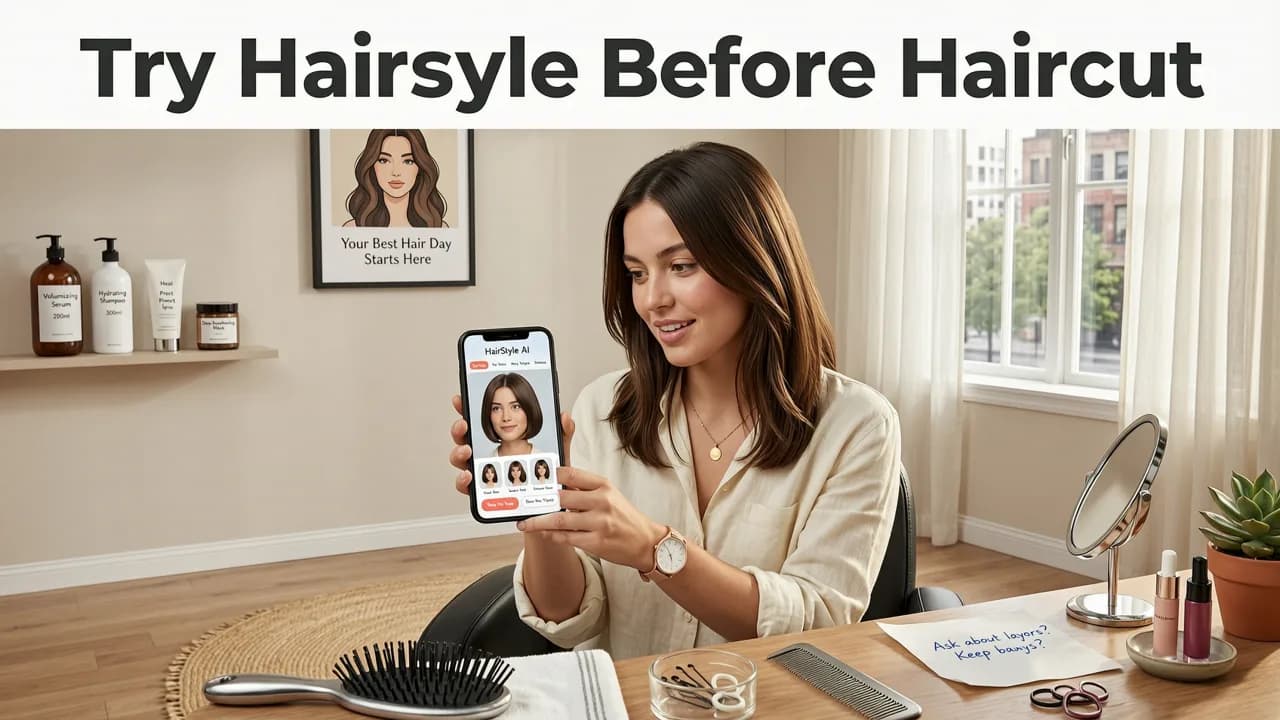
The process is straightforward and takes under two minutes on most apps. Here is the exact workflow for getting the most accurate preview.
Step 1: Capture a Clean, Front-Facing Selfie
Use natural lighting, pull your hair back so your full hairline and ears are visible, and look directly at the camera. Avoid heavy filters or angled shots — the AI needs a neutral baseline to map your features accurately.
Step 2: Let the AI Detect Your Face Shape
The app analyzes your selfie to classify your face shape — oval, round, square, heart, diamond, or oblong. This classification drives which styles the AI recommends and how each preview is proportioned. For a deeper look at this process, read our Hairstyle Try-On for Face Shape guide.
Step 3: Browse and Apply Styles
Scroll through the library of cuts, colors, and beard styles. Tap any style to apply it to your selfie. The AI adjusts the style to your hairline, jawline, and forehead proportion in real time.
Step 4: Compare Your Top Choices Side by Side
Save your best matches and compare them in a side-by-side view. This is where most people make their final decision — seeing two or three options next to each other removes the guesswork entirely.
Step 5: Share With Your Stylist
Export your favorite preview and bring it to your appointment. A visual reference generated from your own face is worth more than any magazine photo.
What Makes a Good Try Hairstyle Before Haircut Tool in 2026
Not all try-on apps deliver equal results. Here are the features that separate genuinely useful tools from gimmicky filters.
Face-Aware Style Adaptation
The best tools do not simply paste a hairstyle on top of your photo. They reshape the style to fit your head size, forehead height, and jaw width. This is the single biggest quality indicator.
Realistic Hair Texture Simulation
Look for apps that account for hair texture — straight, wavy, curly, and coily — because the same cut renders very differently on different textures. A blunt bob on straight hair looks nothing like the same cut on tight curls.
Hair Color Changer With Lighting Awareness
A quality color preview accounts for your skin tone and ambient lighting. The best tools let you test everything from subtle balayage tones to bold fashion colors and show you how each shade complements your complexion.
Beard Filter for Men
Men deserve the same preview confidence. A dedicated beard style try-on feature lets you test stubble lengths, full beards, goatees, and shaped styles before the razor touches your face.
AI Haircut Generator vs. Traditional Photo Editing — What Changed
Older apps used basic cut-and-paste overlays that looked flat and unrealistic. Modern AI haircut generators use generative models trained on millions of hairstyle references to produce previews that blend naturally with your skin, hairline, and lighting.
| Feature | Traditional Photo Editors | AI Try-On Tools (2026) |
|---|---|---|
| Face Detection | Manual alignment | Automatic landmark mapping |
| Style Fit | Fixed overlay size | Adapted to face shape and proportions |
| Hair Texture | Not simulated | Rendered by texture type |
| Color Realism | Flat color fill | Lighting-aware shading and tone matching |
| Beard Simulation | Rare or absent | Dedicated beard filters with density control |
| Processing Time | Several minutes per edit | Instant or under 3 seconds |
How AI Try-On Technology Actually Works Behind the Scenes
Understanding the technology helps you trust the results and use the tools more effectively.
Facial Landmark Detection
The AI identifies key reference points on your face — the corners of your eyes, the bridge of your nose, the edges of your lips, and the contour of your jaw. These landmarks create a precise map that the style preview is built around.
Generative Style Rendering
Once your face is mapped, the AI generates the hairstyle using a model trained on thousands of real haircut references. The output blends with your existing hair, skin tone, and lighting conditions to create a photo-realistic result.
Continuous Learning
Leading AI platforms update their models regularly, incorporating new styles, textures, and color trends each season. This means the preview library you use in late 2026 reflects the most current trends, not outdated references.
Best Practices for Getting Realistic Previews
Even the most advanced AI tool needs good input to produce great output. Follow these tips to maximize preview accuracy.
- Use a plain background — busy backgrounds can confuse face detection.
- Pull hair fully away from your face — the AI needs to see your natural hairline and ears.
- Avoid heavy makeup or filters — these alter skin tone mapping and color previews.
- Take multiple selfies in different lighting — natural daylight gives the most accurate color results.
- Test at least five styles — your first instinct is not always your best match.
Common Mistakes People Make When Trying Hairstyles Digitally
Relying on a Single Selfie
One angle does not tell the full story. Test styles from a front-facing shot and, if the app supports it, a three-quarter view to see how the cut frames your face from different perspectives.
Ignoring Face Shape Recommendations
AI tools flag styles that flatter your specific face shape. Overriding these suggestions without good reason is the fastest path to salon regret.
Skipping the Beard Preview
For men, hair and beard work together as a single frame around the face. Testing both together — using a dedicated beard style try-on tool — gives you a complete picture of your new look.
How to Choose the Best AI Hairstyle Try-On App
With dozens of options available in 2026, focus on these criteria when selecting a tool. For a full breakdown, see our guide to the best AI hairstyle try-on app in 2026.
- Library size — more styles means more options to explore.
- Face-aware rendering — the preview must adapt to your proportions.
- Color and beard support — one app for hair, color, and facial hair saves time.
- Export and sharing — you need to bring your preview to the salon.
- Privacy — the app should process images securely and not store them without consent.
Try Hairstyle Before Haircut — What to Bring to Your Stylist
Once you have found your ideal look, prepare for your appointment the right way.
- Save your top two or three previews in your phone's photo gallery.
- Note the specific style names or descriptions the app provides.
- Be ready to discuss how the style will work with your natural hair texture and density.
- Ask your stylist whether any adjustments are needed for your face shape — their expertise combined with your AI preview is the ideal combination.
The Bottom Line on AI Try-On in 2026
Technology has finally caught up with the age-old problem of haircut anxiety. You no longer have to hope that a style will look good on you — you can see it before you commit. Whether you are testing a bold new color, a dramatic cut, or a full beard transformation, AI try-on tools give you the confidence to walk into the salon knowing exactly what you want and how it will look.
Ready to see your next look before you cut? Upload a selfie to Stylova and preview over 100 hairstyles, hair colors, and beard styles on your own face in seconds — no appointment required.


