
Why an AI Hairstyle Generator Free Tool Matters in 2026
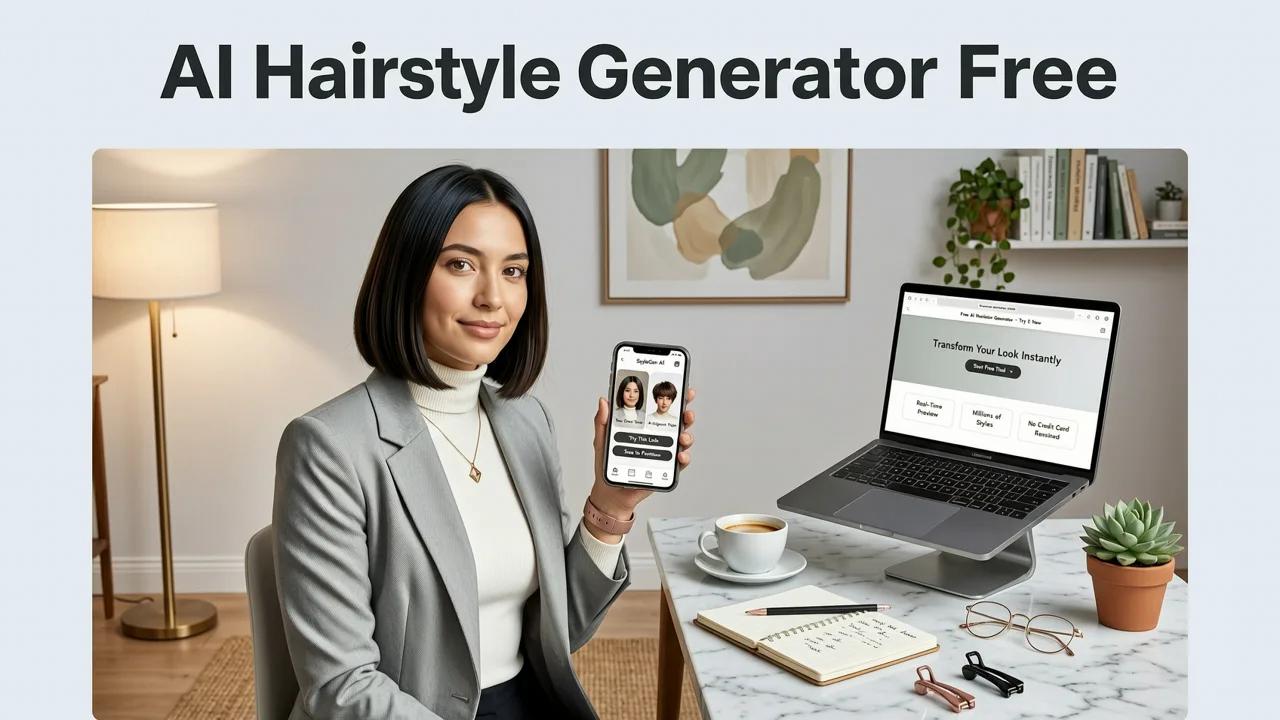
Committing to a new look without knowing the outcome is a gamble that often leads to salon regret. An ai hairstyle generator free platform eliminates this uncertainty by letting you preview hundreds of cuts, colors, and beard styles on your own face before visiting a stylist. In 2026, advanced facial mapping and generative rendering make these digital previews highly realistic, helping you make confident grooming decisions without the guesswork.
The days of relying on static magazine clippings or imagining how a cut will look are over. Modern virtual hair try-on technology uses sophisticated computer vision to analyze your unique facial structure. This ensures that the styles you test actually complement your features, saving you time, money, and the frustration of a disappointing haircut. Whether you are considering a drastic chop, a subtle color shift, or a new facial hair style, digital simulation provides a risk-free environment to explore your options.
How a Free AI Hairstyle Generator Actually Works
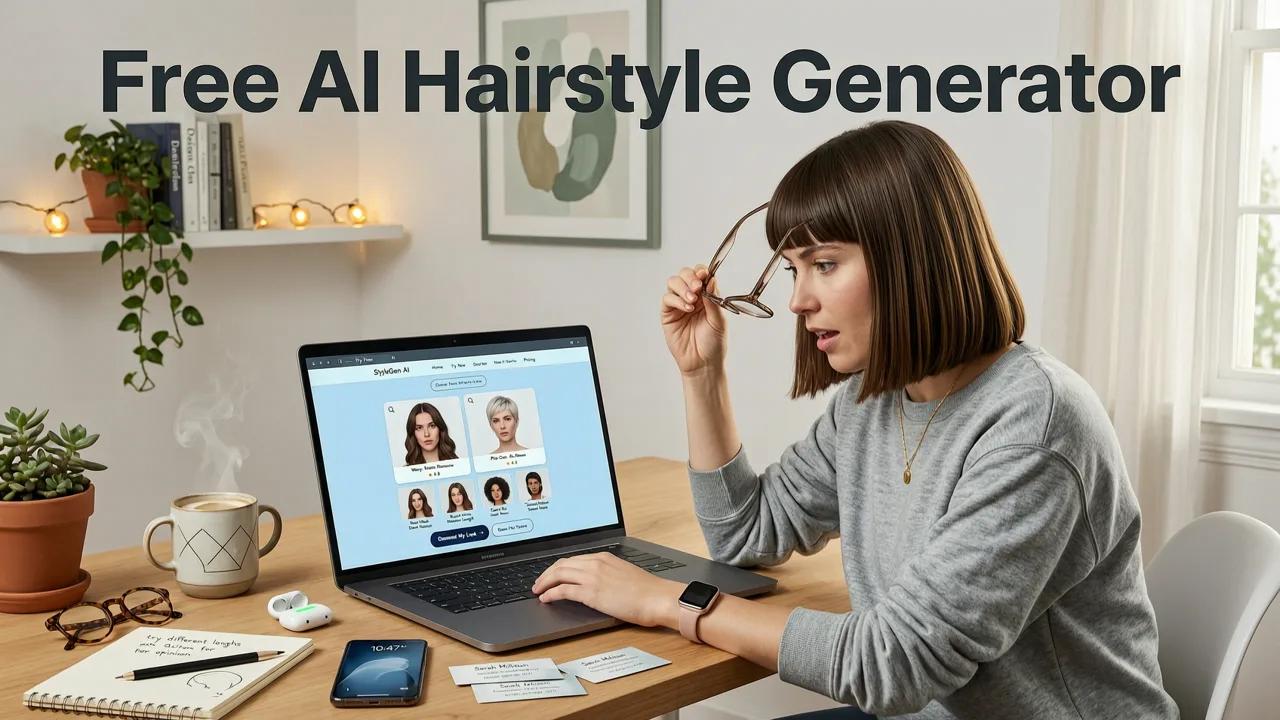
Understanding the technology behind an ai hairstyle generator free tool helps explain why modern previews look so much better than the clunky filters of the past. These applications rely on a combination of deep learning, facial landmark detection, and generative rendering to create lifelike simulations.

Facial Landmark Detection and Hairline Segmentation
When you upload a selfie, the AI first maps your face using a grid of reference points. This process, known as facial landmark detection, identifies the contours of your jawline, the position of your ears, and the exact boundary of your hairline. By understanding the three-dimensional geometry of your head, the software can accurately segment your existing hair from your skin and background. This precise mapping is crucial for ensuring that the virtual style sits naturally on your head rather than looking like a flat sticker.
Face-Aware Rendering and Texture Blending
Once the geometry is mapped, the system uses generative models to render the new style. Advanced frameworks, similar to those documented in the OpenAI documentation for computer vision, allow the AI to understand how light interacts with different hair textures. The software adjusts the shading, strand direction, and volume based on the lighting in your original photo. Furthermore, responsible AI development ensures these tools perform equitably across diverse hair types and skin tones, aligning with industry standards like the Google AI guidance for unbiased algorithmic design.
Essential Features of a Modern AI Hair Simulator

Not all digital preview tools are created equal. When evaluating an ai hairstyle generator free option, it is important to look for a comprehensive suite of features that address all aspects of your grooming routine. Below is a breakdown of the core capabilities you should expect from a top-tier application in 2026.
| Feature Category | Core Functionality | Primary Benefit |
|---|---|---|
| Hairstyle Try-On | Applies various cuts, lengths, and textures to your selfie. | Visualize structural changes before cutting your actual hair. |
| Hair Color Changer | Simulates dyes, highlights, and balayage with strand-level rendering. | Test bold or subtle shades without chemical damage. |
| Beard Filter | Maps facial hair styles to your jawline and mustache area. | Preview grooming commitments and find styles that suit your face shape. |
| Face Shape Analyzer | Identifies your facial geometry and suggests complementary styles. | Removes guesswork by recommending scientifically flattering looks. |
Step-by-Step Guide to Using an AI Hairstyle Generator Free
Getting the most accurate and realistic results from a virtual salon experience requires a bit of preparation. Follow these steps to ensure your digital preview translates well to the real world.
Step 1: Capture the Perfect Selfie
The quality of your input image directly impacts the quality of the AI output. Stand in front of a well-lit window to ensure even, natural lighting that highlights your facial features without harsh shadows. Pull your current hair back or flatten it as much as possible, especially if you have long or very thick hair. This gives the AI a clean canvas to map your true hairline and head shape. For more specific tips on capturing the ideal image, you can explore our guide on AI Hairstyle Try On for Selfies.
Step 2: Upload and Map Your Features
Upload your prepared photo to the platform. The system will take a few seconds to analyze the image, detect your facial landmarks, and create a 3D mesh of your head. Ensure that the auto-detected hairline boundary aligns with your actual hairline. If the app allows manual adjustments, refine the mask around your forehead and temples for a more precise fit.
Step 3: Browse, Apply, and Adjust
Navigate through the library of available styles. When you select a look, the AI will render it onto your face. Pay attention to how the volume and length interact with your jawline and cheekbones. If a style looks slightly off, try adjusting the parting, length, or texture settings. Experiment with multiple options to narrow down your top choices before booking your salon appointment.
Beyond the Cut: Testing Color and Facial Hair
A complete grooming transformation often involves more than just a change in length. Modern AI tools allow you to experiment with color and facial hair with the same level of realism.
Simulating Hair Color Safely
Choosing a new hair color is a significant commitment, and correcting a bad dye job can be damaging and expensive. A digital hair color changer uses strand-level rendering to simulate how different shades interact with your base color. You can test everything from subtle dimensional highlights to vibrant fashion colors. To understand the intricacies of testing different shades safely, read our detailed breakdown on the Realistic AI Hair Color Try On.
Previewing Beard Styles Instantly
For those looking to alter their facial hair, growing a beard requires months of patience. A realistic beard filter allows you to see how different styles, densities, and lengths will frame your face without waiting for the growth phase. The AI adapts the facial hair to your specific jaw structure, ensuring the preview looks natural rather than pasted on. Learn more about how this technology transforms grooming previews in our article on the Realistic AI Beard Try On.
AI Hairstyle Generator Free vs. Traditional Salon Consultations
While digital tools are incredibly powerful, they are designed to complement, not replace, professional stylists. Understanding the distinction between a virtual preview and a salon consultation helps you use both effectively.
An ai hairstyle generator free tool is an exploration engine. It is perfect for broadening your horizons, testing extreme changes, and identifying styles that flatter your face shape. It removes the communication barrier that often occurs when trying to describe a cut to a stylist using vague terms.
On the other hand, a salon consultation is an execution strategy. A professional stylist will assess your hair density, curl pattern, cowlicks, and lifestyle maintenance requirements—factors that a digital preview cannot fully account for. The ideal approach is to use the AI generator to find your preferred look, and then bring those reference images to your stylist to discuss the practical reality of achieving that style with your specific hair type.
Maximizing Your Virtual Salon Experience
To get the most value out of your digital try-on sessions, keep a few best practices in mind. First, do not just test one style; create a shortlist of three to five distinct looks. This helps you identify common elements you are drawn to, such as a preference for volume at the crown or face-framing layers.
Second, consider your daily routine. If a style requires extensive blow-drying and product to look good in the simulation, be honest with yourself about whether you will maintain that effort daily. Finally, use the Best Free AI Hairstyle App 2026 features to analyze your face shape objectively. Understanding whether you have an oval, square, heart, or round face structure will guide you toward styles that naturally enhance your best features.
Conclusion
Navigating the vast world of hair trends and grooming styles no longer requires blind leaps of faith. By leveraging an ai hairstyle generator free platform, you can take control of your aesthetic decisions, previewing cuts, colors, and beard styles with unprecedented realism. These tools empower you to walk into your next salon appointment with clarity, confidence, and a clear vision of your ideal look.
Ready to transform your grooming routine? Explore the full capabilities of AI-driven previews and find your perfect style today by checking out the comprehensive features available in the Stylova app.


