
The Best App to See How a Haircut Looks—Before You Commit
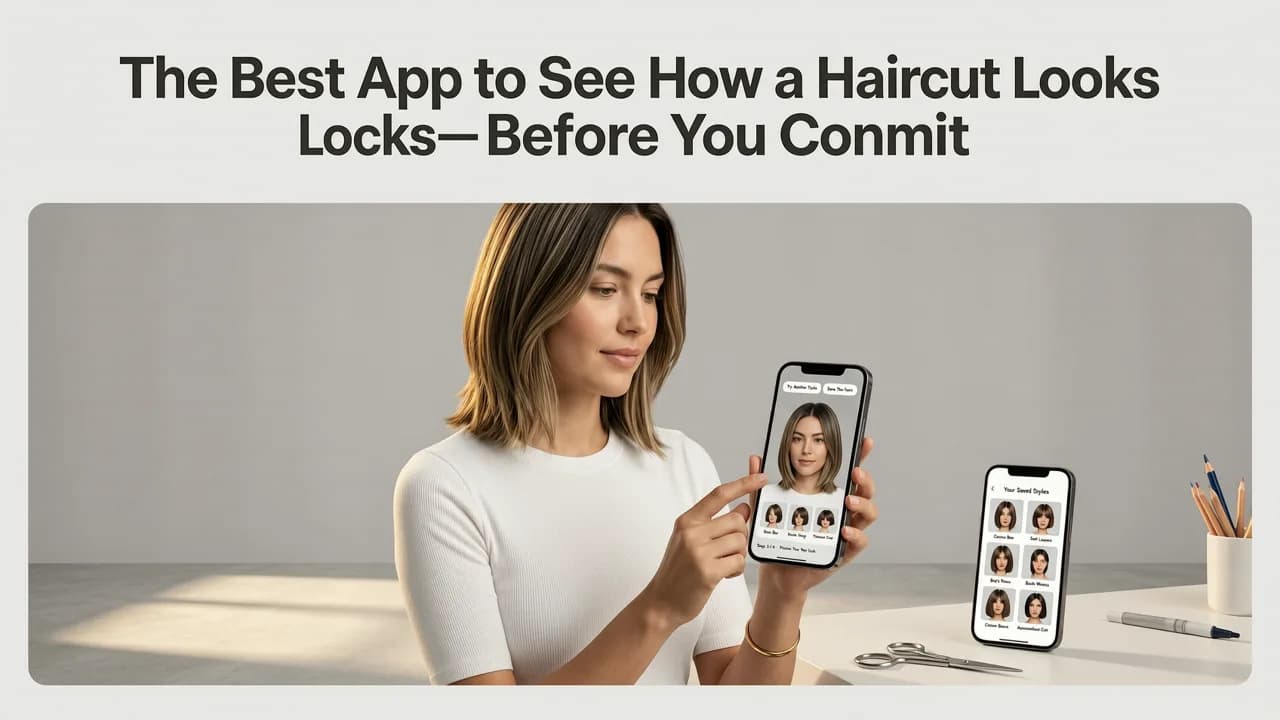
If you have ever stared at a salon photo wondering whether that textured crop or layered bob would actually suit your face, you are not alone. The best app to see how a haircut looks in 2026 goes far beyond a simple overlay filter—it uses AI to map your facial geometry, hairline, and proportions so you can preview a new style with near-salon accuracy before you ever sit in the chair.
Stylova has become the go-to AI hairstyle try-on platform for people who want realistic previews of haircuts, hair colors, and beard styles on their own face. Whether you are testing a bold pixie cut, a fade, or a full beard, this guide explains what makes the best app to see how a haircut looks different from generic filters—and how to use one to make confident styling decisions.
Why the Best App to See How a Haircut Looks Must Go Beyond Basic Overlays
Most free hairstyle apps from a few years ago worked by pasting a stock haircut image on top of your selfie. The result often looked like a sticker floating above your head—hairlines mismatched, lighting was wrong, and face shape was ignored entirely.

In 2026, the standard has shifted. The best tools now use generative AI and facial landmark detection to render styles that respect your unique features. Here is what separates a professional-grade app from a gimmick:
- Face-shape awareness: The app detects whether your face is oval, round, square, heart, or oblong and adjusts volume, length, and fringe accordingly.
- Hairline and density matching: Realistic previews account for your natural hairline, temple recession, and hair thickness.
- Lighting and shadow integration: AI renders shadows and highlights so the style looks like it belongs on your head, not on top of it.
- Color accuracy: A proper hair color changer applies dye tones that interact with your base shade and skin undertone.
If you want to explore how face shape plays into hairstyle selection, our Hairstyle Simulator for Face Shape guide breaks down the science in more detail.
How the Best App to See How a Haircut Looks Works in 2026
Understanding the technology behind the tool helps you appreciate why some previews feel uncannily real while others look cartoonish. Here is a simplified breakdown of what happens when you upload a selfie to a modern AI hairstyle try-on app.
Stage 1: High-Fidelity Facial Geometry Capture
When you upload a photo, the AI identifies dozens of facial landmarks—your jawline, cheekbones, brow ridge, nose bridge, chin contour, and ear placement. This creates a 3D-aware mesh of your face that serves as the foundation for every style render.
Stage 2: Hairline and Density Analysis
The app maps your existing hairline, detects part lines, and estimates hair density. This ensures that when a new style is rendered, the transition between your real hair and the simulated cut looks seamless rather than pasted.
Stage 3: Style Generation and Adaptation
Using generative AI models trained on thousands of hairstyle references, the app creates a photorealistic preview tailored to your facial structure. Unlike static overlay libraries, the style adapts in real time—adjusting fringe length, volume placement, and taper to flatter your proportions.
Stage 4: Color and Beard Rendering
For color try-ons, the AI simulates how different dye shades interact with your base tone. For beard previews, it maps facial hair growth zones and renders styles like goatees, full beards, or stubble with realistic texture. You can explore this further in our Beard Style Try-On AI guide.
Key Features That Define the Best App to See How a Haircut Looks
Not all AI hairstyle apps are built equally. Below is a feature comparison to help you evaluate whether an app meets the 2026 standard.
| Feature | Basic Filter Apps | Stylova (AI-Powered) |
|---|---|---|
| Face shape detection | None or manual selection | Automatic AI detection |
| Hairline adaptation | Static overlay | Dynamic hairline mapping |
| Hair color try-on | Flat color paste | Undertone-aware color rendering |
| Beard style filter | Limited preset shapes | Full beard, goatee, stubble AI rendering |
| Style library size | 20–50 styles | 100+ hairstyles, colors, and beards |
| Lighting and shadow realism | Minimal | AI-integrated shading |
| Save and share results | Basic screenshot | Side-by-side comparison and sharing |
How to Use the Best App to See How a Haircut Looks: Step-by-Step
Getting the most realistic preview requires a good starting photo and a few simple steps. Follow this process to get salon-quality results from your phone.
- Take a well-lit selfie: Face a window or soft light source. Avoid harsh overhead lighting that casts shadows on your face.
- Keep your hair pulled back (if possible): This gives the AI a clean canvas to render new styles without interference from your current cut.
- Look straight into the camera: A neutral expression and frontal angle produce the most accurate geometry capture.
- Upload your photo to Stylova: The AI will analyze your face shape, hairline, and proportions within seconds.
- Browse and preview styles: Test haircuts, colors, and beard styles. Each preview adapts to your unique features.
- Save your favorites: Compare side by side and share with your stylist before your appointment.
For a deeper dive into choosing the right simulator for your specific face shape, check out our Best App to Try Hairstyles Before Haircut guide.
Who Benefits Most from an AI Hairstyle Try-On App
The best app to see how a haircut looks serves a wide range of users. Here is who gets the most value:
- First-time haircut experimenters: Trying a dramatically shorter cut or a bold color? Preview it risk-free before committing.
- Salon clients: Bring a realistic AI-generated reference to your stylist instead of a celebrity photo that may not suit your features.
- Beard growers: Test full beards, goatees, and stubble lengths to find what flatters your jawline and neck shape.
- Color-curious individuals: See how platinum, copper, or ash tones interact with your skin undertone before booking a color appointment.
- Stylists and barbers: Use the app as a consultation tool to align client expectations with realistic outcomes.
Common Mistakes People Make When Previewing Haircuts Digitally
Even with advanced AI, the quality of your preview depends on how you use the tool. Avoid these frequent errors:
- Using a heavily filtered selfie: Beauty filters distort facial geometry and produce inaccurate style renders. Use a natural, unfiltered photo.
- Choosing the wrong angle: Profile or tilted selfies limit the AI's ability to map your face correctly. Stick to a straight-on frontal shot.
- Ignoring face shape: A style that looks great on a model with an oval face may not flatter a round face. Use the app's face shape insights to narrow your choices.
- Skipping the color check: If you are considering a color change, test multiple shades. Lighting and base tone dramatically affect the final look.
- Not saving comparisons: Previewing one style at a time makes it hard to remember which you preferred. Save and compare side by side.
What Sets Stylova Apart as the Best App to See How a Haircut Looks in 2026
Stylova was built from the ground up for realistic AI hairstyle try-on, not as an afterthought filter bolted onto a photo editor. Here is why it stands out:
- Purpose-built AI models: Trained specifically on hairstyle and facial geometry data, not generic image generation.
- 100+ styles across haircuts, colors, and beards: A comprehensive library that covers trending and classic looks.
- Face-aware rendering: Every style adapts to your proportions, hairline, and density for a preview that feels personal.
- Hair Analyzer feature: Get insights into your hair characteristics to make more informed styling decisions.
- Continuous updates: New styles and improved AI models are added regularly to keep pace with 2026 trends.
For a full breakdown of how Stylova compares to other simulators, see our Best Haircut Simulator App guide.
The Future of AI Hairstyle Try-On Beyond 2026
The technology powering apps like Stylova is evolving rapidly. According to Google's AI responsibility principles, the next generation of beauty tech tools will prioritize transparency, user consent, and unbiased representation across diverse hair types and textures.
Emerging capabilities to watch include real-time video try-on (previewing a style as you turn your head), AR-integrated salon mirrors, and AI consultations that recommend styles based on hair health, lifestyle, and maintenance preferences. As these tools mature, the gap between a digital preview and a real-world result will continue to shrink.
Tips for Getting the Most Accurate Hairstyle Preview
To ensure your AI-generated preview translates well to the real world, keep these expert tips in mind:
- Match your hair texture: If you have curly hair, preview styles designed for curls. Straight-haired previews on a curly texture will look misleading.
- Consider maintenance: A style may look great in the preview but require daily styling. Factor in your routine and skill level.
- Consult your stylist: Bring your saved previews to your appointment. A skilled stylist can adapt the style to your hair's real-world behavior.
- Test multiple angles: Upload both frontal and slight-angle selfies to see how a style looks from different perspectives.
Final Thoughts: Confidence Starts with a Realistic Preview
Finding the best app to see how a haircut looks comes down to one thing: realism. Generic overlay filters may have been acceptable years ago, but in 2026, you deserve a tool that respects your face shape, hairline, and unique features. Stylova delivers that with AI-powered hairstyle try-on, hair color changing, beard filtering, and hair analysis—all in one platform.
Whether you are planning a dramatic transformation or a subtle refresh, previewing your look with an intelligent app saves time, money, and regret. Upload your selfie, explore 100+ styles, and walk into your next salon visit with total confidence.
Ready to see your next look? Try Stylova today and preview your perfect haircut, color, or beard style before you commit.


